Concevez et déployez des formations adaptées à votre entreprise
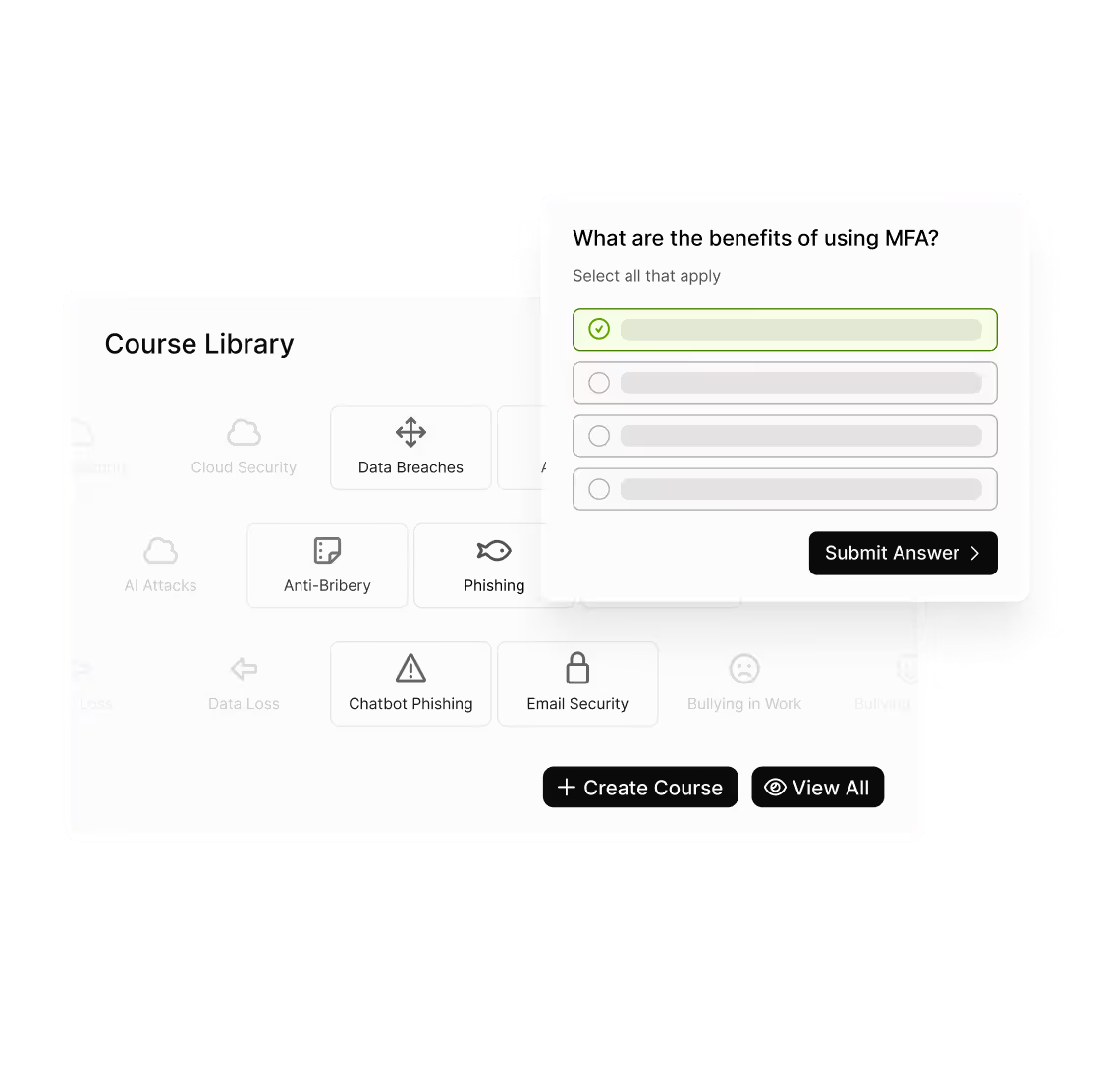
Créez des cours engageants et spécifiques à votre organisation en quelques minutes — sans outils supplémentaires ni configuration technique. Le LMS personnalisé vous permet de concevoir, diffuser et suivre des formations sur n'importe quel sujet, de la cybersécurité aux RH et au comportement en entreprise, le tout depuis usecure.
.avif)
"La sélection de cours et de modèles de Phishing, les options de personnalisation et les fonctions d'automatisation nous ont permis de répondre à nos besoins spécifiques. Les capacités de reporting de la plateforme nous ont permis d'évaluer le risque en un coup d'œil."
Lancez des cours personnalisés en trois étapes simples
Passez rapidement de l'idée à une formation publiée, puis suivez les progrès et améliorez-les au fil du temps.
Définissez vos objectifs d'apprentissage
Fixez des objectifs pédagogiques et structurez votre cours pour que les employés sachent à quoi ressemble la réussite.
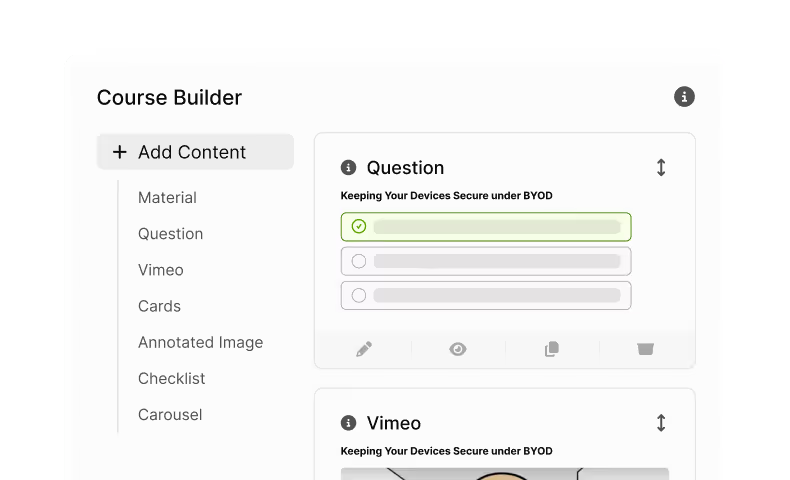
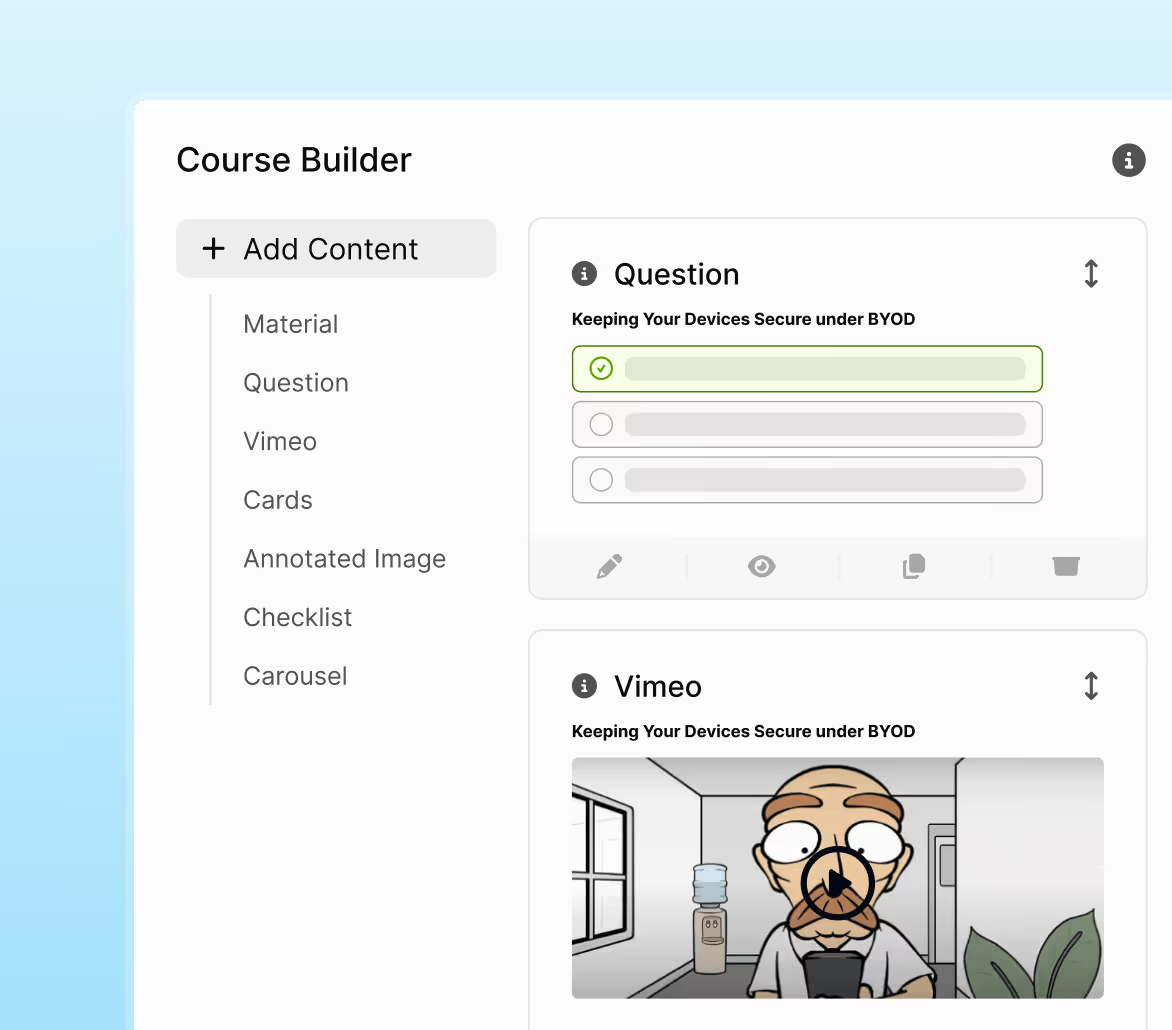
Créez et prévisualisez instantanément
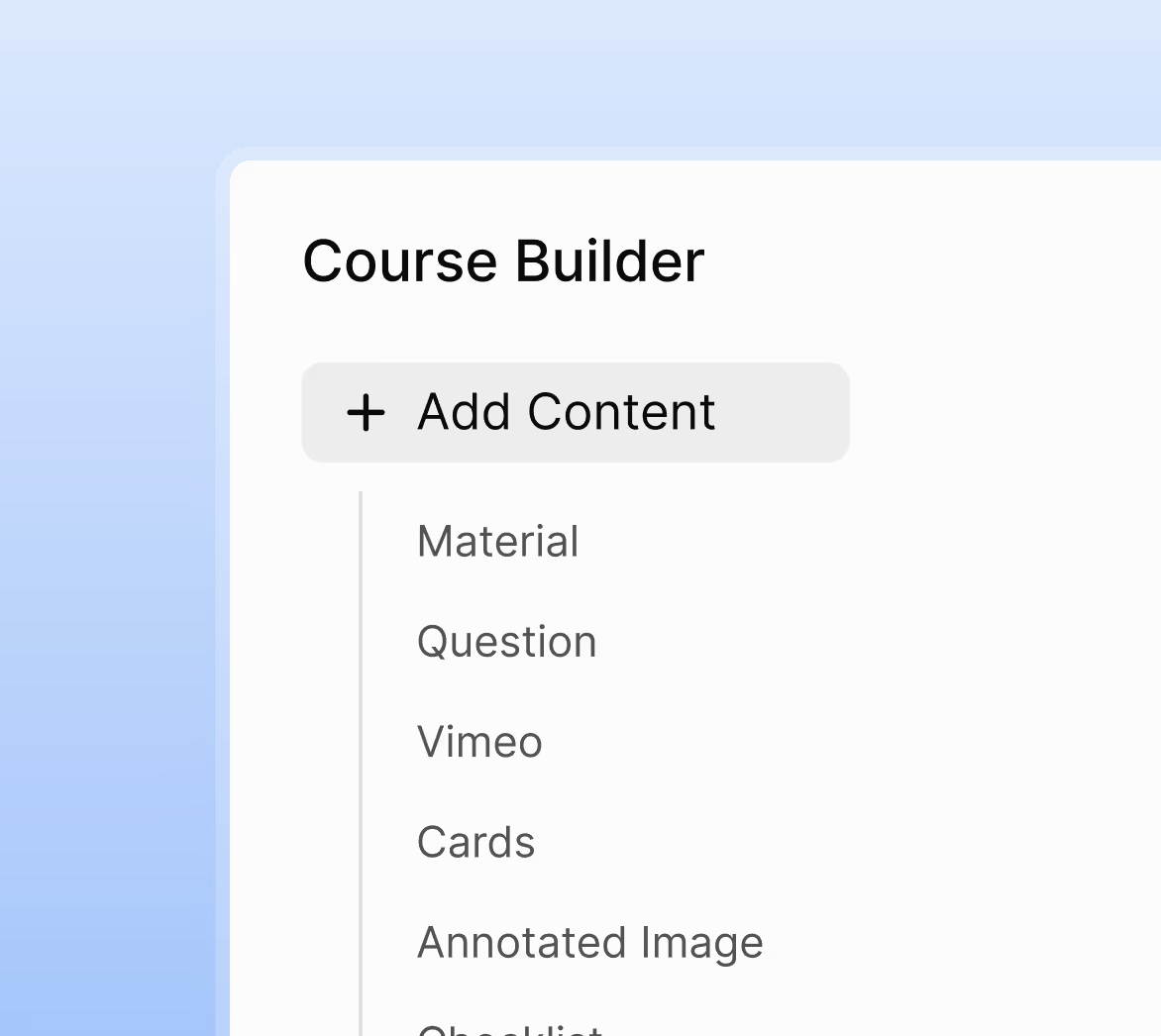
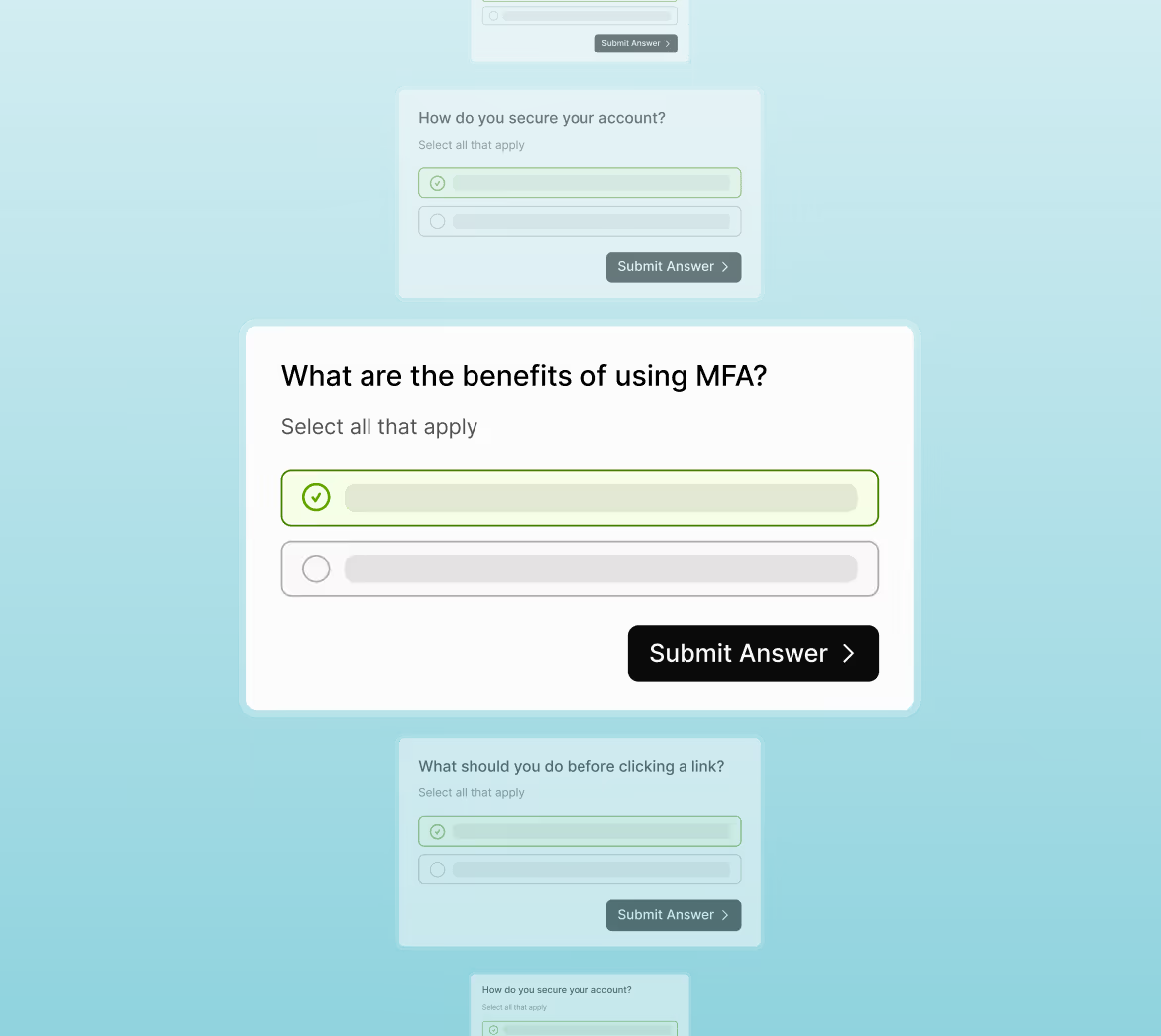
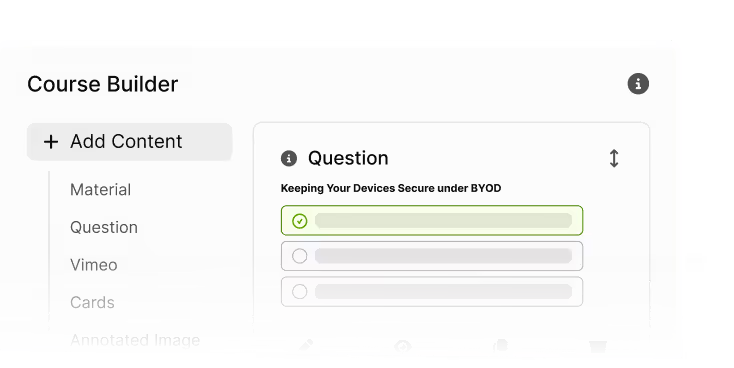
Ajoutez des diapositives, des images et du contenu interactif. Rédigez les questions, définissez les règles de notation et prévisualisez l'expérience complète de l'apprenant avant le lancement.
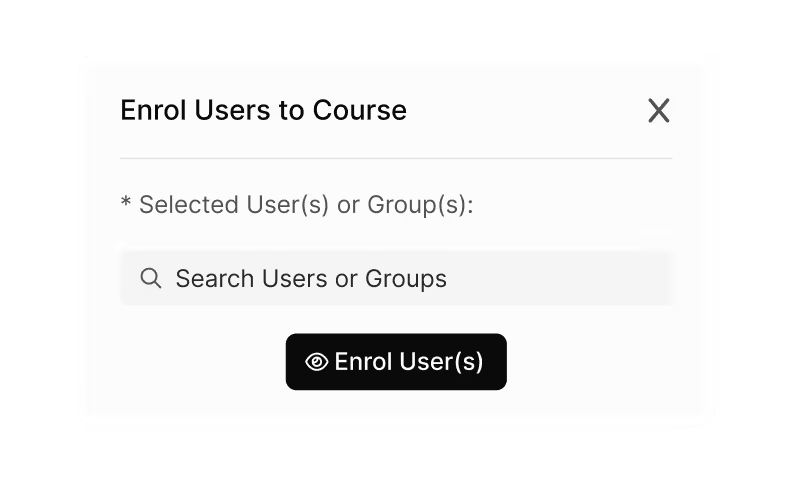
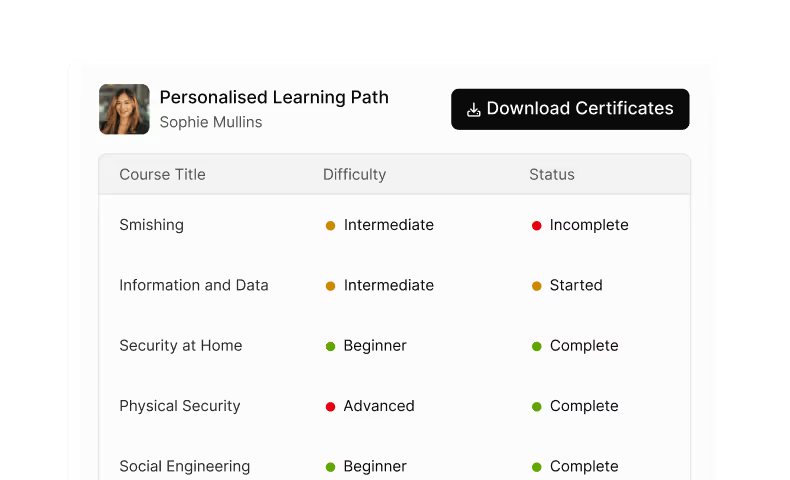
Attribuez, suivez et améliorez
Déployez les cours auprès d'utilisateurs ou de groupes, surveillez les complétions et les scores, puis dupliquez ou adaptez les versions selon les rôles, les régions ou les mises à jour.
Plus qu'un simple créateur de cours — c'est votre moteur d'apprentissage interne
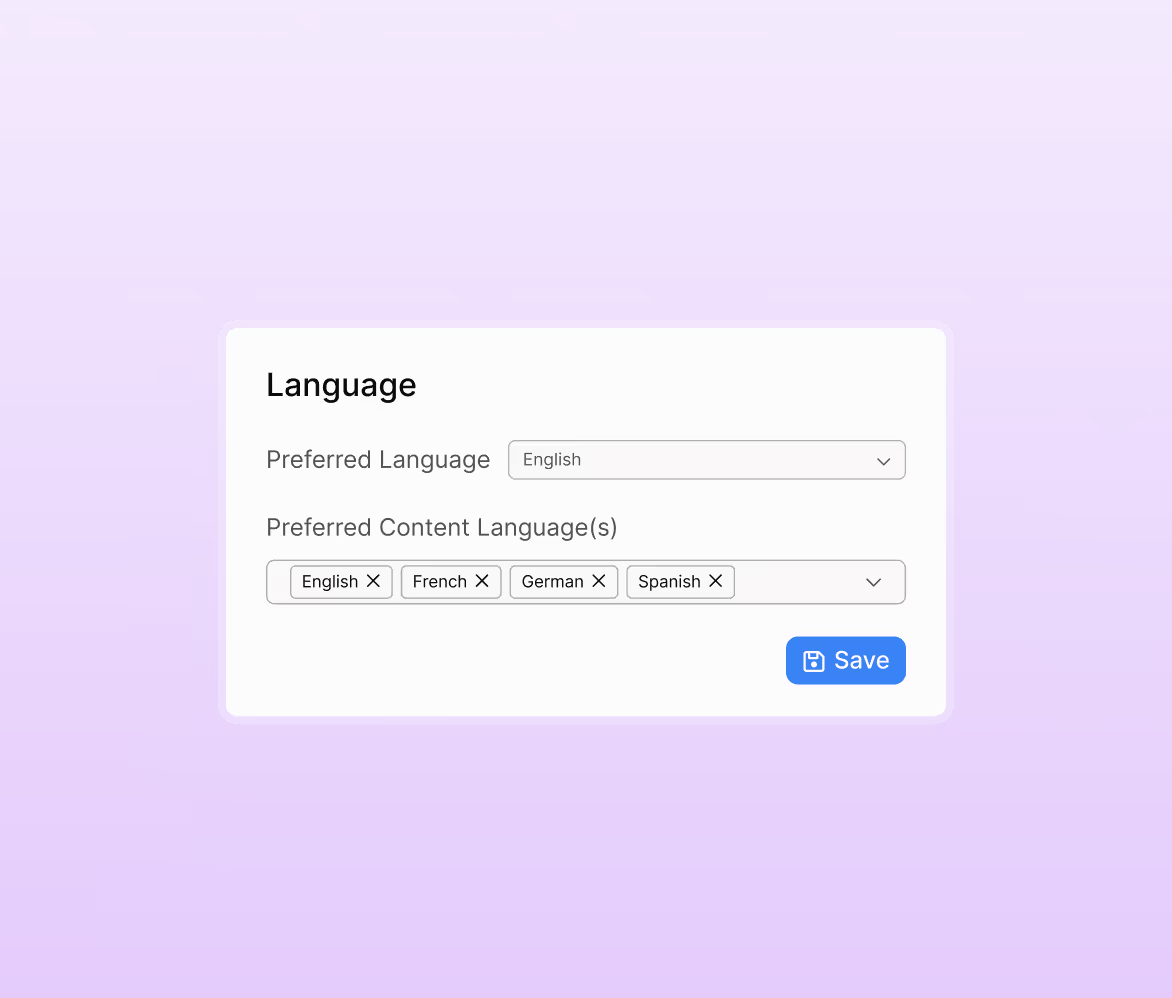
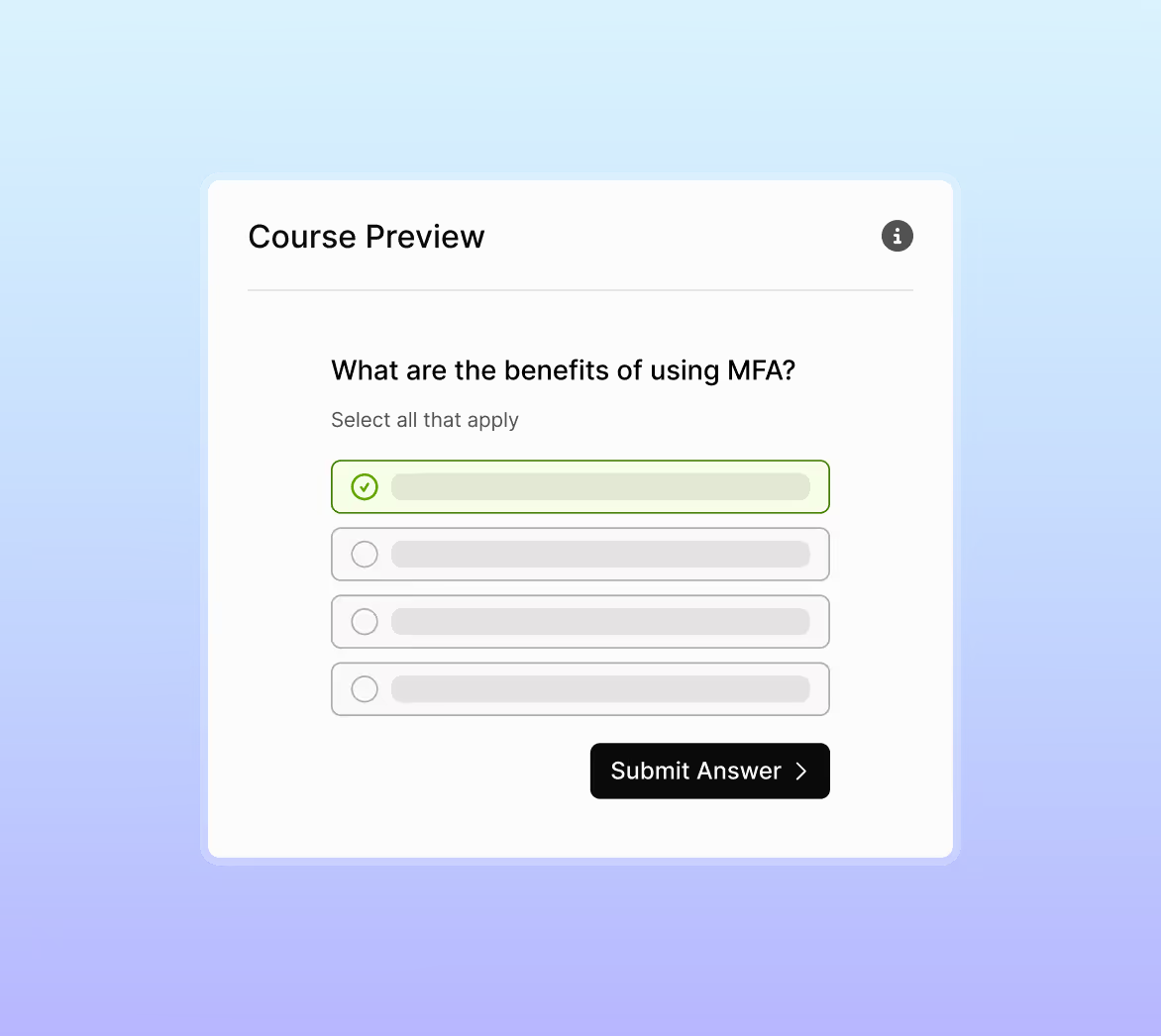
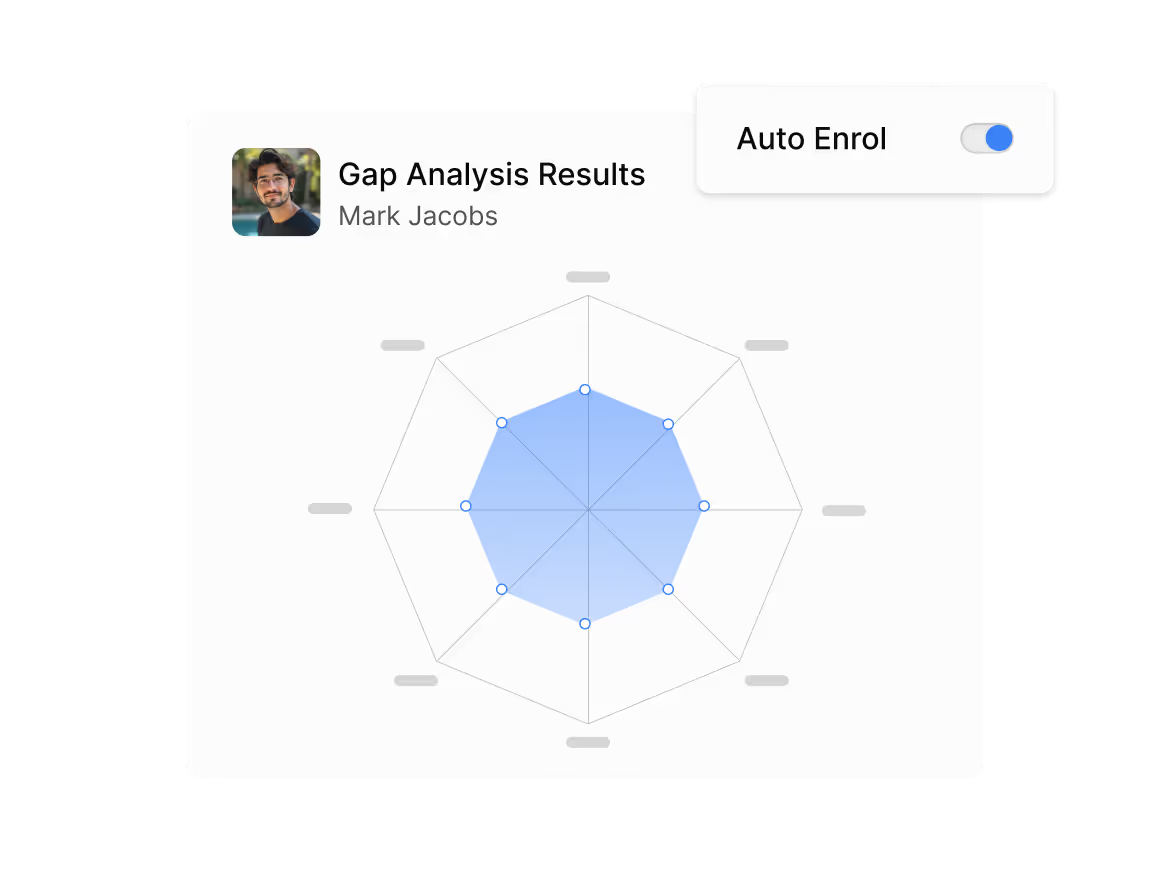
Pourquoi le LMS personnalisé séduit les équipes
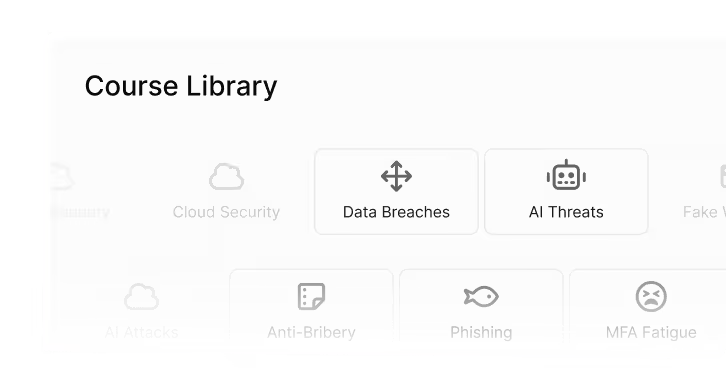
Pour tous les sujets et tous les services
Créez des cours sur les RH, la sécurité, la conformité, l'intégration ou la sensibilisation à la sécurité.
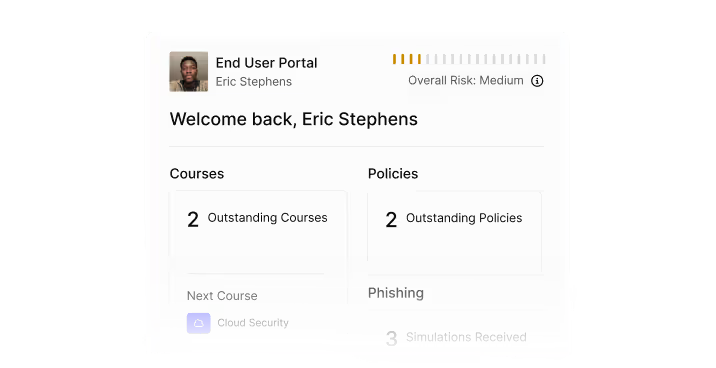
Entièrement intégré
Les cours s'affichent aux côtés du contenu de sensibilisation existant pour une expérience utilisateur fluide.
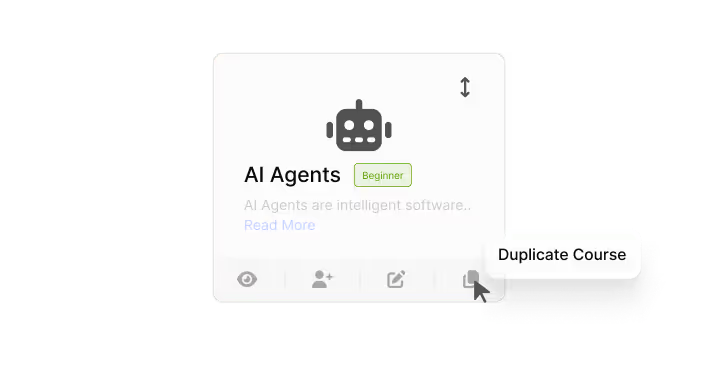
Simple à faire évoluer
Dupliquez et adaptez les cours par région, par poste ou en cas de changement de politique.
Visuel et interactif
Captivez les apprenants avec des cartes, des carrousels, des images et des évaluations qui renforcent les notions clés.
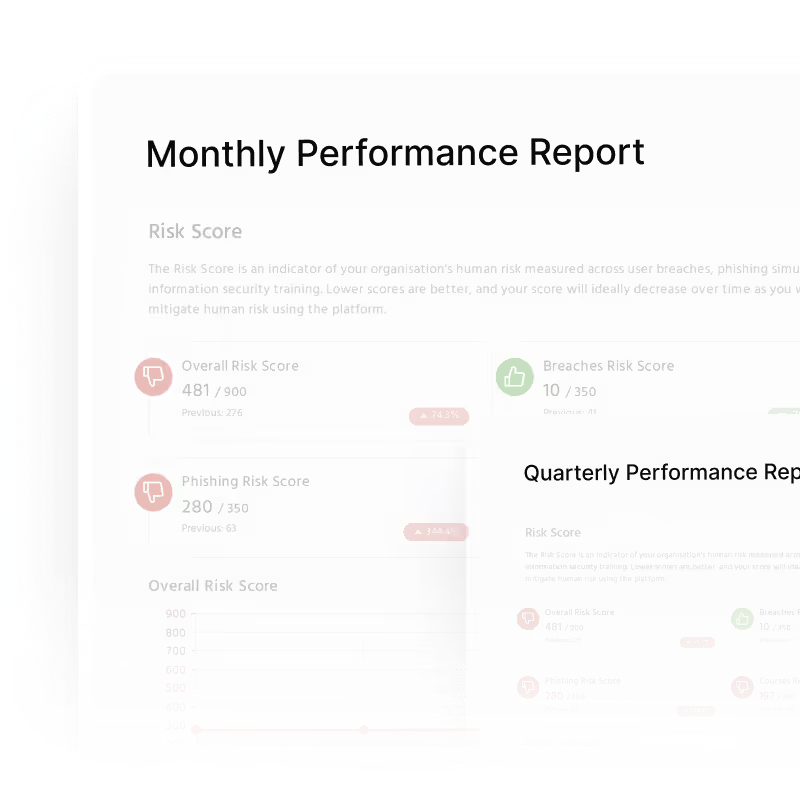
Preuves prêtes pour l'audit
Suivez les scores, les taux d'achèvement et les objectifs pour chaque cours — prêts pour les rapports de conformité.
FAQs
Oui. Le créateur de cours prend en charge tous les domaines, notamment les RH, l'intégration, la conformité, la sécurité, le comportement en milieu professionnel et les politiques propres à l'organisation.
Dix questions constituent la référence recommandée. Vous pouvez en ajouter davantage et utiliser la fonction de limitation du nombre de questions pour sélectionner aléatoirement les questions à chaque fois qu'un utilisateur suit le cours.
Oui. Vous contrôlez le contenu, la structure, les images et les éléments interactifs des diapositives. Elles doivent tenir sur un seul écran sans défilement, et vous pouvez diviser ou réorganiser les diapositives à tout moment.
Oui. Tout cours personnalisé peut être dupliqué, modifié, versionné ou adapté selon les différents postes, régions ou exigences liées aux politiques.
Les cours personnalisés apparaissent aux côtés des autres formations uLearn. Les utilisateurs y accèdent via leur tableau de bord de formation habituel et les complètent comme n'importe quel autre module qui leur est assigné.
Travaillez plus intelligemment, pas plus dur.
Réservez une démo pour une démonstration en direct montrant comment déployer en quelques minutes une formation automatisée de sensibilisation à la sécurité, adaptée aux risques.

