Build and deliver training that fits your business
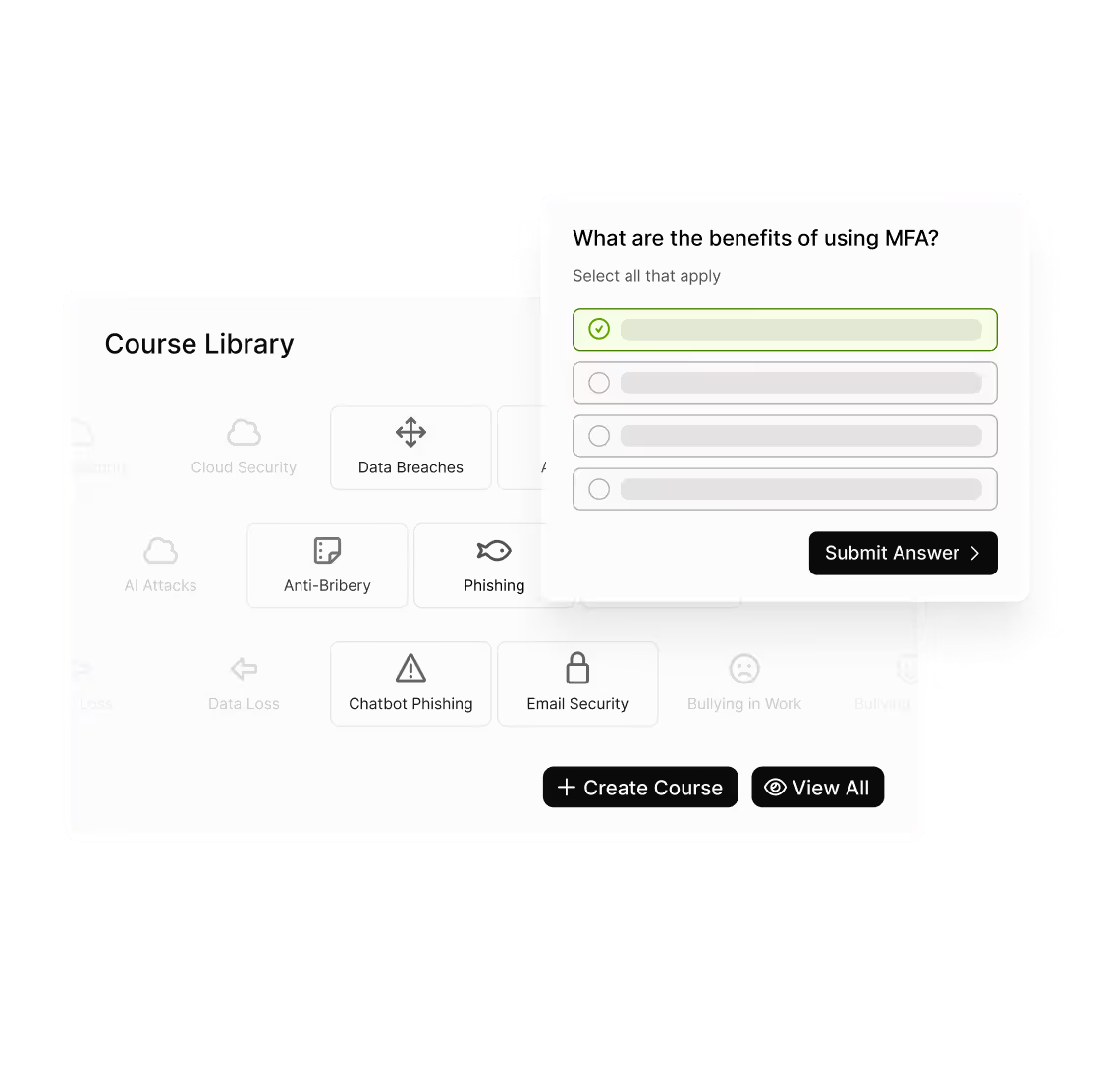
Create engaging, organisation-specific courses in minutes — no extra tools or technical setup required. The Custom LMS lets you design, deliver, and track training on any topic, from cybersecurity to HR and workplace conduct, all inside usecure.
.avif)
“The selection of courses and phishing templates, customization options, and automation features helped us address our unique needs. The platform’s reporting capabilities allowed us to measure risk at a glance.”

Launch custom courses in three simple steps
Move from idea to published training quickly, then monitor progress and refine over time.
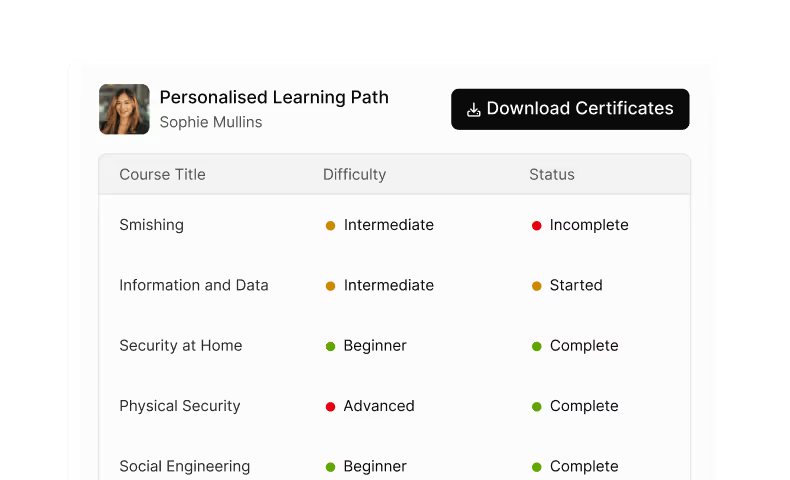
Define your learning goals
Set learning objectives and outline your course structure so employees know what success looks like.
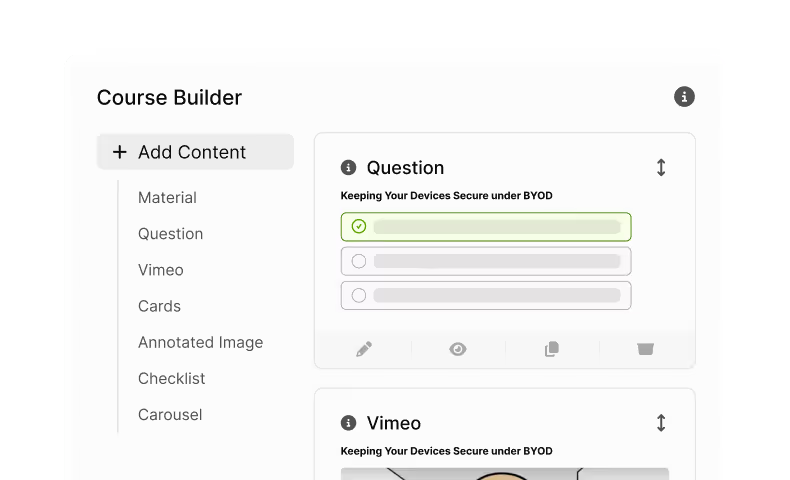
Create and preview instantly
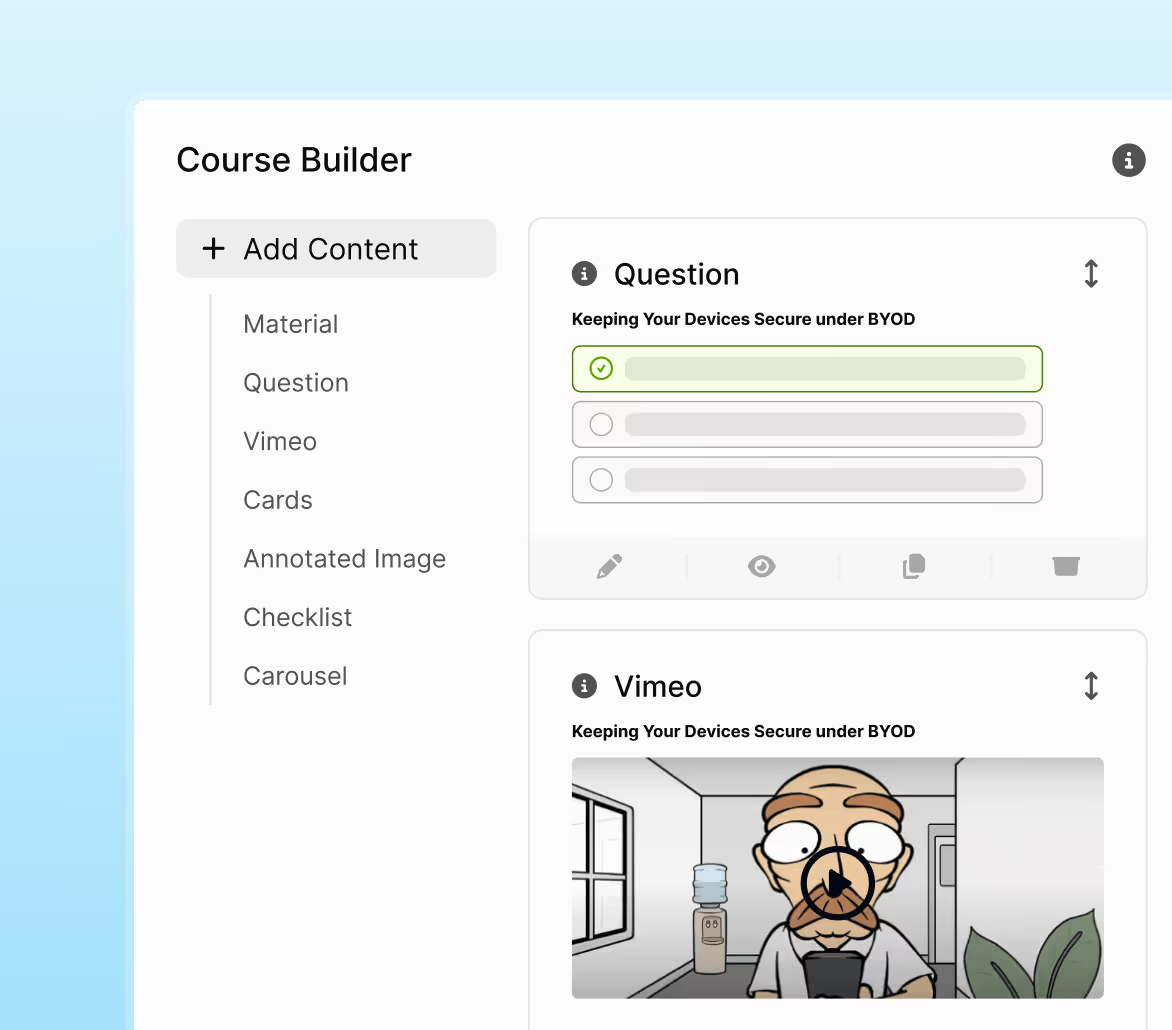
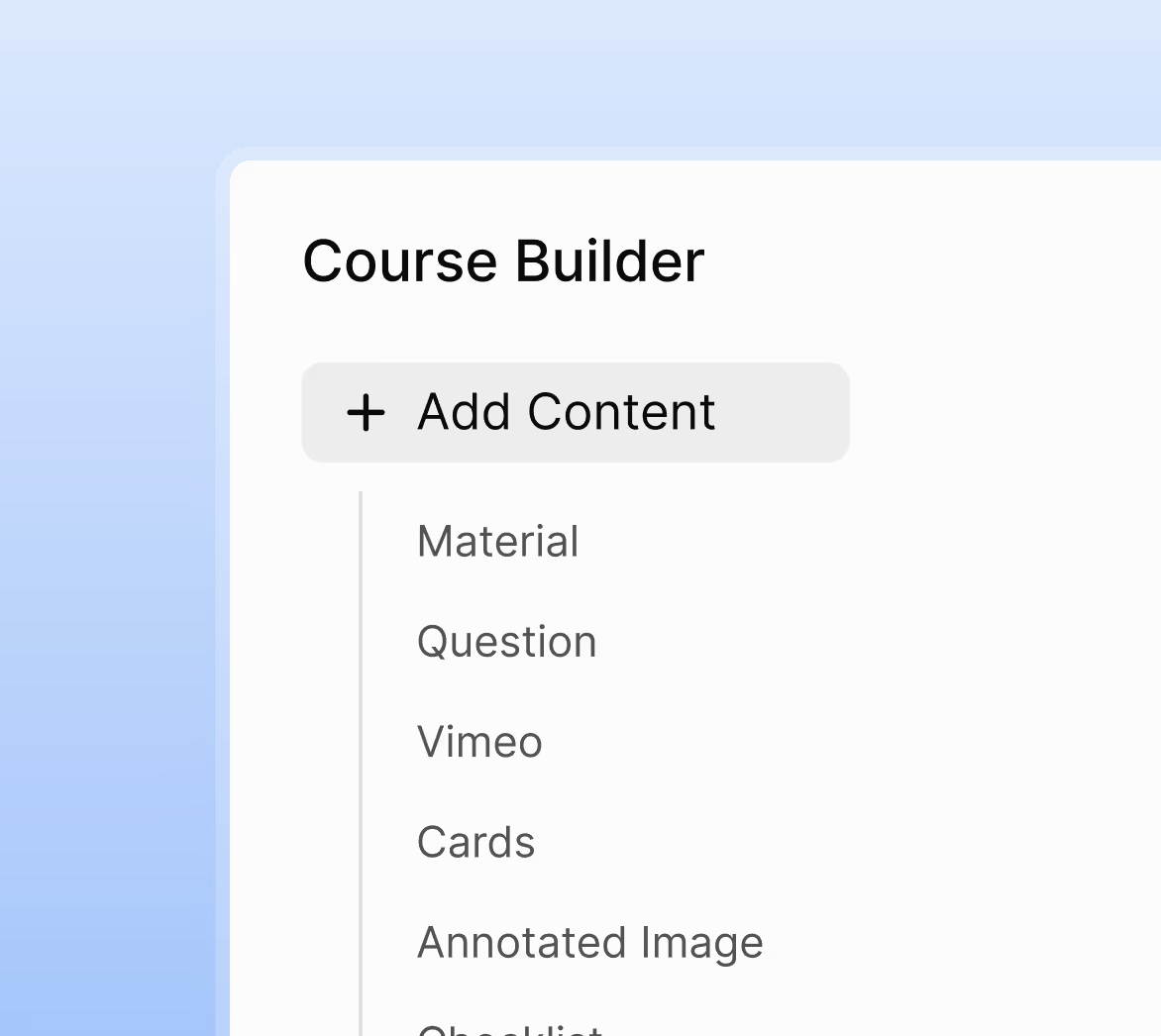
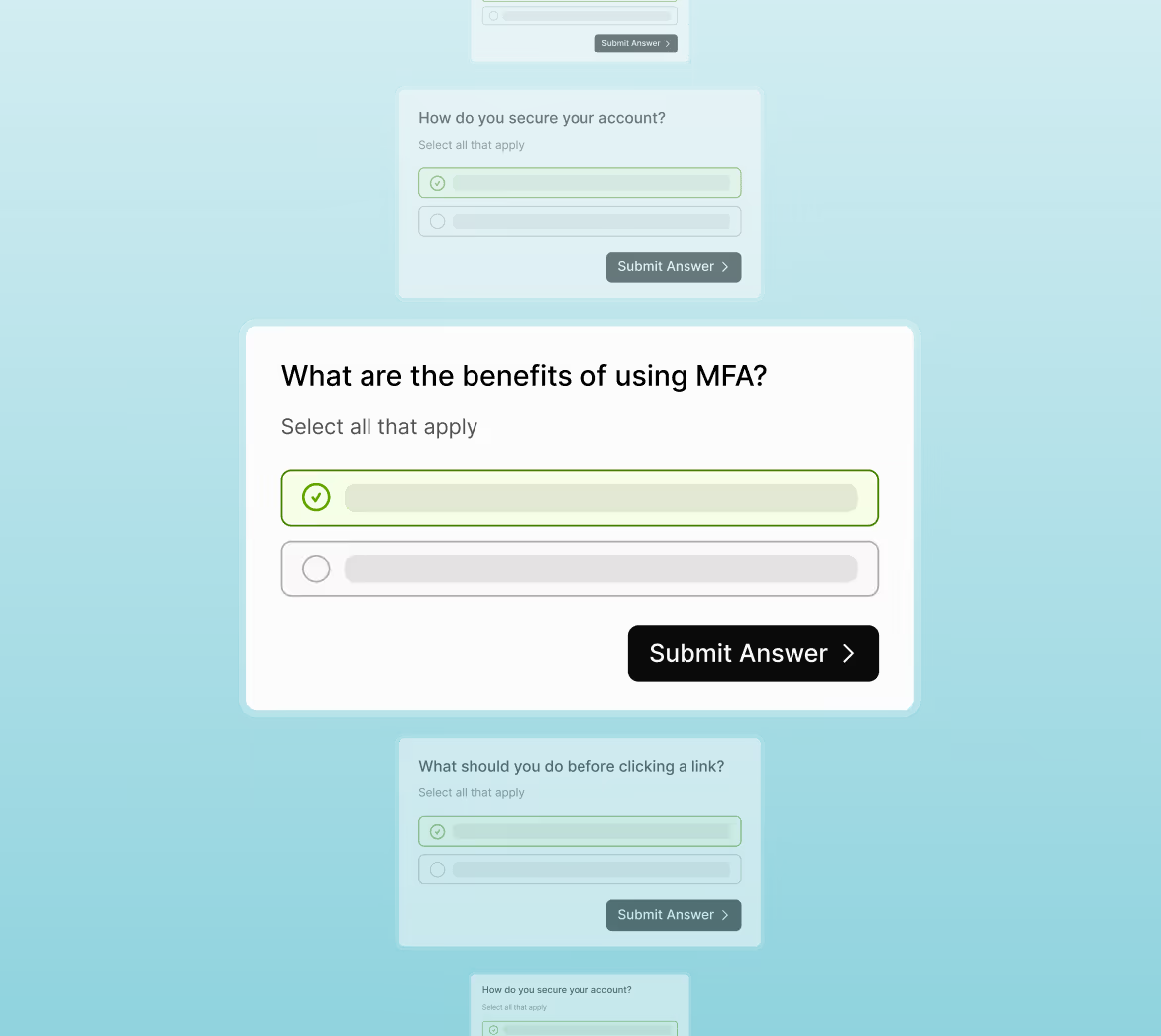
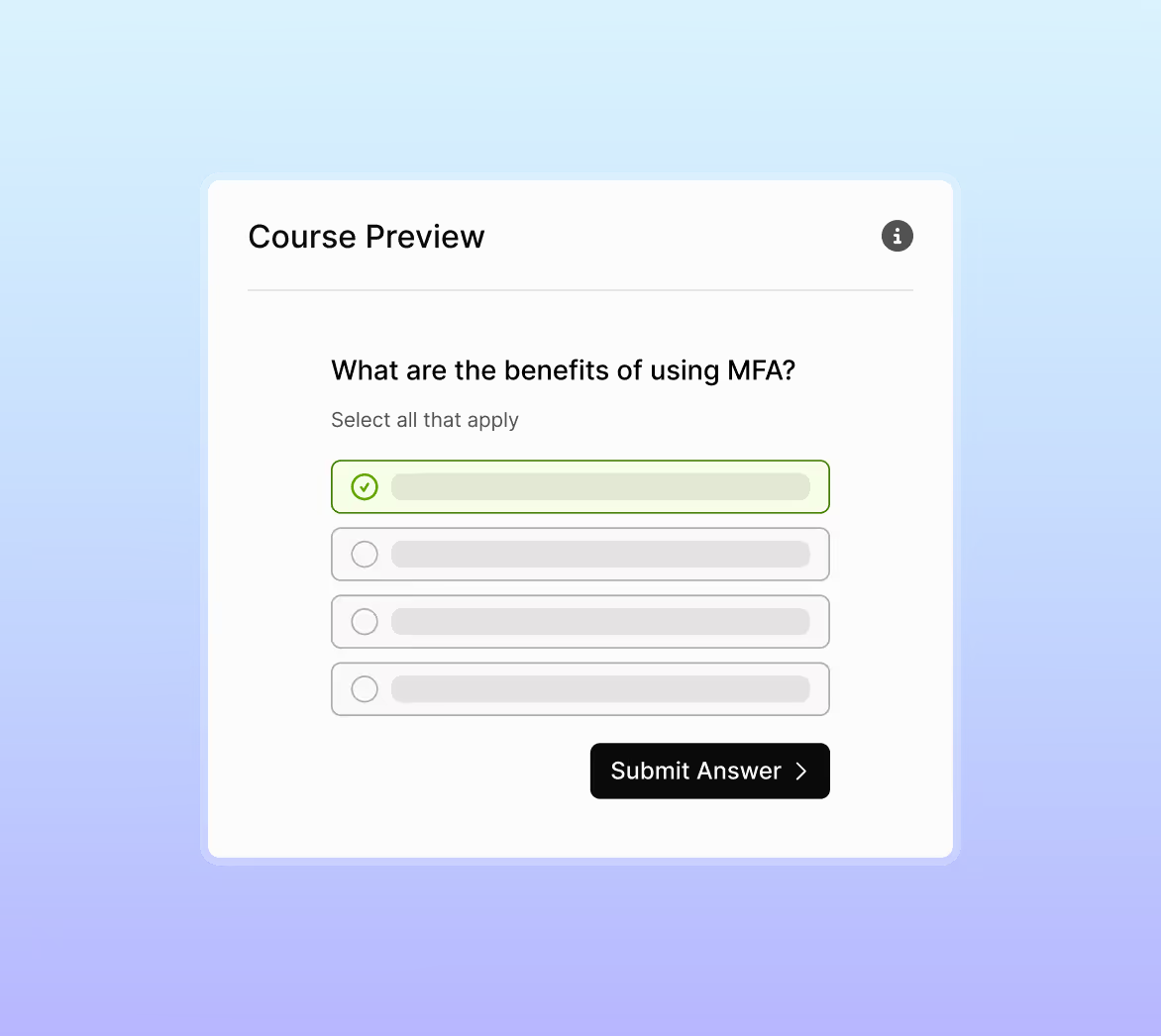
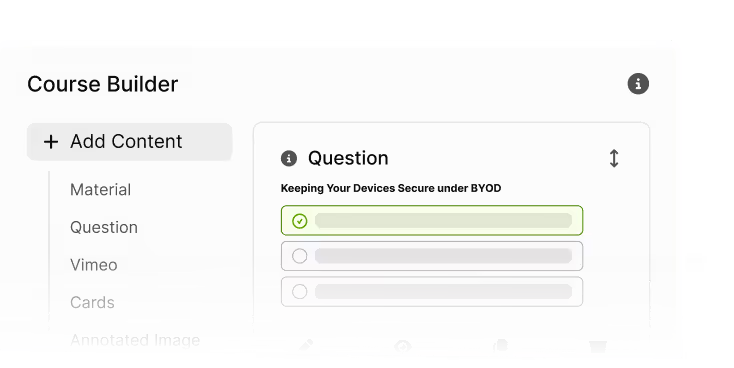
Add slides, images, and interactive content. Write questions, set scoring rules, and preview the full learner experience before launch.
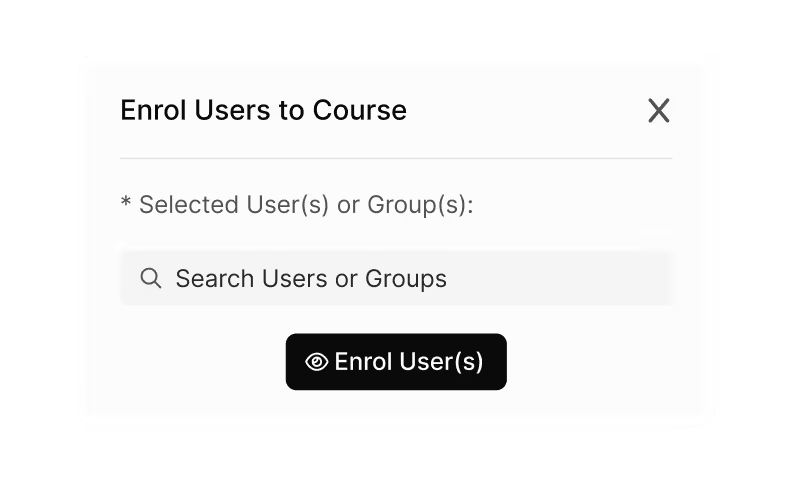
Assign, track, and improve
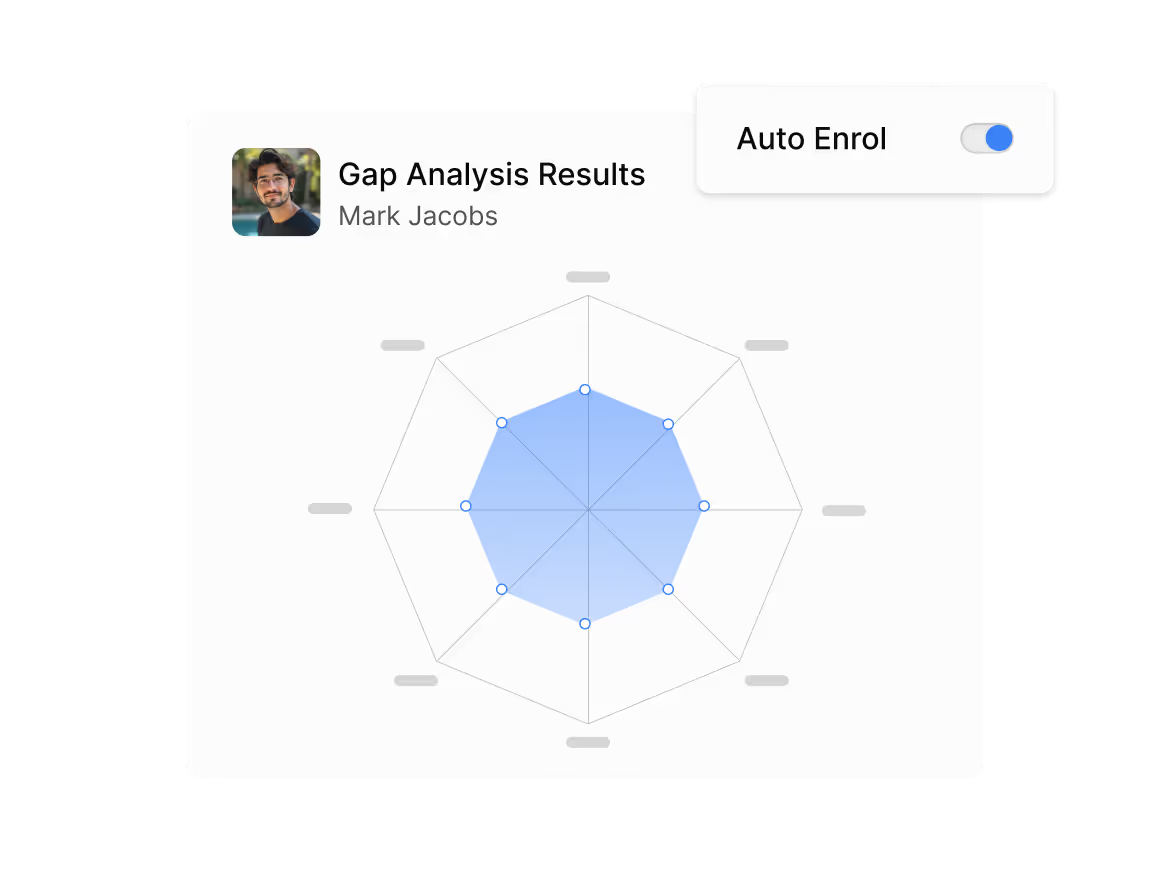
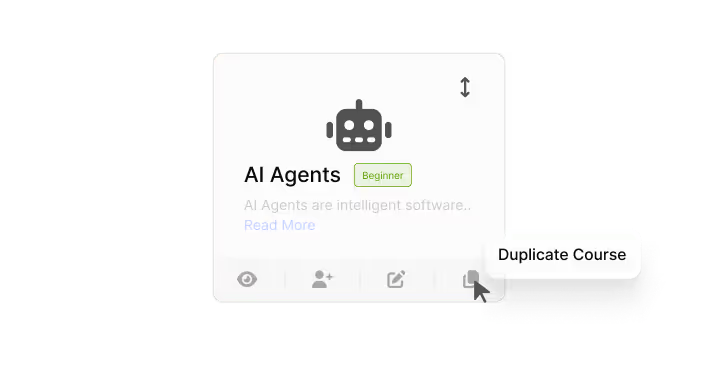
Roll out courses to users or groups, monitor completions and scores, then duplicate or adjust versions for roles, regions, or updates.
More than a course builder — it’s your in-house learning engine
Why teams love the Custom LMS
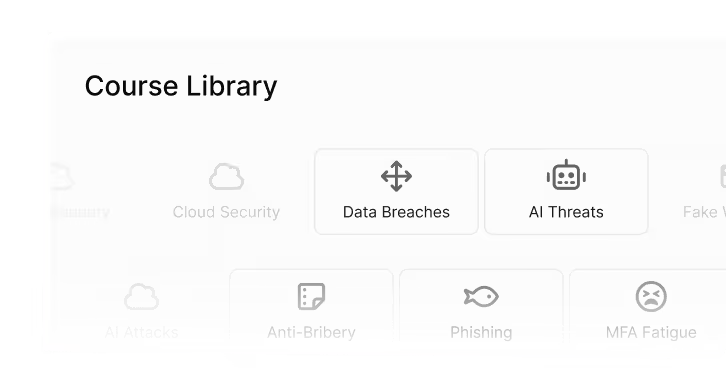
Any topic, any department
Build courses on HR, safety, compliance, onboarding, or security awareness.
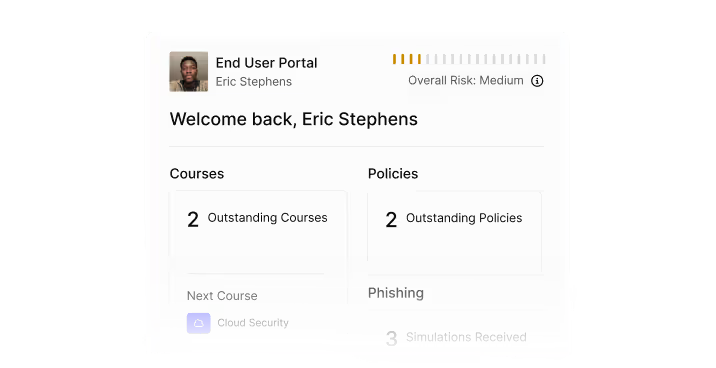
Fully integrated
Courses appear alongside existing awareness content for a seamless user experience.
Simple to scale
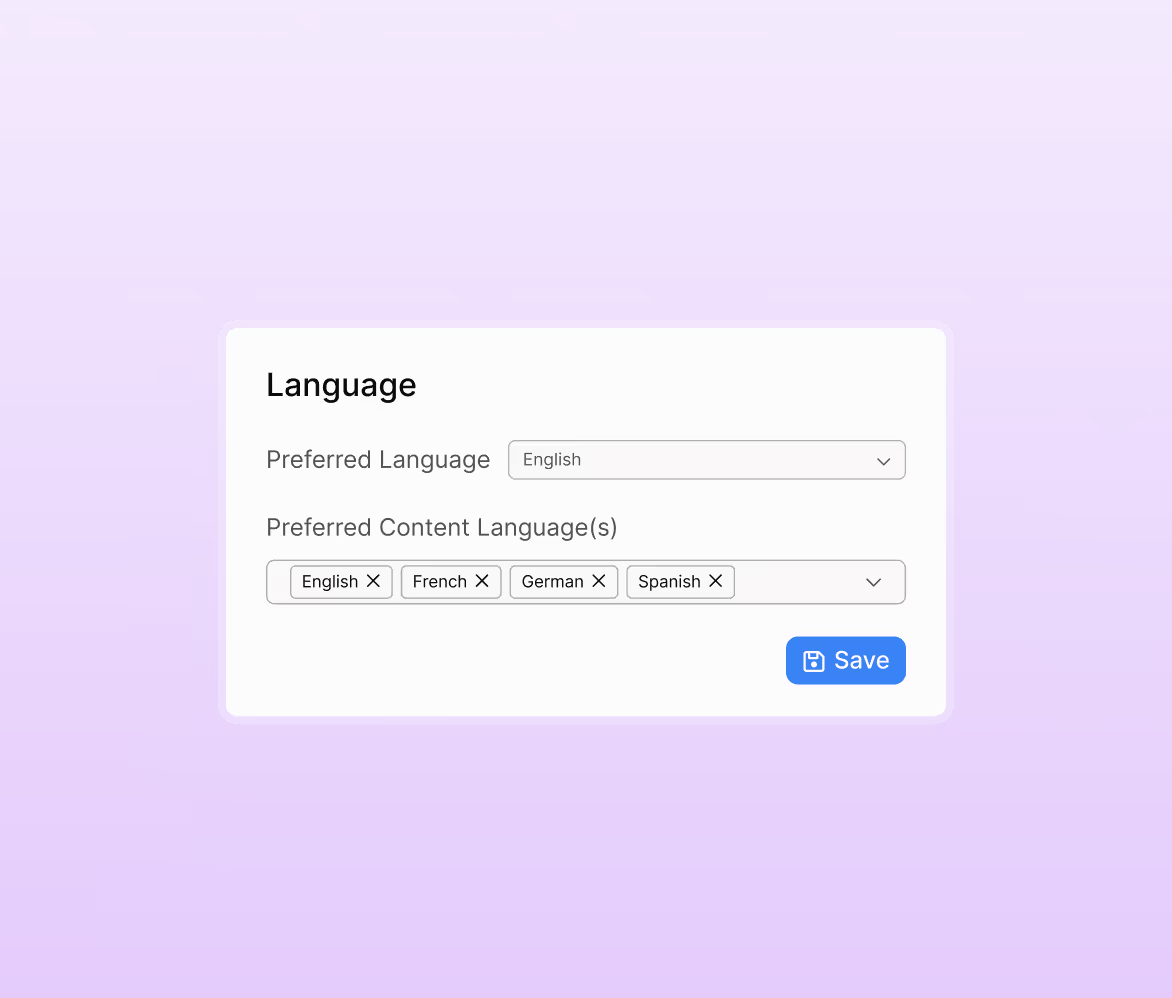
Duplicate and adapt courses for regions, job roles, or policy changes.
Visual and interactive
Engage learners with cards, carousels, images, and assessments that reinforce key concepts.
Audit-ready evidence
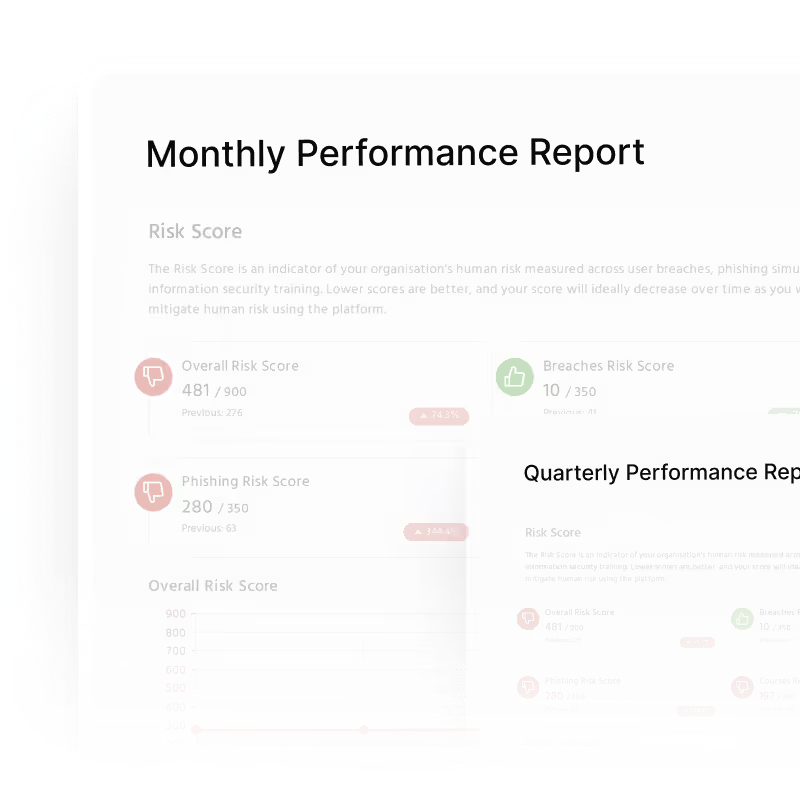
Track scores, completions, and objectives for every course — ready for compliance reporting.
FAQs
Yes. Course Builder supports any subject area, including HR, onboarding, compliance, safety, workplace conduct, and organisation-specific policies.
Ten questions is the recommended benchmark. You can add more, and use the question-limit feature to randomise the selection each time a user takes the course.
Yes. You control slide content, structure, images and interactive elements. Slides should fit on one screen without scrolling, and you can split or reorder slides at any time.
Yes. Any custom course can be duplicated, edited, versioned or adapted for different roles, regions or policy requirements.
Custom courses appear alongside all other uLearn training. Users access them through their usual training dashboard and complete them like any other assigned module.
Work smarter, not harder.
Book a demo for a live walkthrough of how to deploy risk-adaptive, automated security security awareness training in minutes.

