Run smarter phishing tests, effortlessly
Automate regular phishing simulations that impersonate the services your teams use.

“We needed a platform that was easy to use, quick to roll out to all staff, and could help us measure and improve our human cyber risk. The ability to automate training and gain visibility into phishing resilience has been a real game-changer for us.”

Monitor real phishing risk, minus the hassle
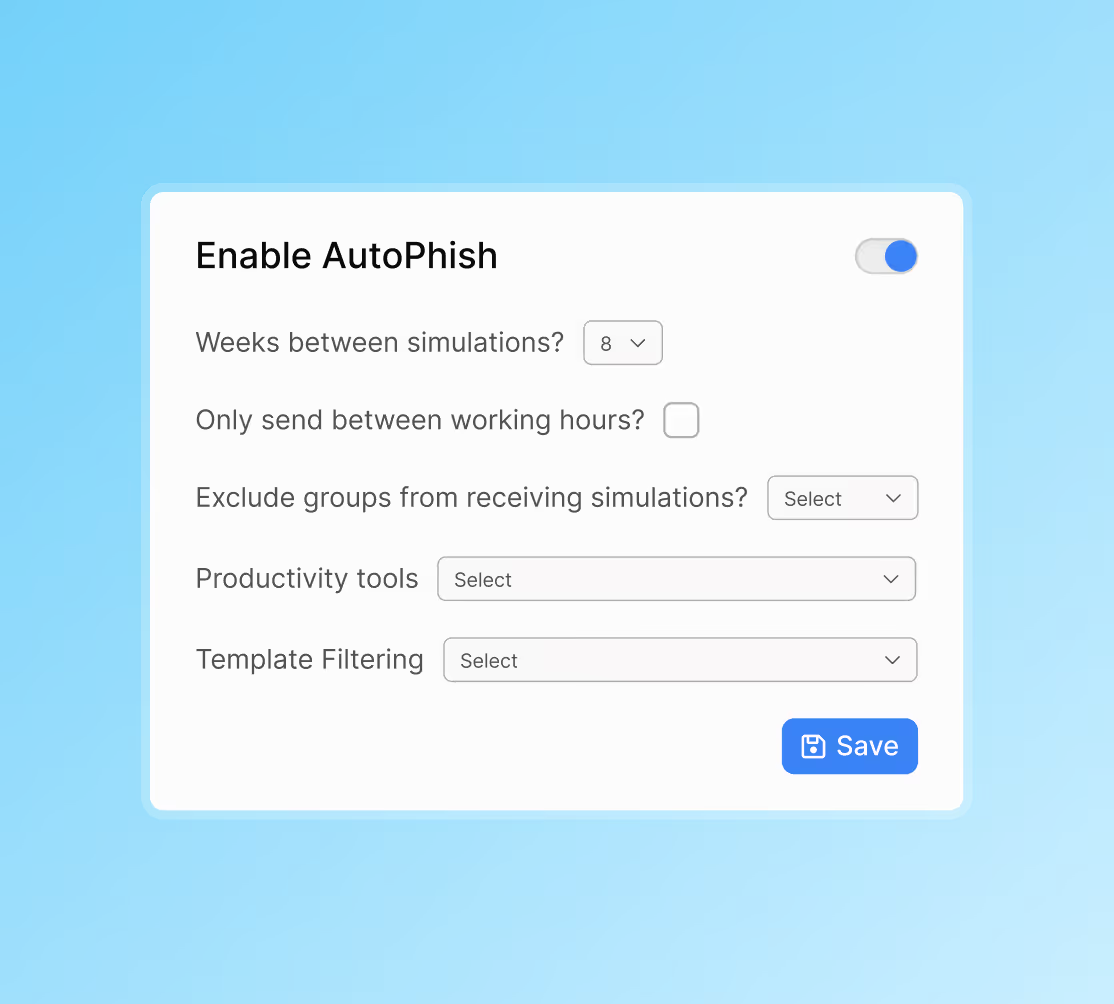
AutoPhish makes it simple to assess ongoing user risk across diverse phishing tactics – turning risk into resilience and saving hours of admin time.
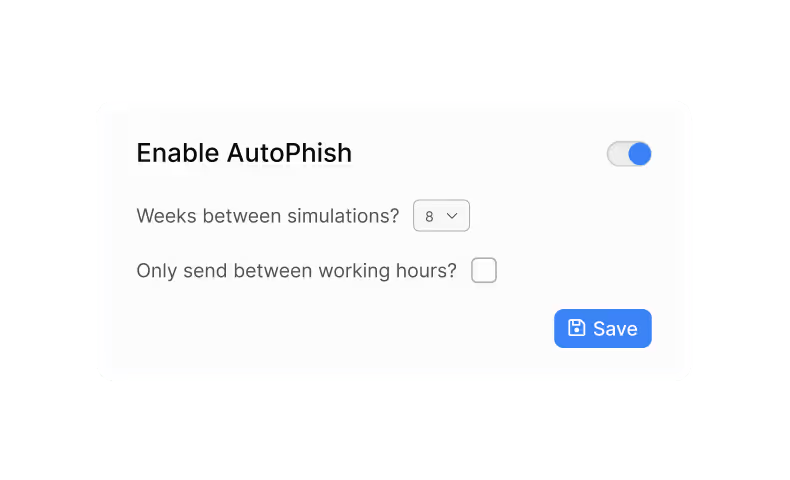
Automate phishing at scale
Run ongoing phishing tests using your own schedule, fresh templates and smart safety rules to reveal real risk with no extra work.
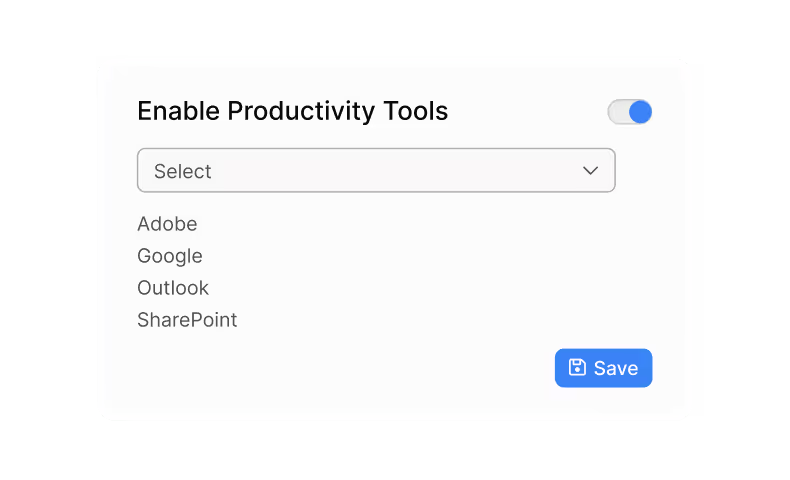
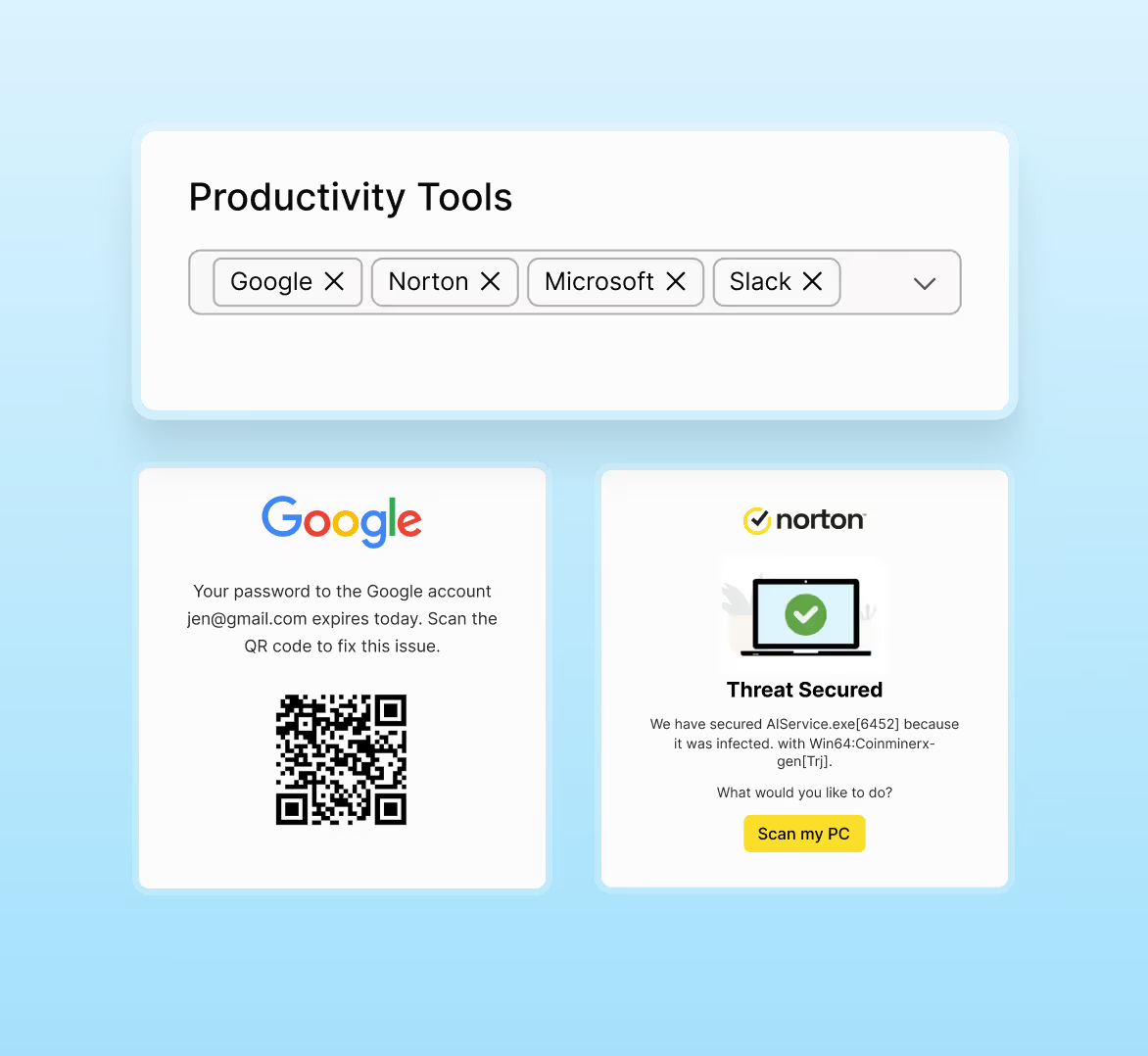
Test users on the tools they use
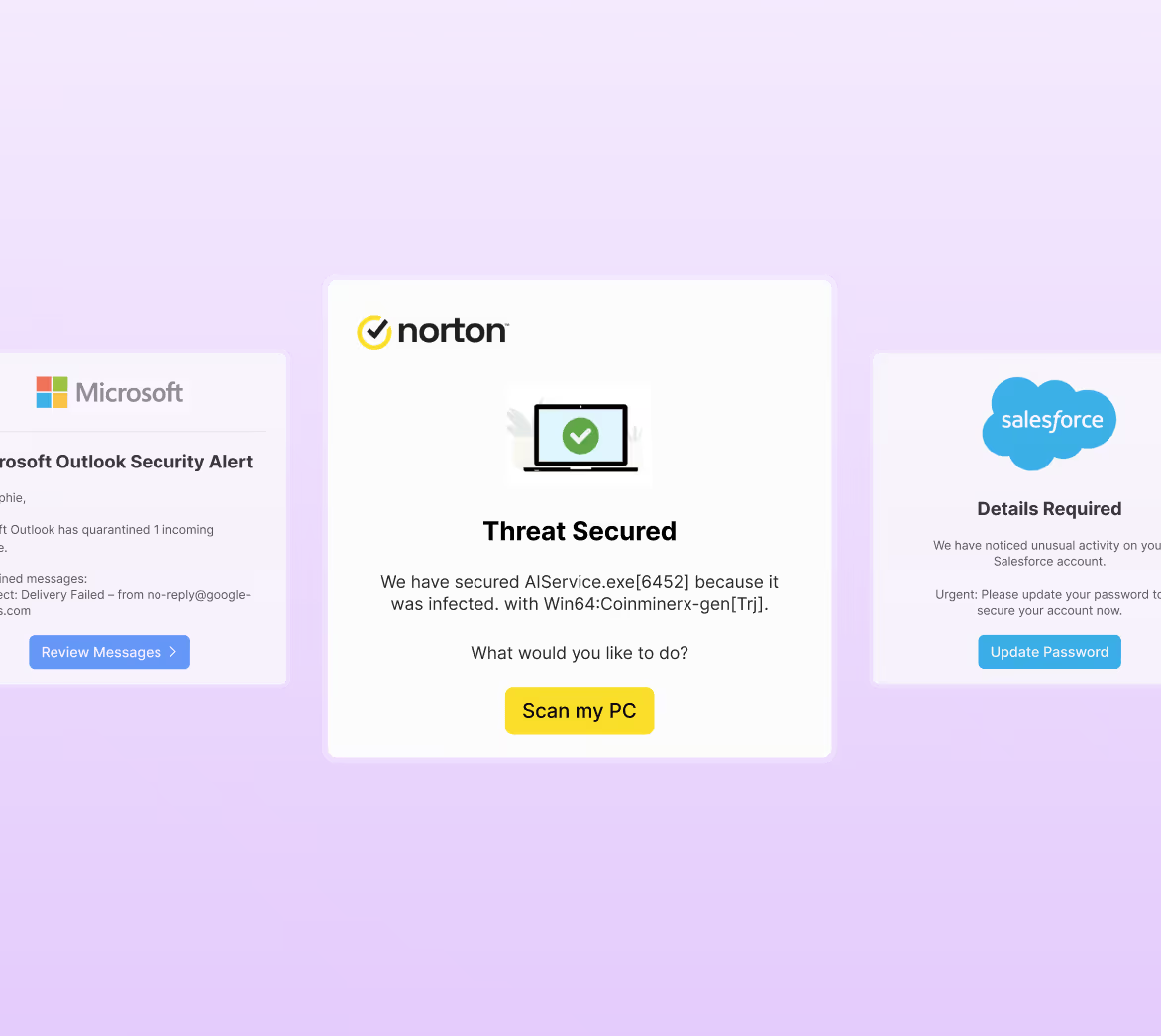
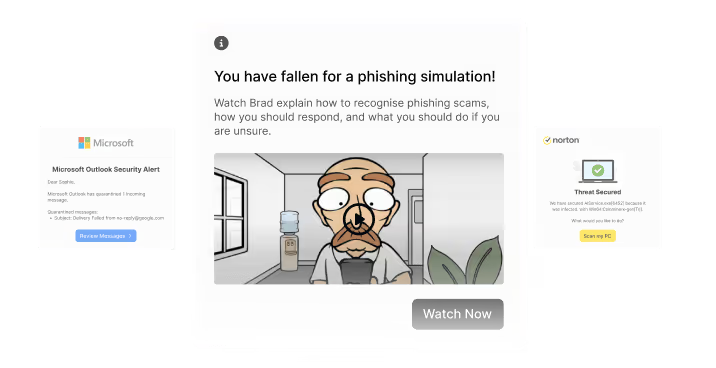
Impersonate the services your people use to mirror real attacks and expose which users are vulnerable to targeted scams.
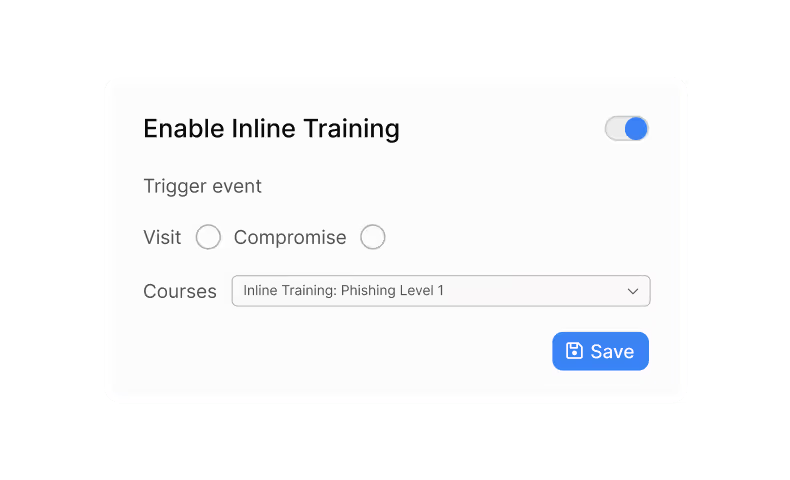
Turn clicks into learning
Deliver instant micro-training for compromised users and track measurable improvement with compliance-ready reporting.
What makes AutoPhish different
Phishing reduction handled for you

Save time with automation
Save hours of manual work by letting AutoPhish handle simulations on autopilot.
Turn clicks into learning
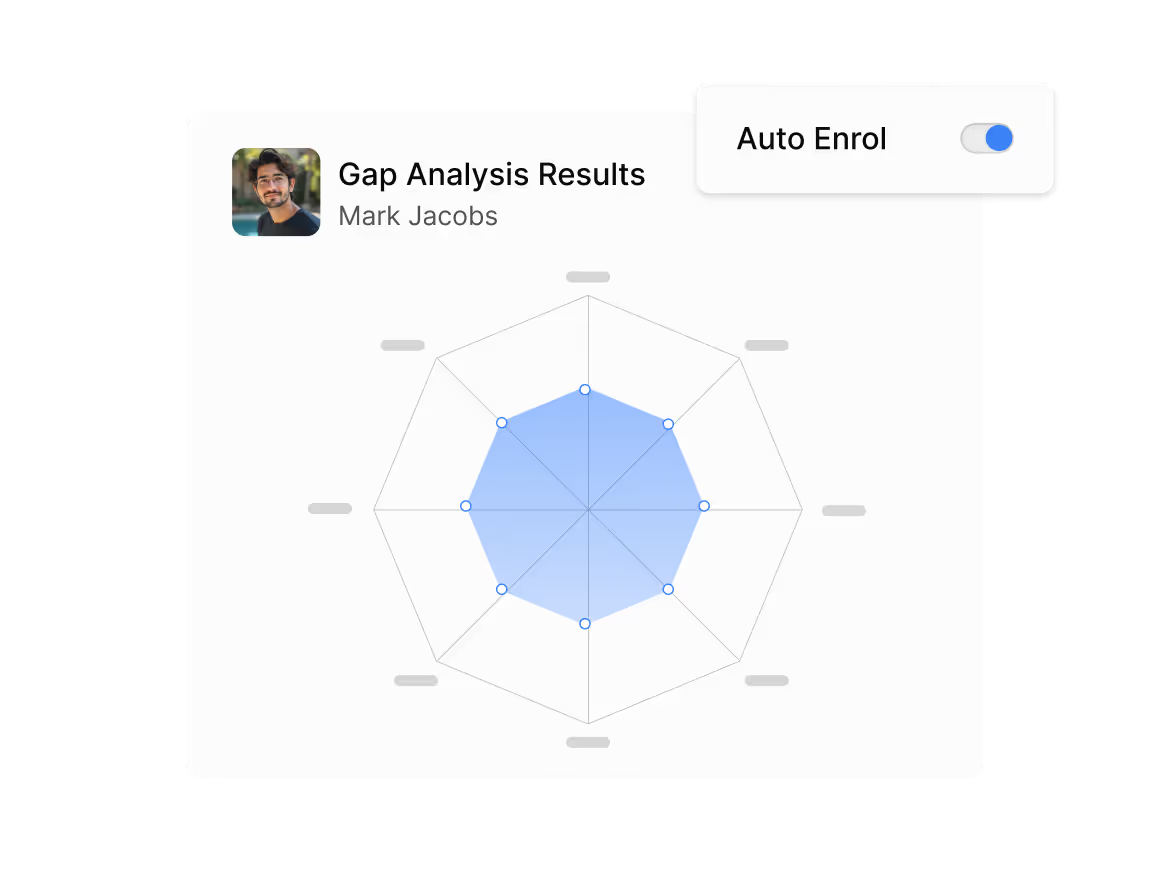
Compromised users are instantly enrolled onto micro-training, turning risk into resilience.
Ensure consistent monitoring
Continuous syncs and phishing cadences ensure no one slips through the cracks.
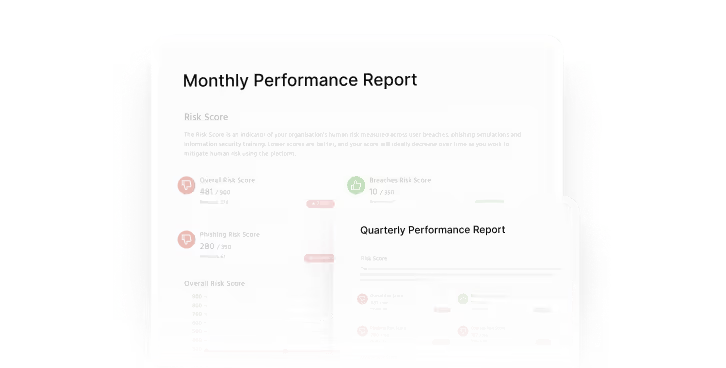
Prove compliance and ROI
Prove your success with exportable summaries and executive-ready insights.
Reliable delivery
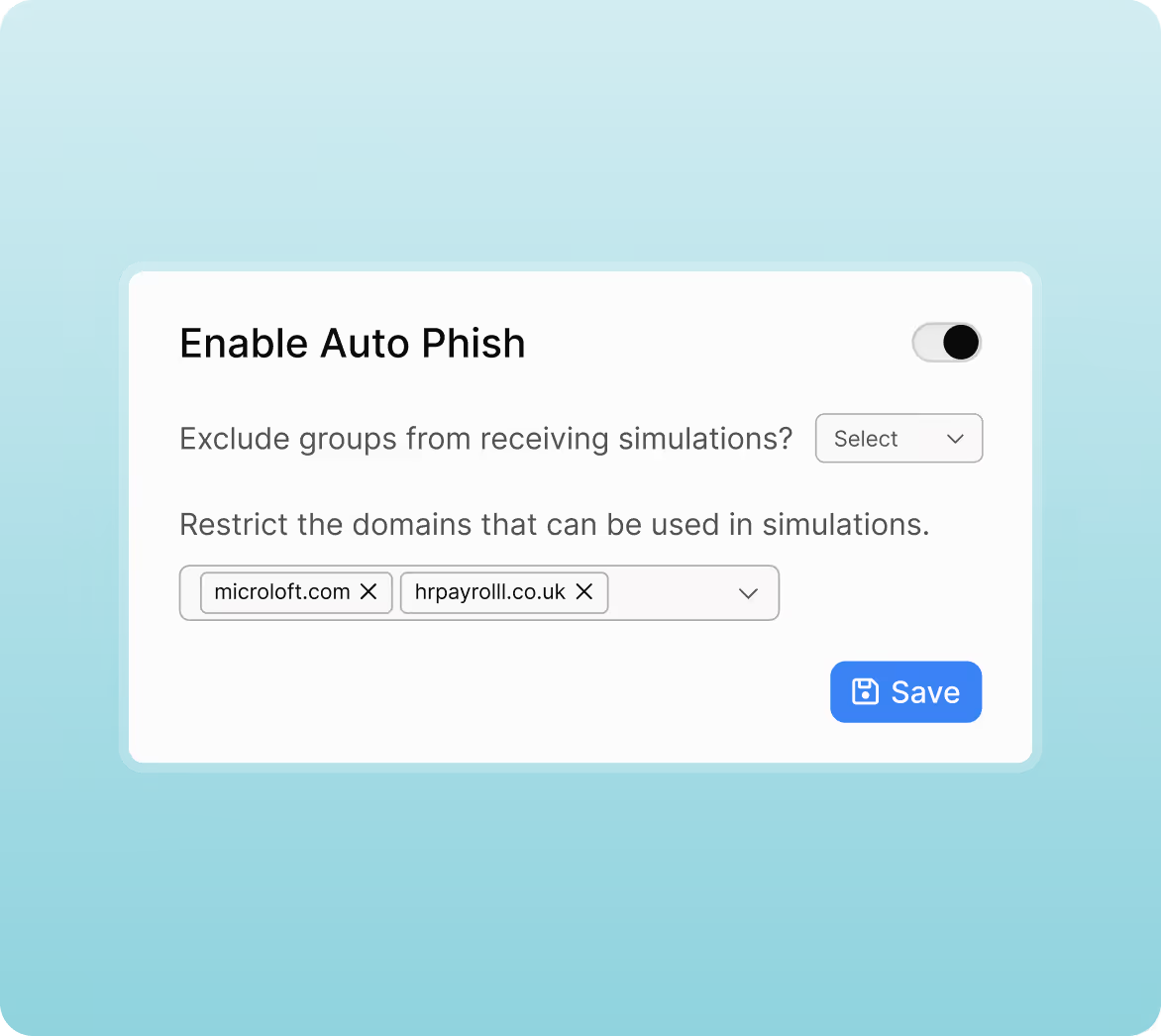
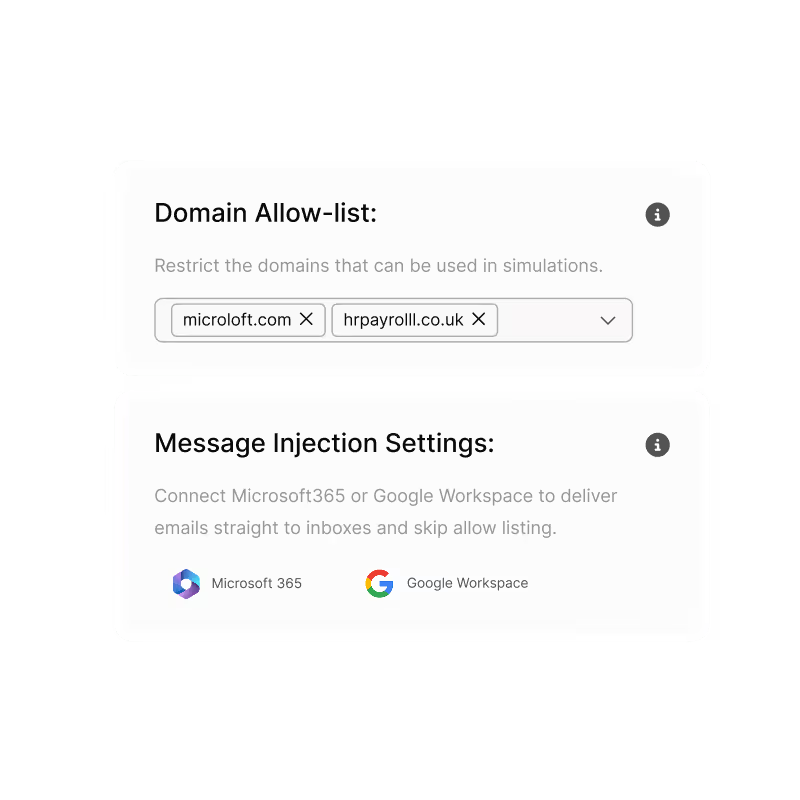
Built-in safeguards such as domain allow-lists and message injection keep simulations running smoothly.
FAQs
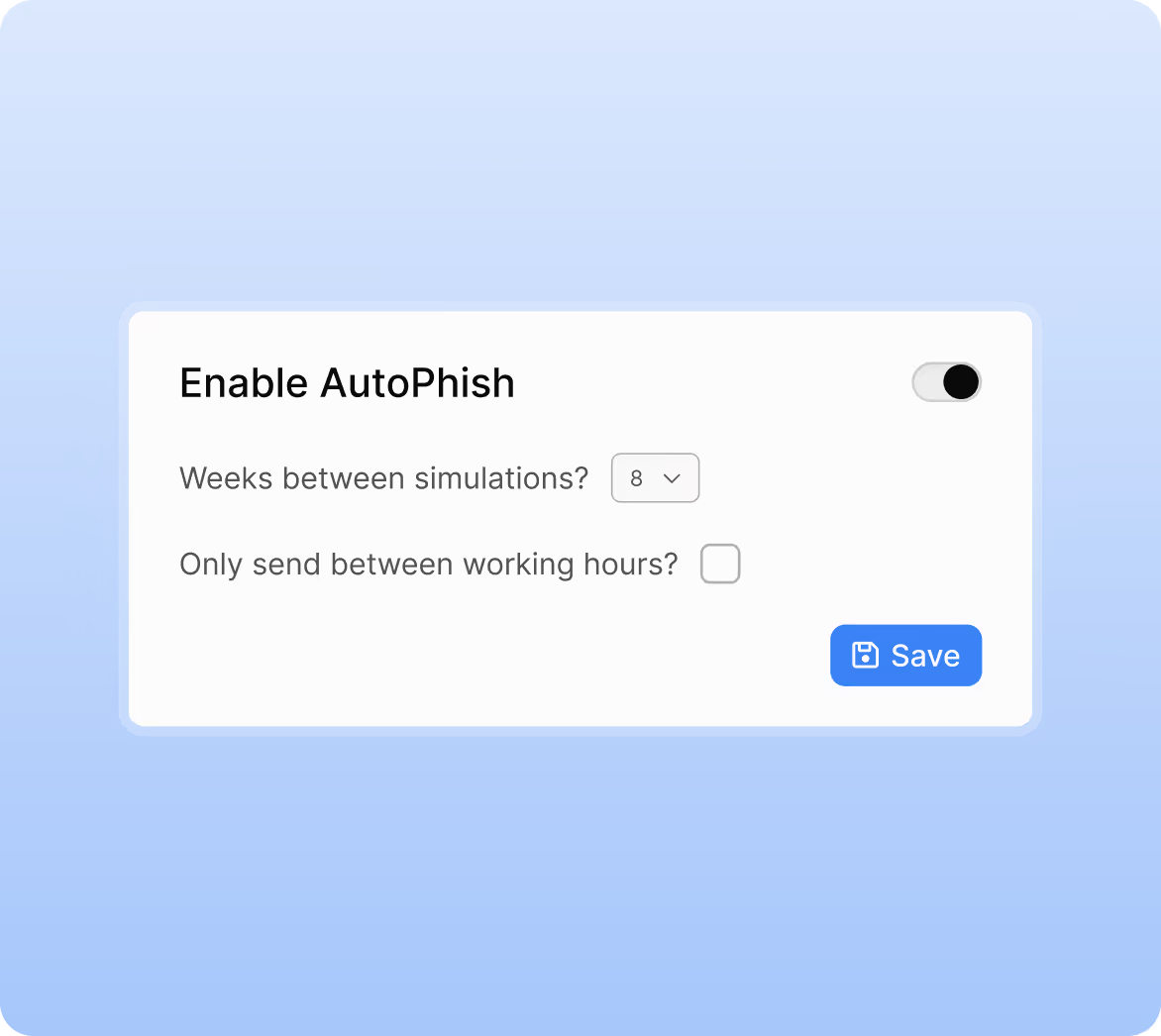
You set the frequency. AutoPhish sends a phishing email to each user once per interval (for example, every four or eight weeks), at random times within that window. The cycle then repeats automatically.
Yes. You can restrict delivery to defined working hours. AutoPhish will use your platform’s configured timezone and work-hour settings to control when simulations are allowed to send.
Yes. AutoPhish uses the same directory sync as the main platform, integrating with Microsoft 365 and Google Workspace to ensure users and groups stay up to date automatically.
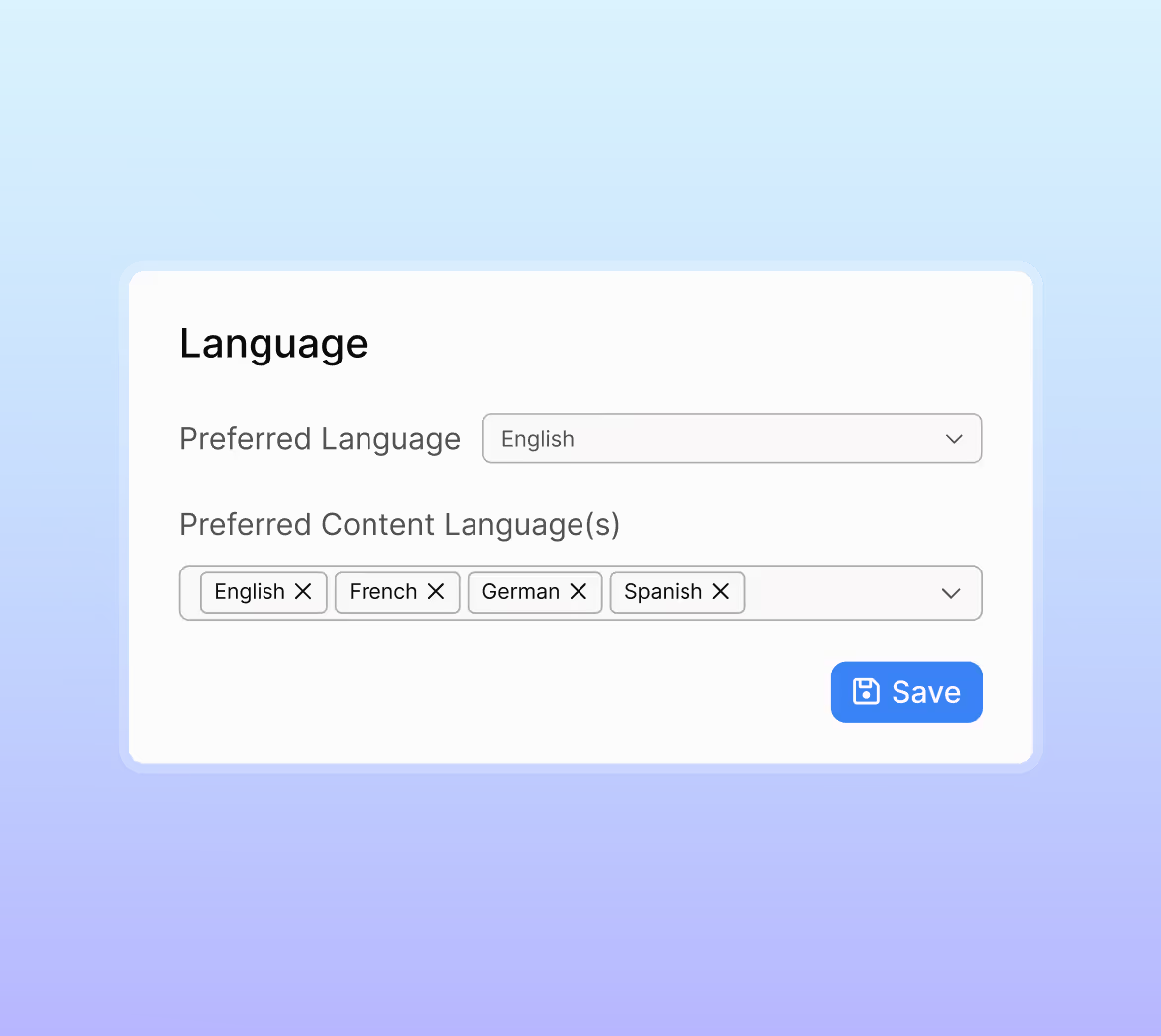
Yes. You can include or exclude specific templates (pre-built or custom), filter by language, and select relevant productivity tools to focus on realistic impersonation.
You can also select which sending domains AutoPhish is allowed to use, which is essential if you use Microsoft 365 Advanced Delivery with a 50-domain limit.
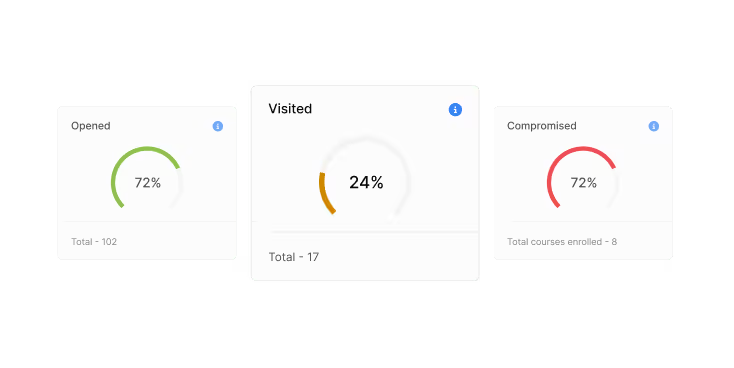
You can track real-time simulation activity and view in-depth reporting on opens, clicks, compromises and trends over time. Results can be filtered by user group, template, and other parameters, and exported for compliance or stakeholder updates.
Yes. To ensure reliable delivery, you should allow-list usecure’s domains and IPs. If you're using Microsoft 365, Advanced Delivery is the preferred method, and your selected AutoPhish domains must match the domains configured there.
See usecure in action
Book a demo for a live walkthrough of how to deploy risk-adaptive, automated security security awareness training in minutes.

