Automate personalised training for every user
Pinpoint each user’s high-risk areas, prioritise the right courses, and reduce human risk faster – with recurring delivery and compliance-ready reporting.

“The selection of courses and phishing templates available was a key benefit. The automation features saved us a lot of time, and being able to understand our company’s human risk at a glance has been invaluable.”

Launch faster. Learn smarter. Stay secure.
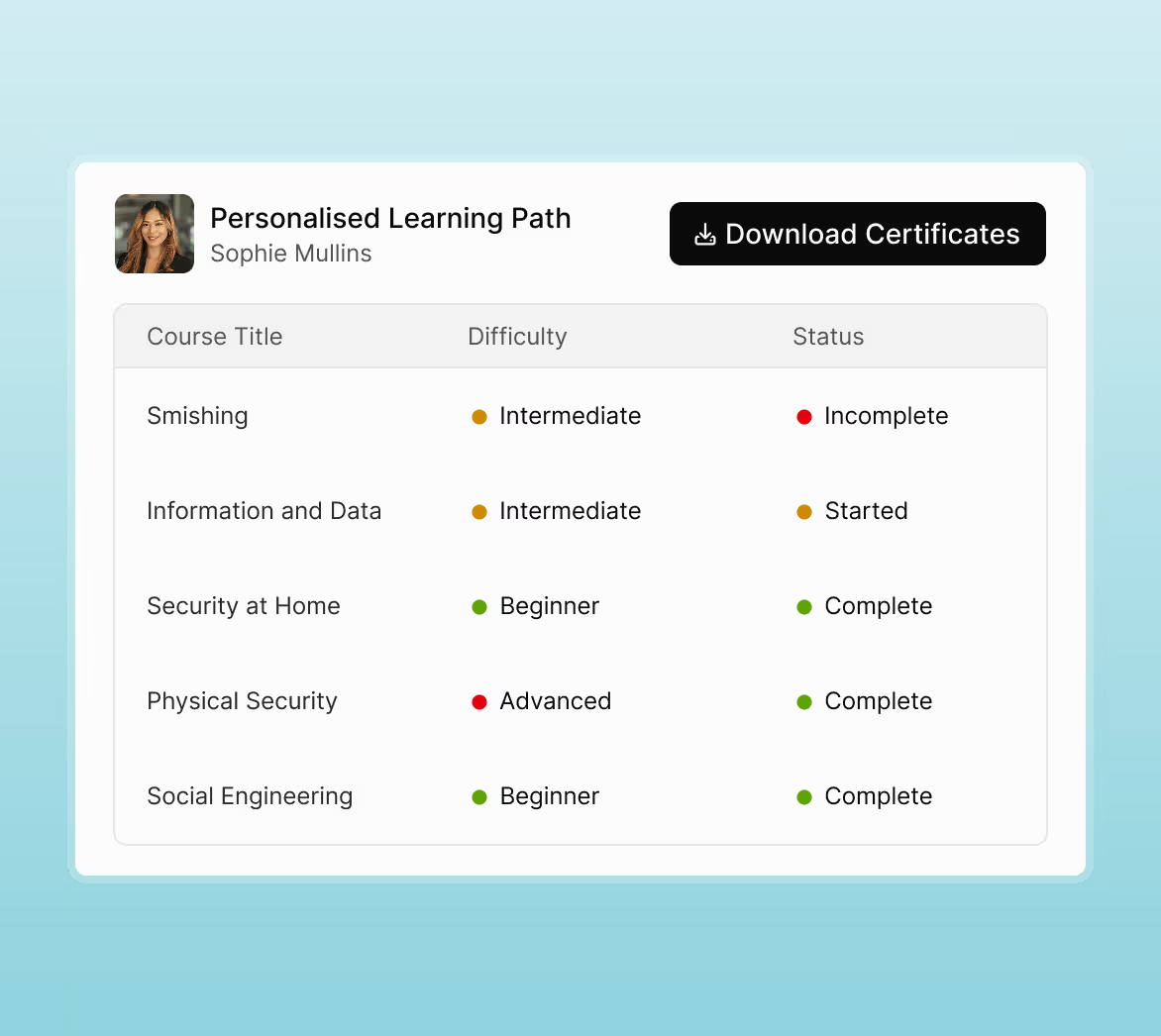
AutoEnrol makes setup effortless. Connect your directory, run a quick Gap Analysis, and the platform builds tailored learning paths that prioritise each user’s biggest risks.
Step 1: Connect
Effortlessly sync users
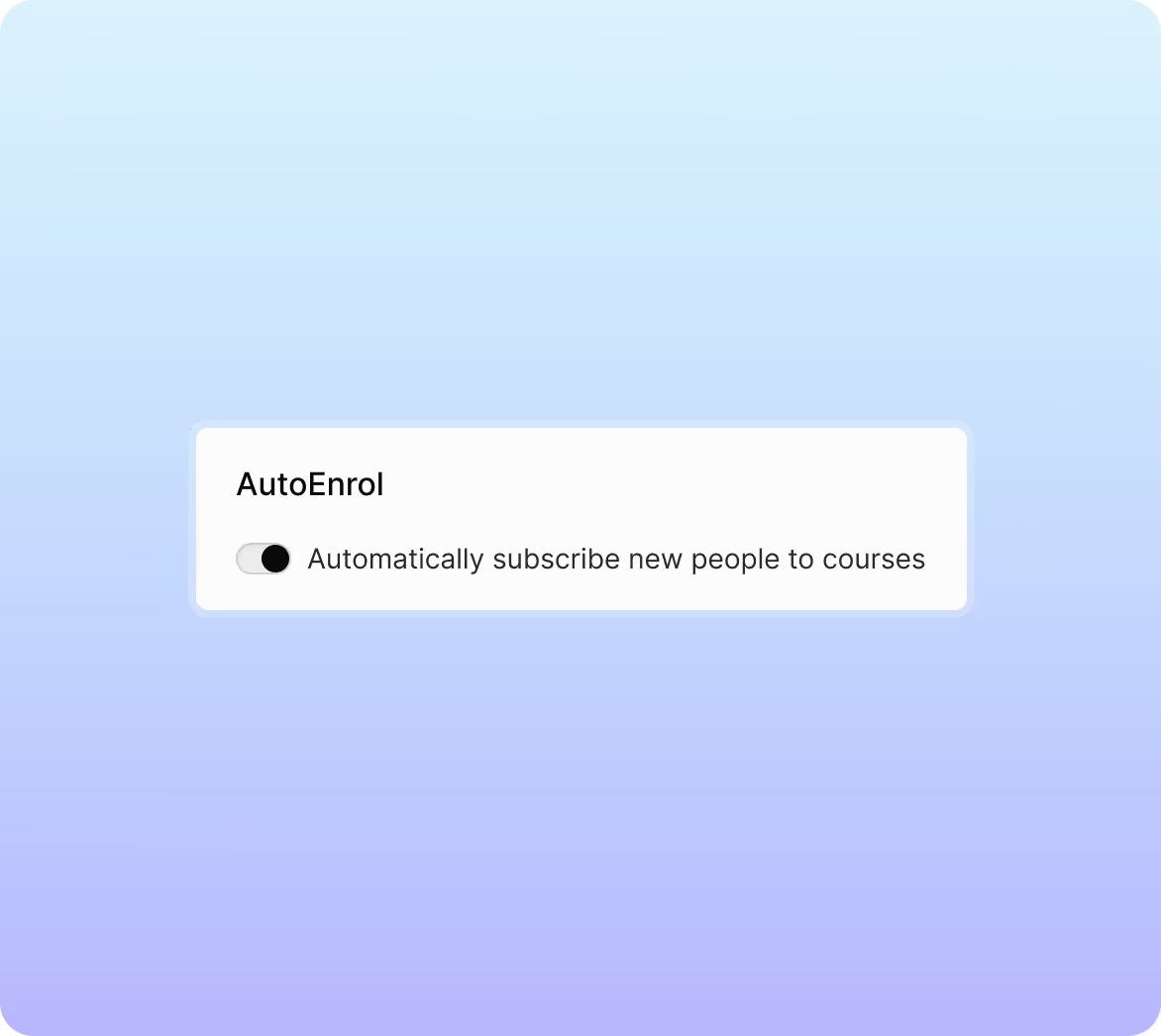
Integrate with Microsoft 365 or Google Workspace to auto-sync users and groups. New starters are enrolled automatically – no manual uploads, no missed people.

Step 2: Analyse
Uncover knowledge gaps
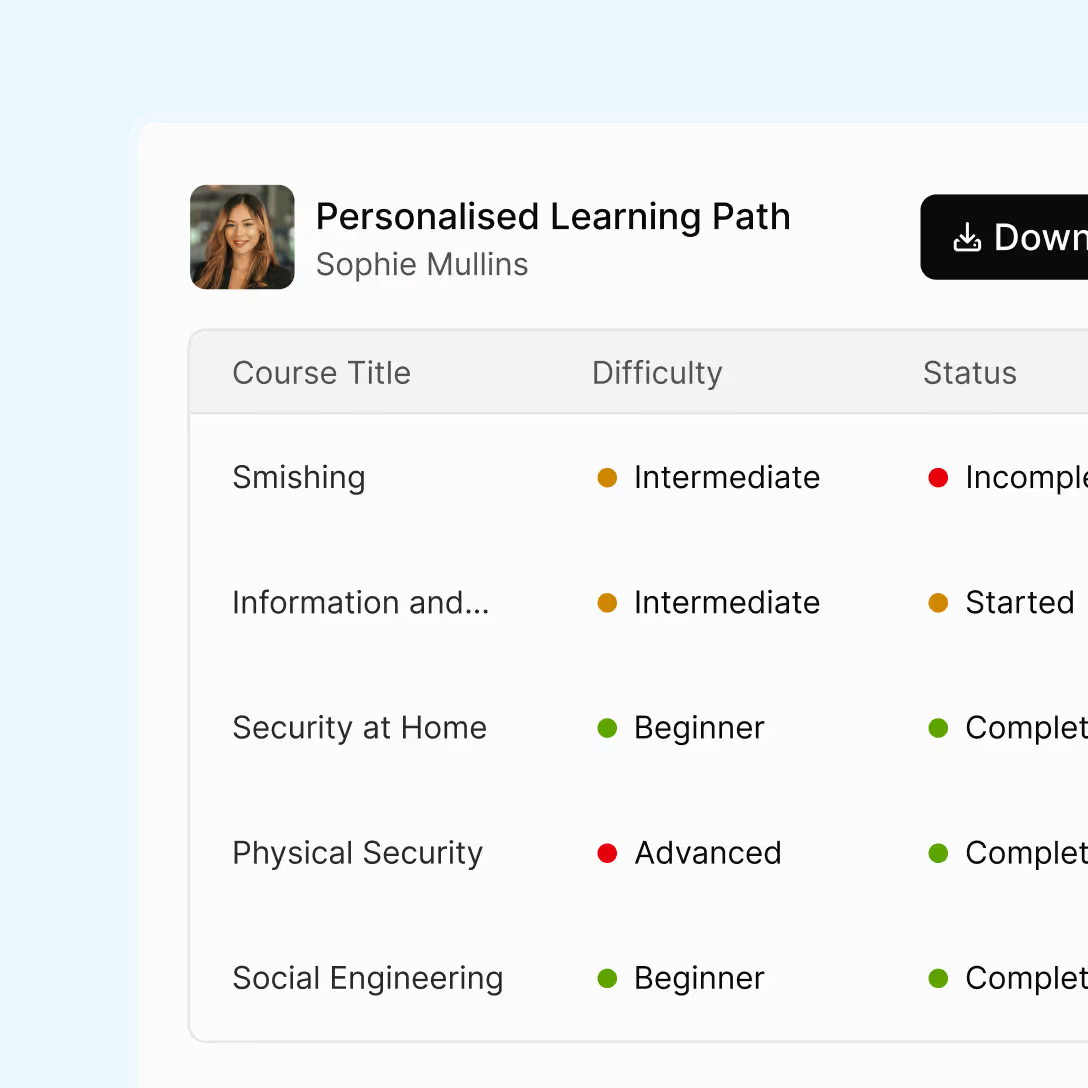
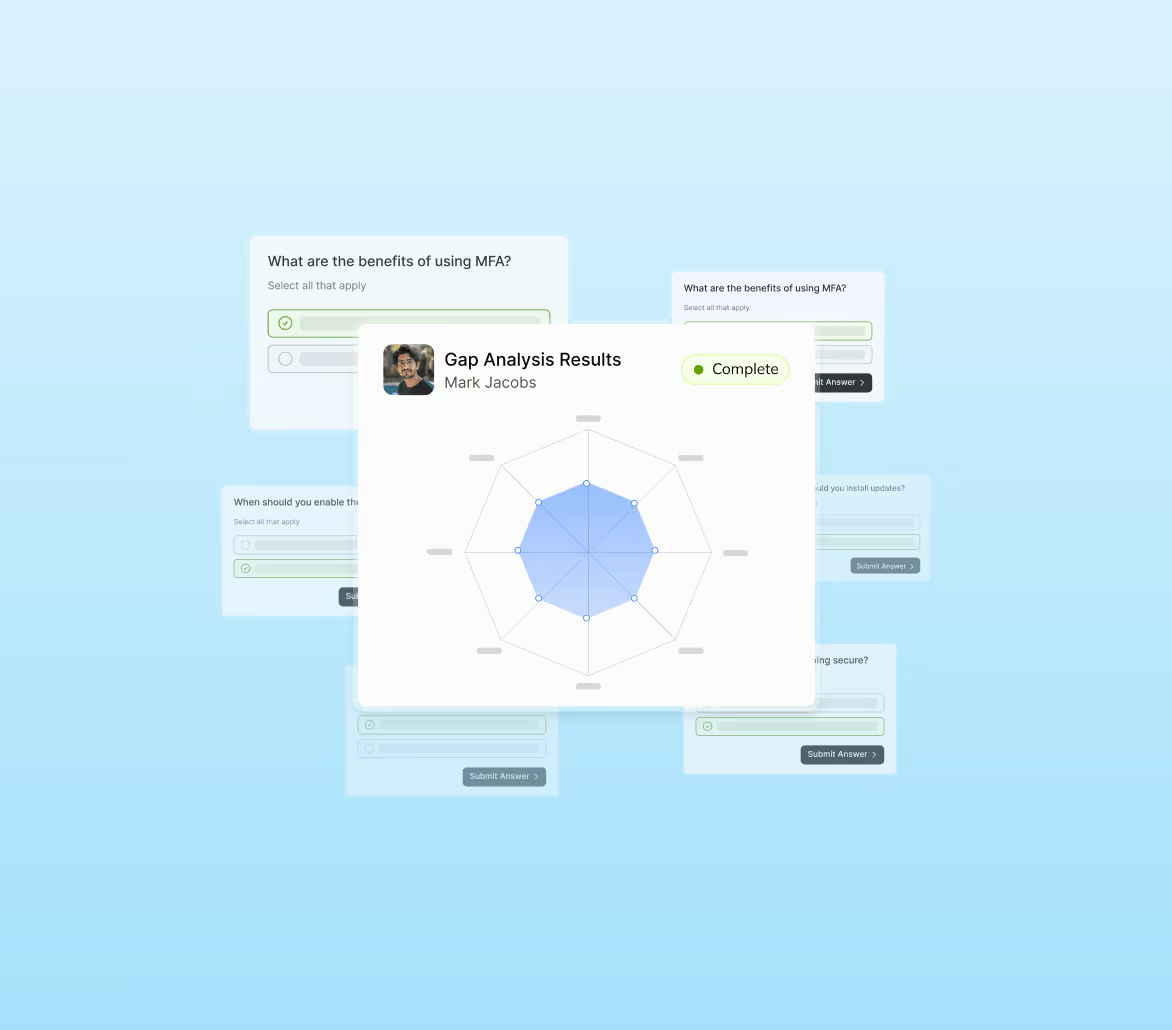
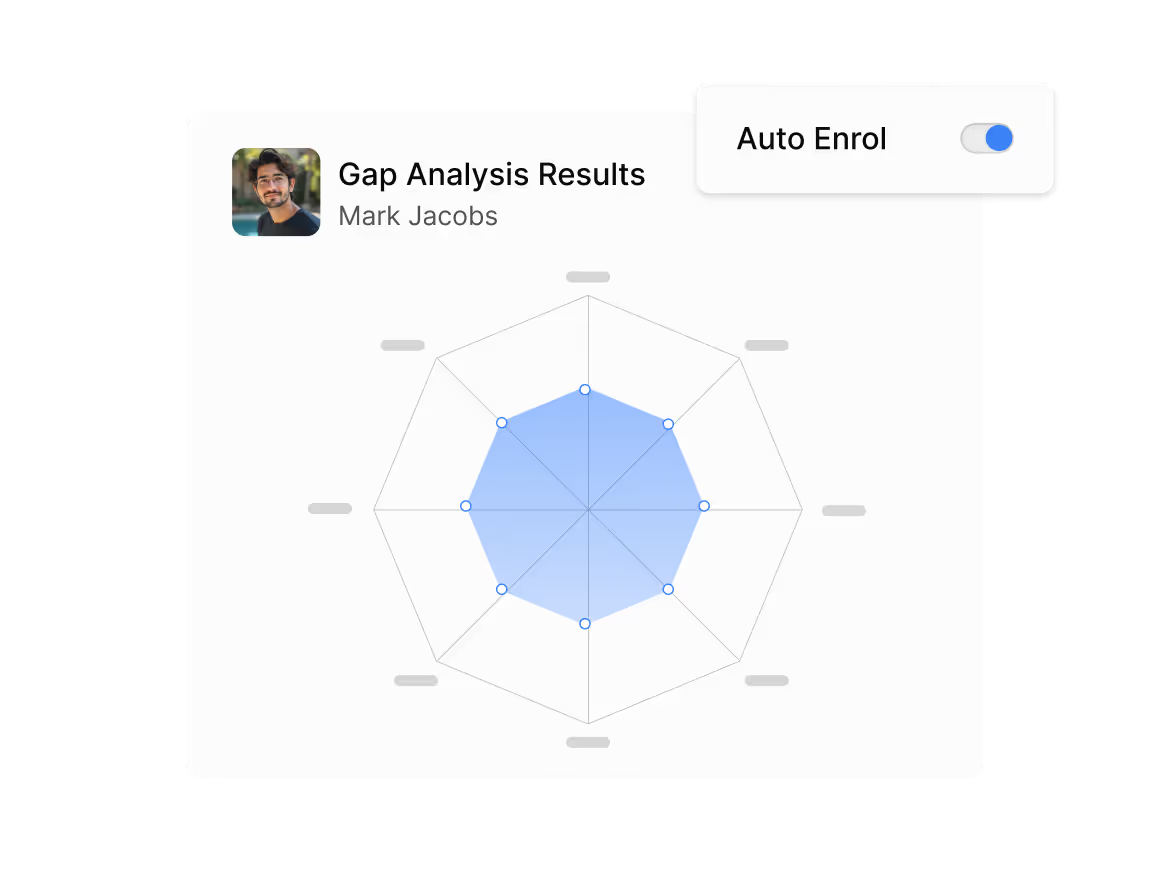
Each user completes a quick 36-question Gap Analysis across 12 competencies. The results build a unique risk profile that shapes a personalised learning path and prioritises courses to reduce risk faster.

Step 3: Educate
Run training on autopilot
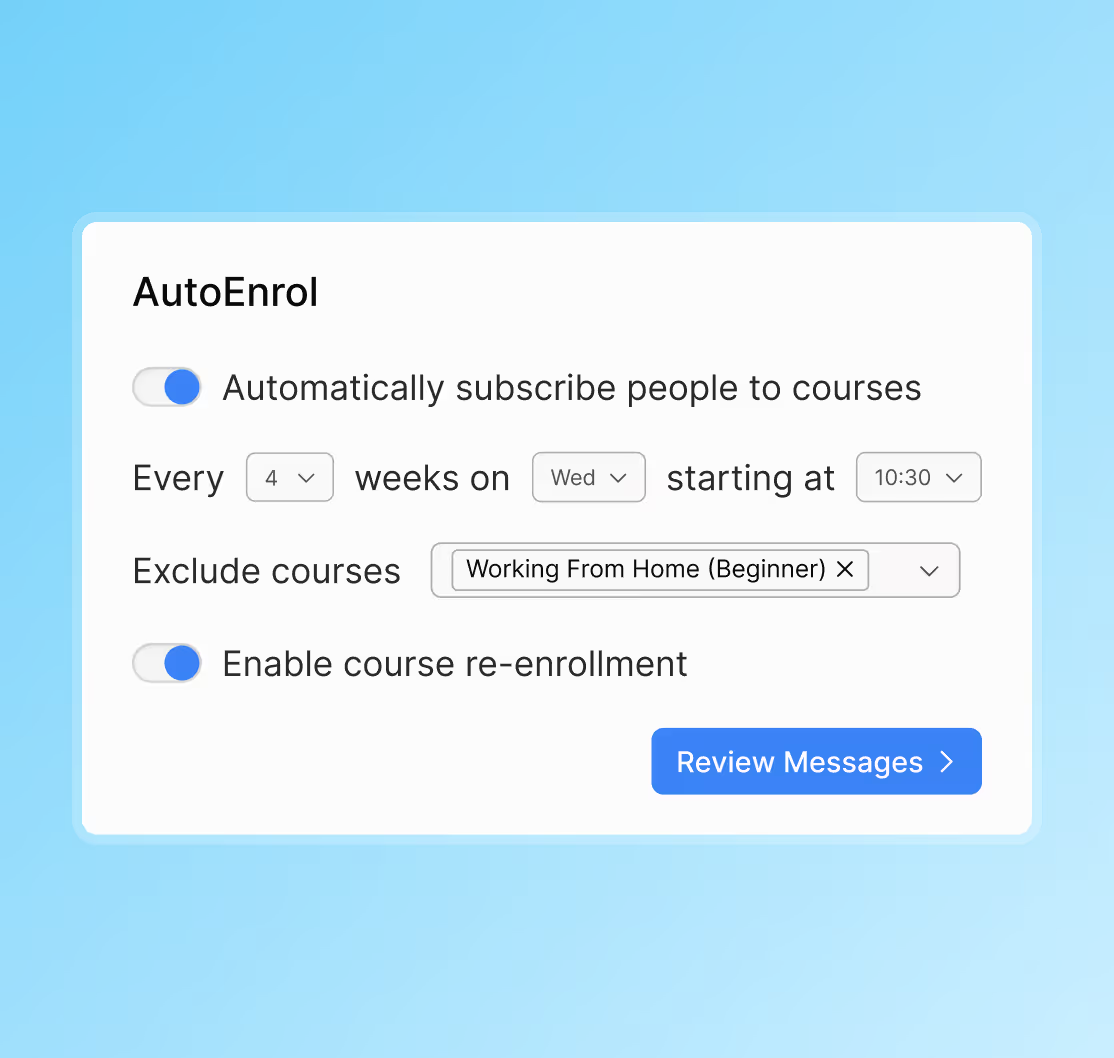
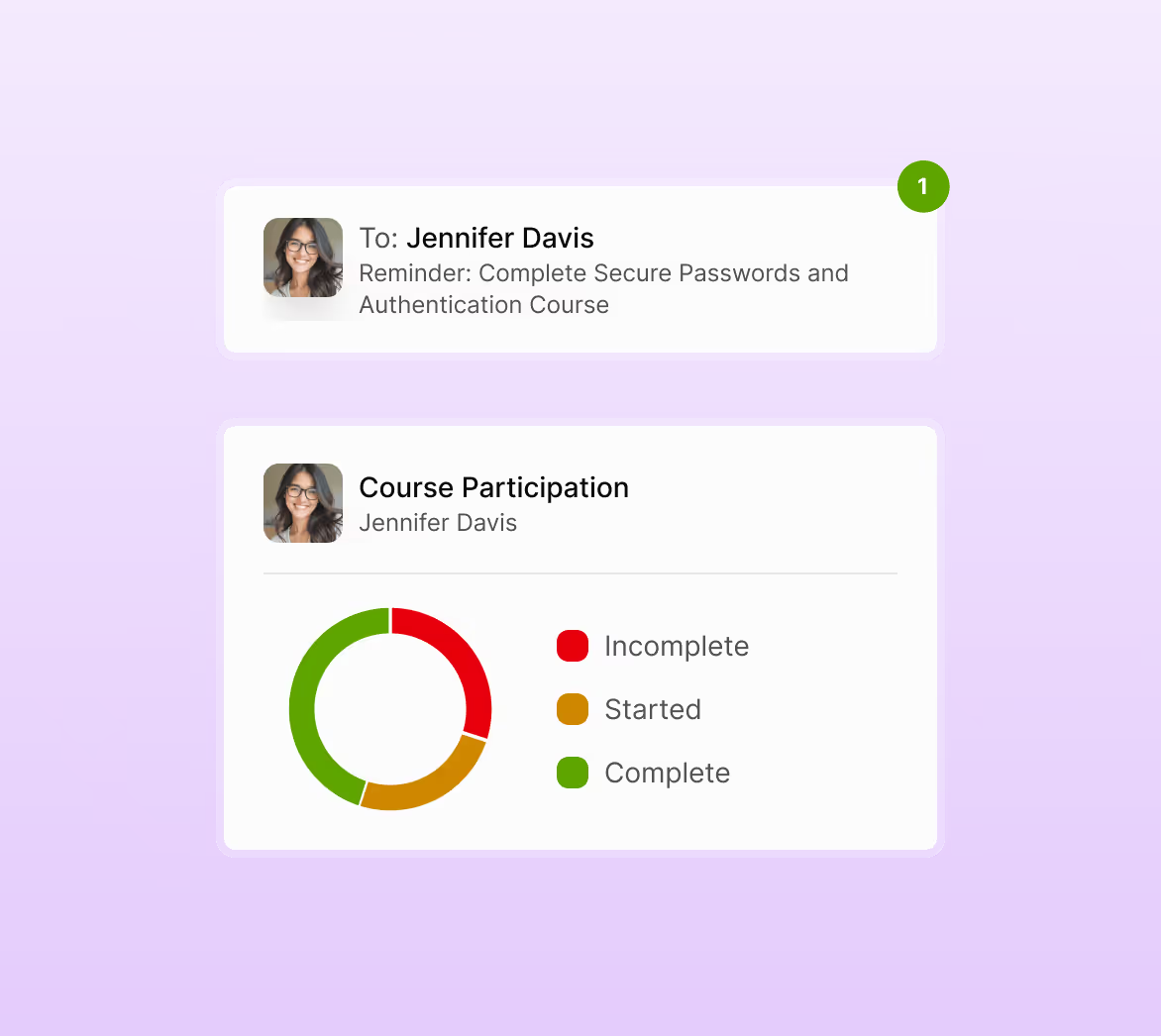
Hands-off, adaptive training runs on your custom cadence – complete with automated reminders and compliance-ready reports that track progress, trends, and measurable impact.
Smart features that power AutoEnrol
Why teams love AutoEnrol
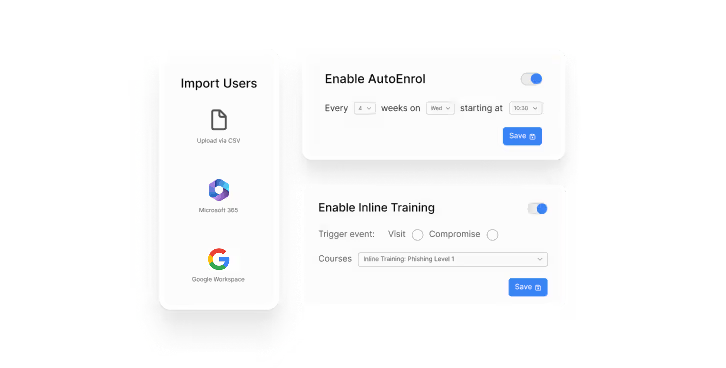
Save time with zero manual work
Automate training delivery, user sync, reminders, and reporting – so security awareness runs smoothly in the background.
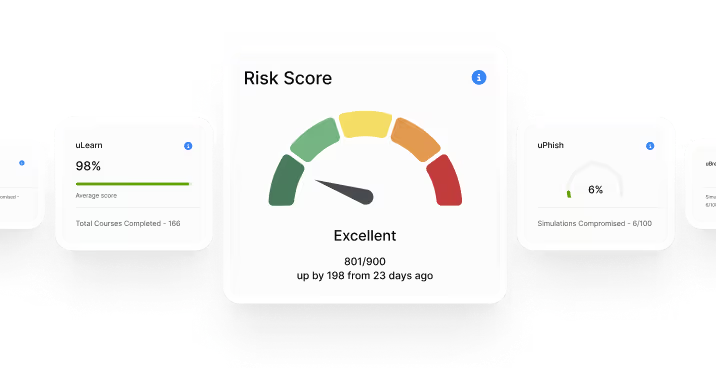
Reduce human risk faster
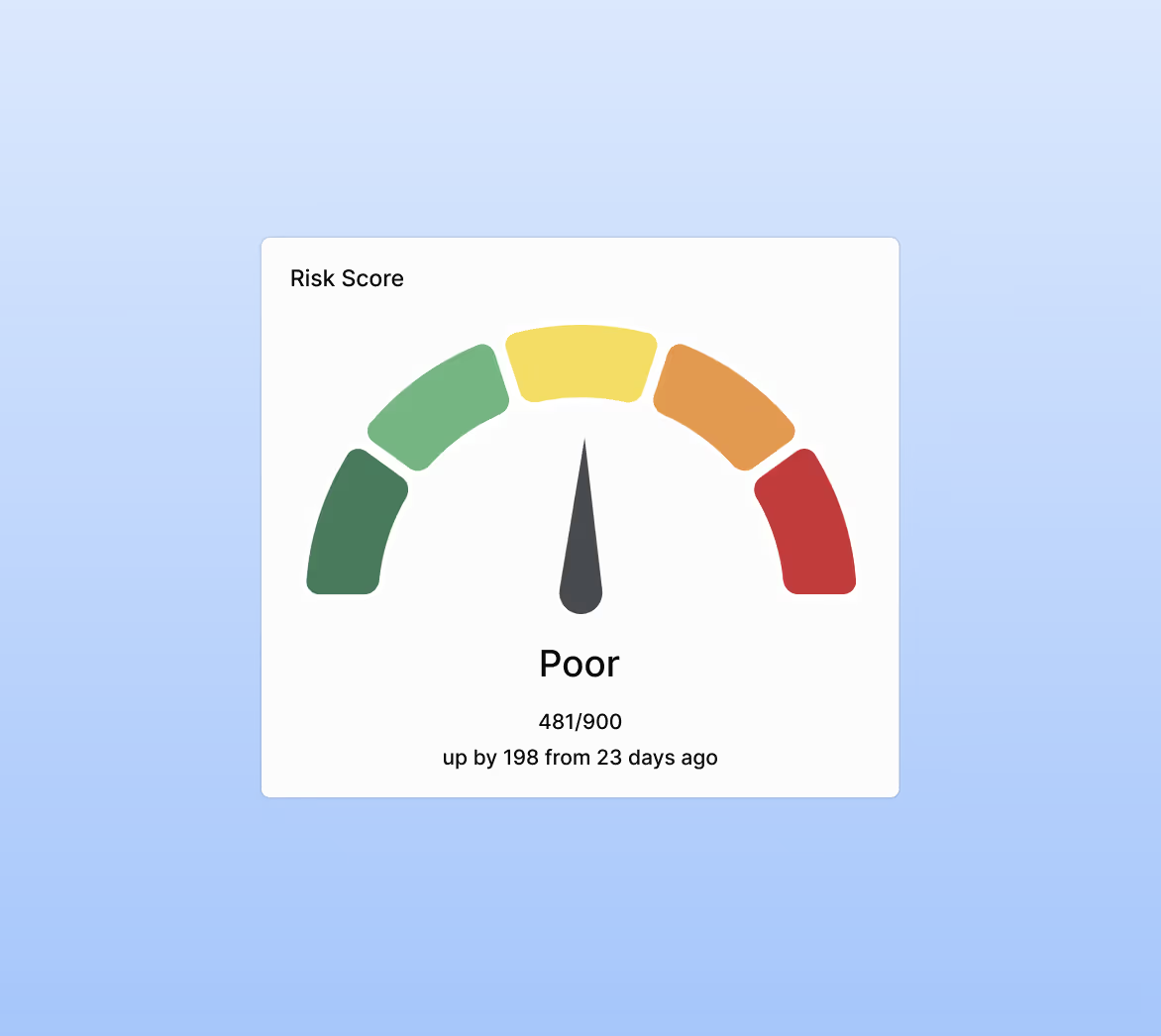
Training targets each user’s biggest weaknesses first, helping you plug the highest-risk areas across your workforce quickly.
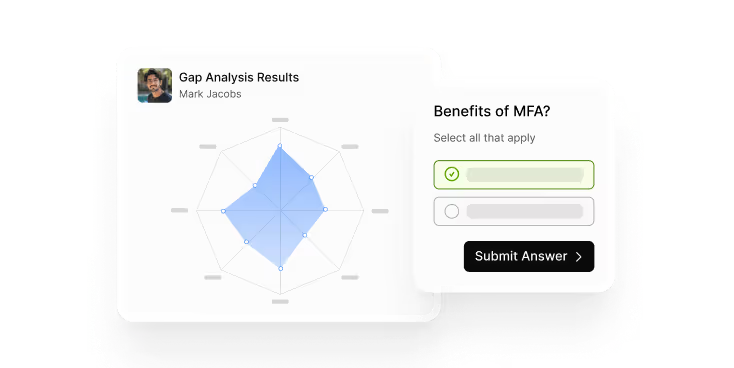
Personalise learning for every user
Each employee follows their own adaptive training path. Relevant, engaging, and based on their knowledge level.
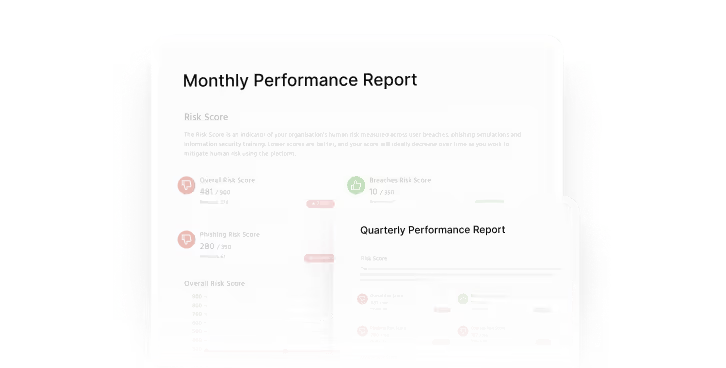
Stay compliant with confidence
Compliance-ready reporting makes it easy to demonstrate progress, track completion, and prove ongoing due diligence.
Simplify onboarding and management
New starters are automatically added and enrolled in training from day one, keeping your awareness programme always up to date.
FAQs
Training runs on your chosen cadence. AutoEnrol delivers courses automatically at the interval you set, with reminders and progress tracking built in.
No. You can run manual campaigns, assign standalone courses or build your own programme. AutoEnrol is optional, designed to automate the full process end to end.
Yes. AutoEnrol integrates with Microsoft 365 and Google Workspace to sync users and groups automatically, including new starters.
Yes. You can choose which courses are included, adjust categories, and override suggested paths. AutoEnrol uses Gap Analysis to tailor difficulty, but you stay in control.
You receive compliance-ready reporting that tracks completions, trends, overdue training and overall risk reduction — exportable for audits and stakeholder updates.
Users can be enrolled into predefined training paths if you prefer not to run the assessment, but the Gap Analysis is required for fully personalised learning.
Work smarter, not harder.
Book a demo for a live walkthrough of how to deploy risk-adaptive, automated security security awareness training in minutes.

