Donnez à chaque collaborateur les moyens de comprendre et réduire ses risques liés à la cybersécurité
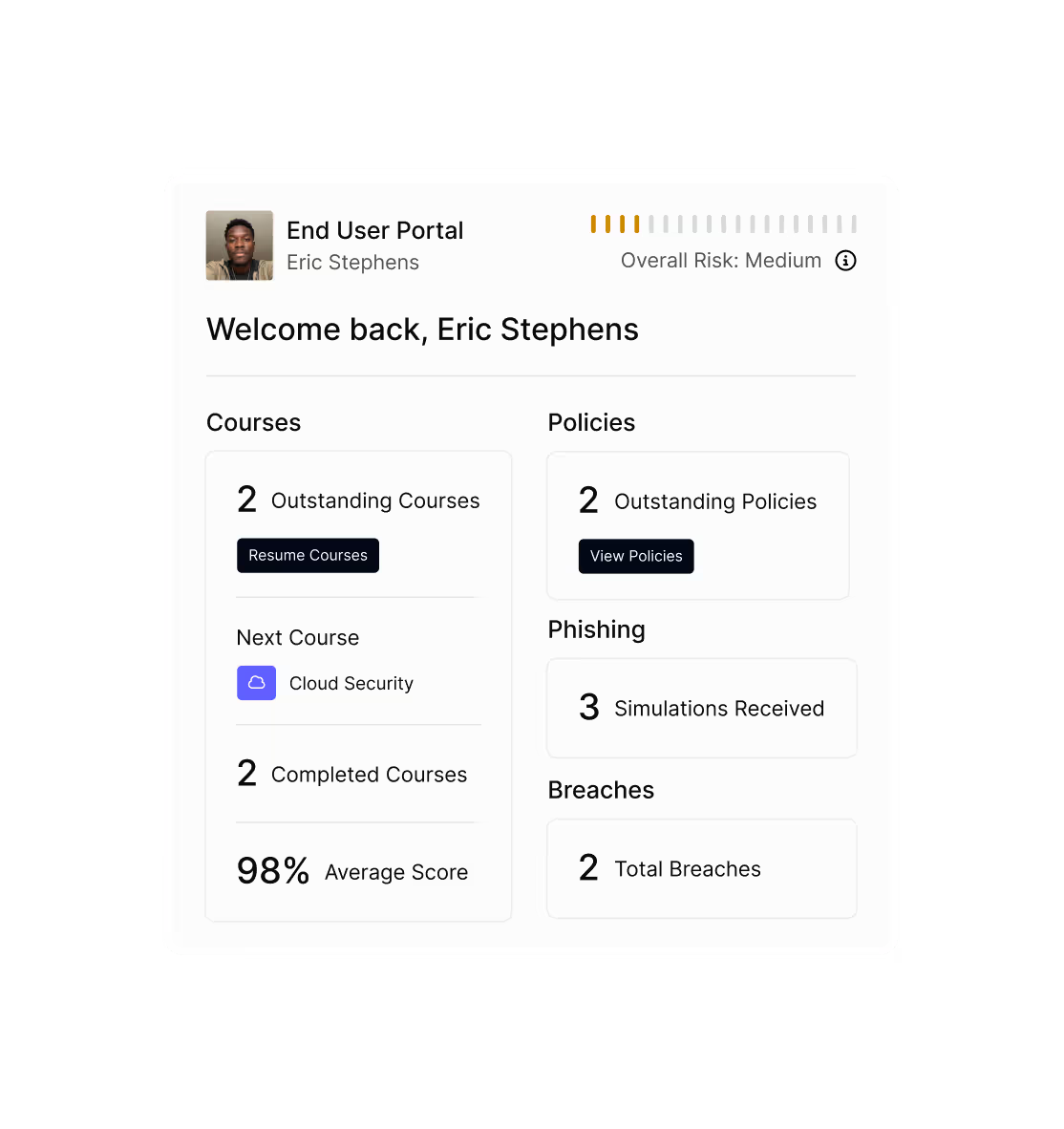
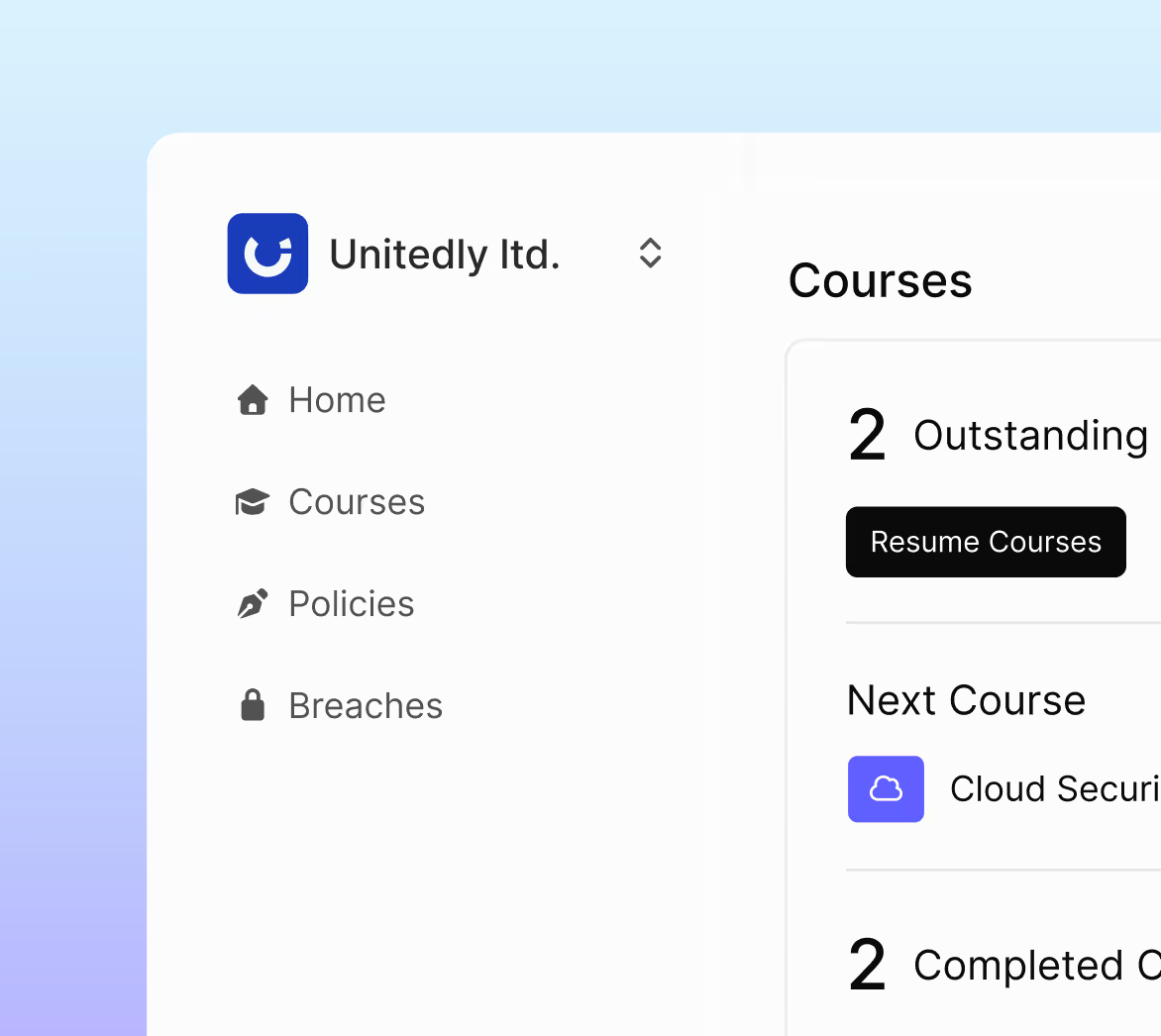
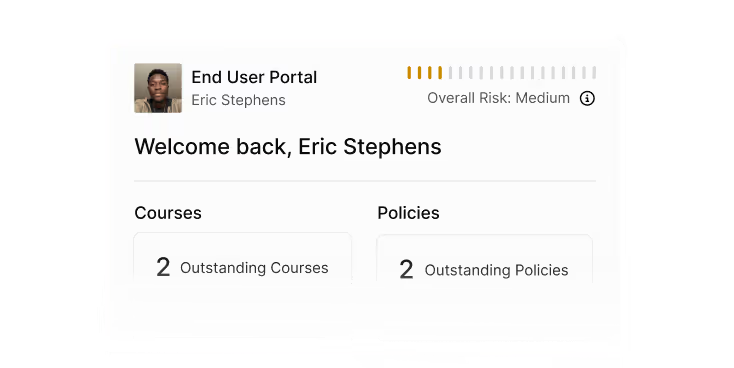
Regroupez formations, politiques, résultats de Phishing et scores de risque dans un portail sécurisé en libre-service. Les collaborateurs peuvent consulter leur progression, agir et adopter des habitudes plus sûres — le tout sans intervention du service informatique.
.avif)
La facilité d'utilisation de la plateforme permet aux collaborateurs d'assimiler facilement des informations sur les risques liés à la cybersécurité, qui seraient autrement perçues comme difficiles à comprendre.

Déployez rapidement. Impliquez tout le monde. Restez protégés.
La configuration prend quelques minutes. Activez le portail, partagez le lien et vos collaborateurs sont prêts. Ils suivent les formations, signent les politiques, consultent les résultats de Phishing et suivent leurs progrès — pendant que vous restez concentré sur la stratégie.
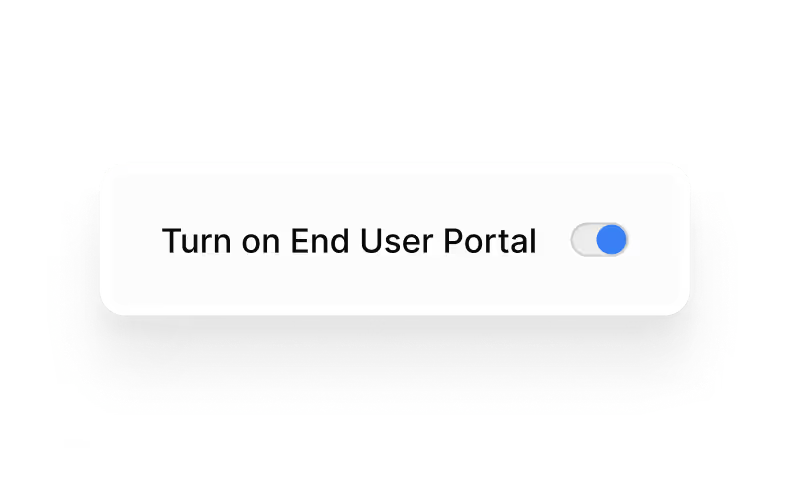
Activez-le en quelques secondes
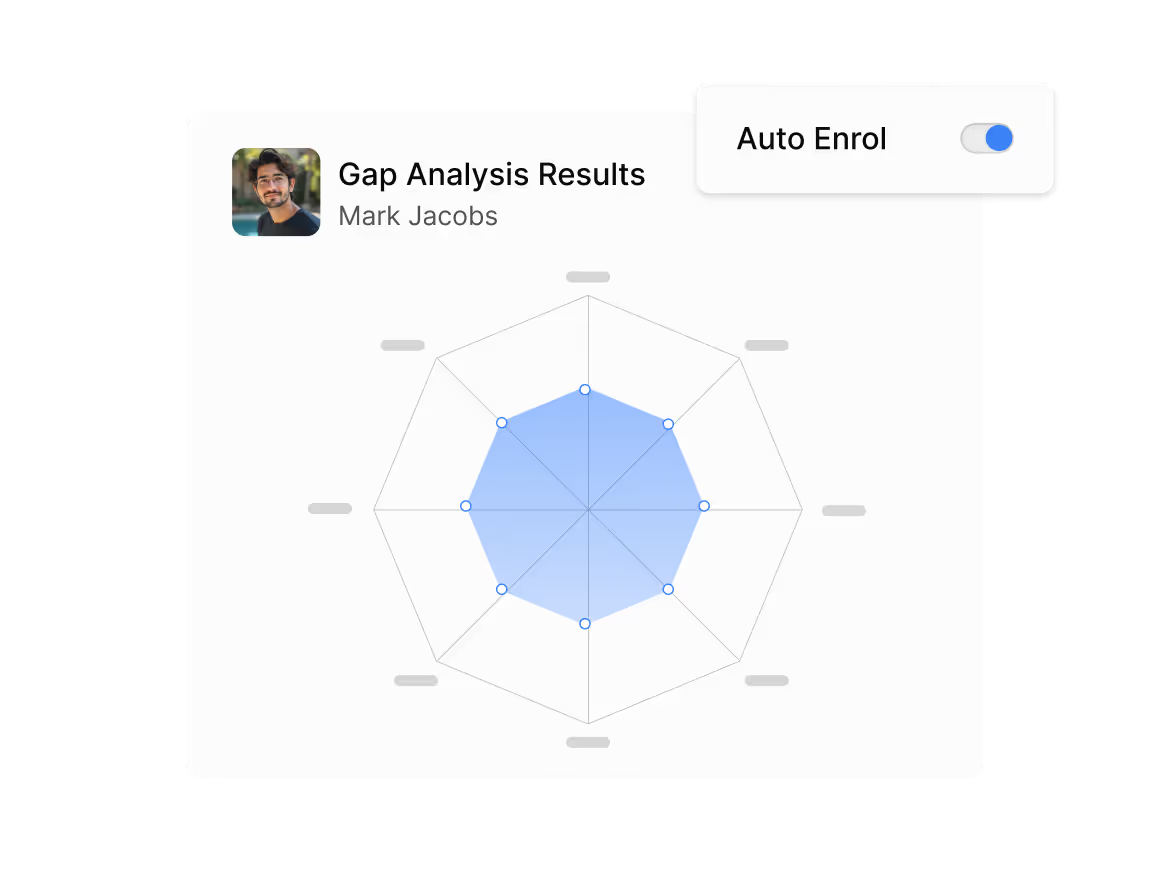
Activez le portail utilisateur dans vos paramètres et enregistrez vos modifications.
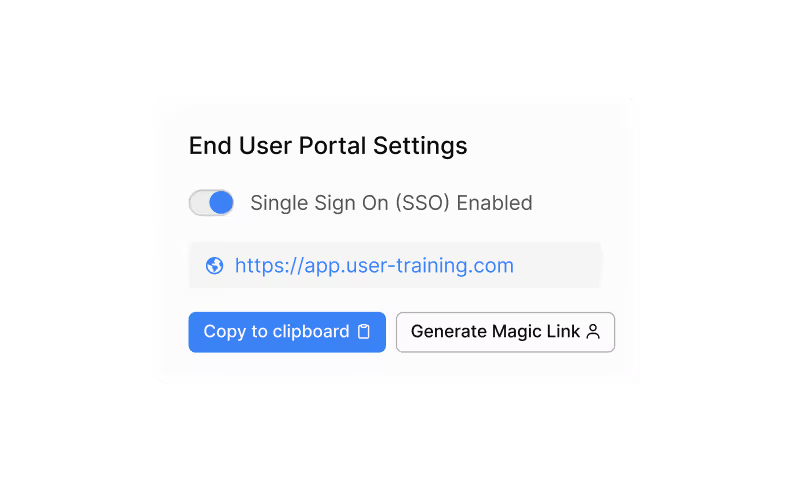
Accès simplifié pour tous les collaborateurs
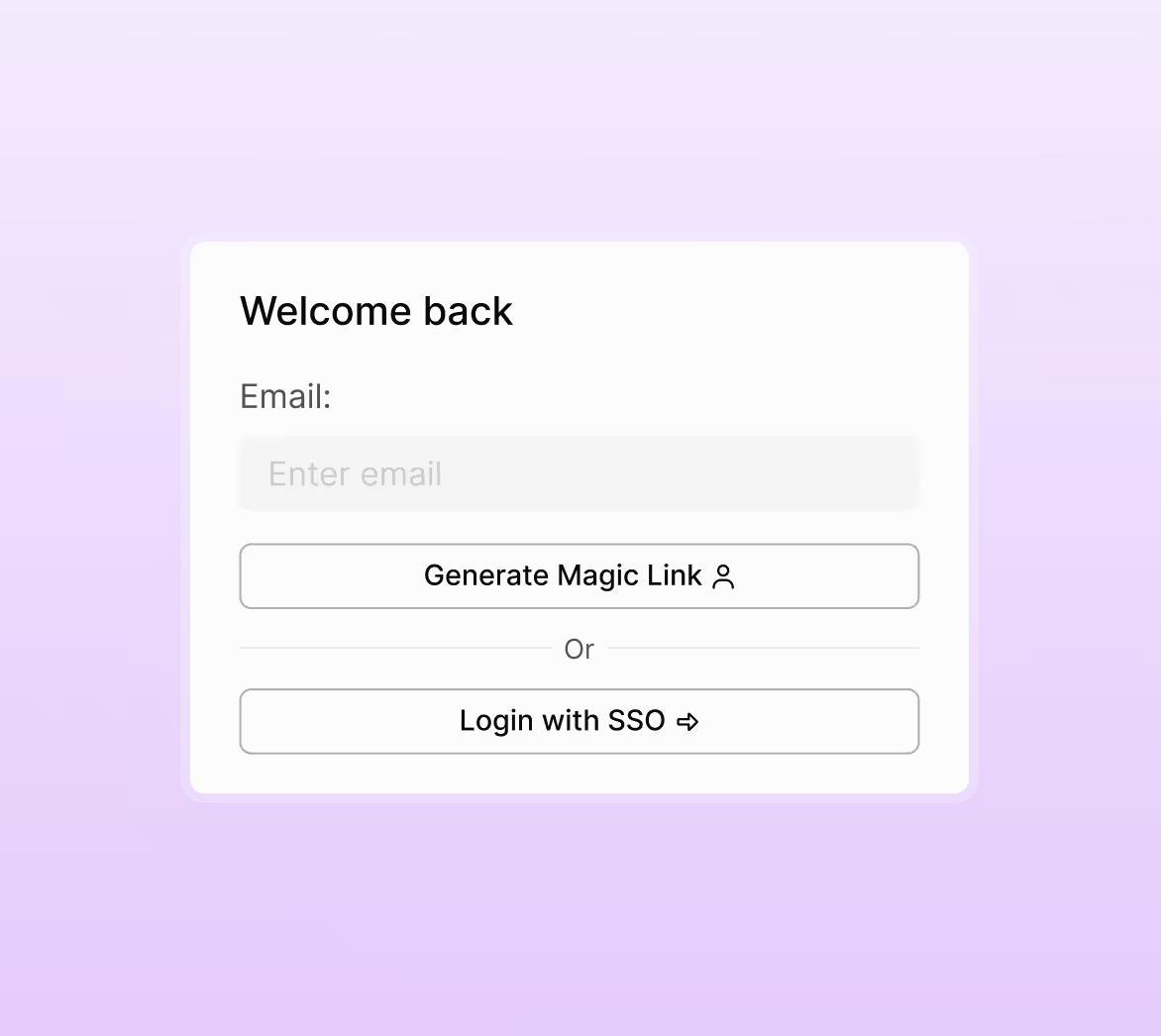
Donnez l'accès via une URL statique, un lien magique ou SSO. Aucun paramétrage ni assistance n'est nécessaire.
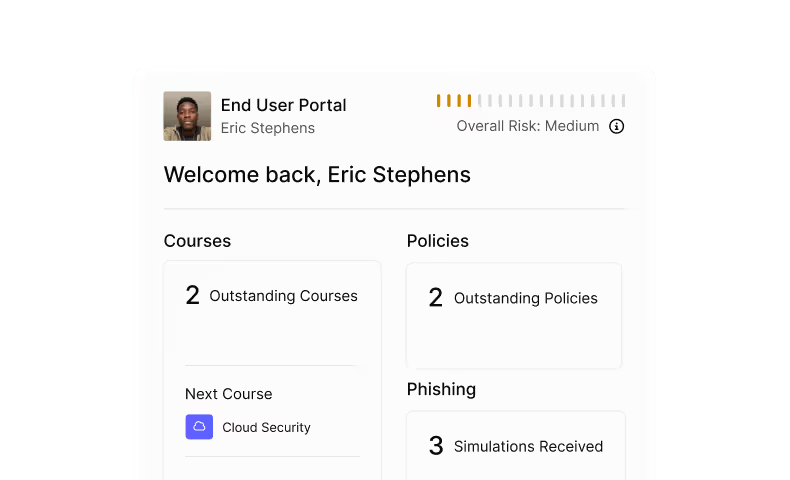
Permettez aux collaborateurs de s'approprier leur sécurité
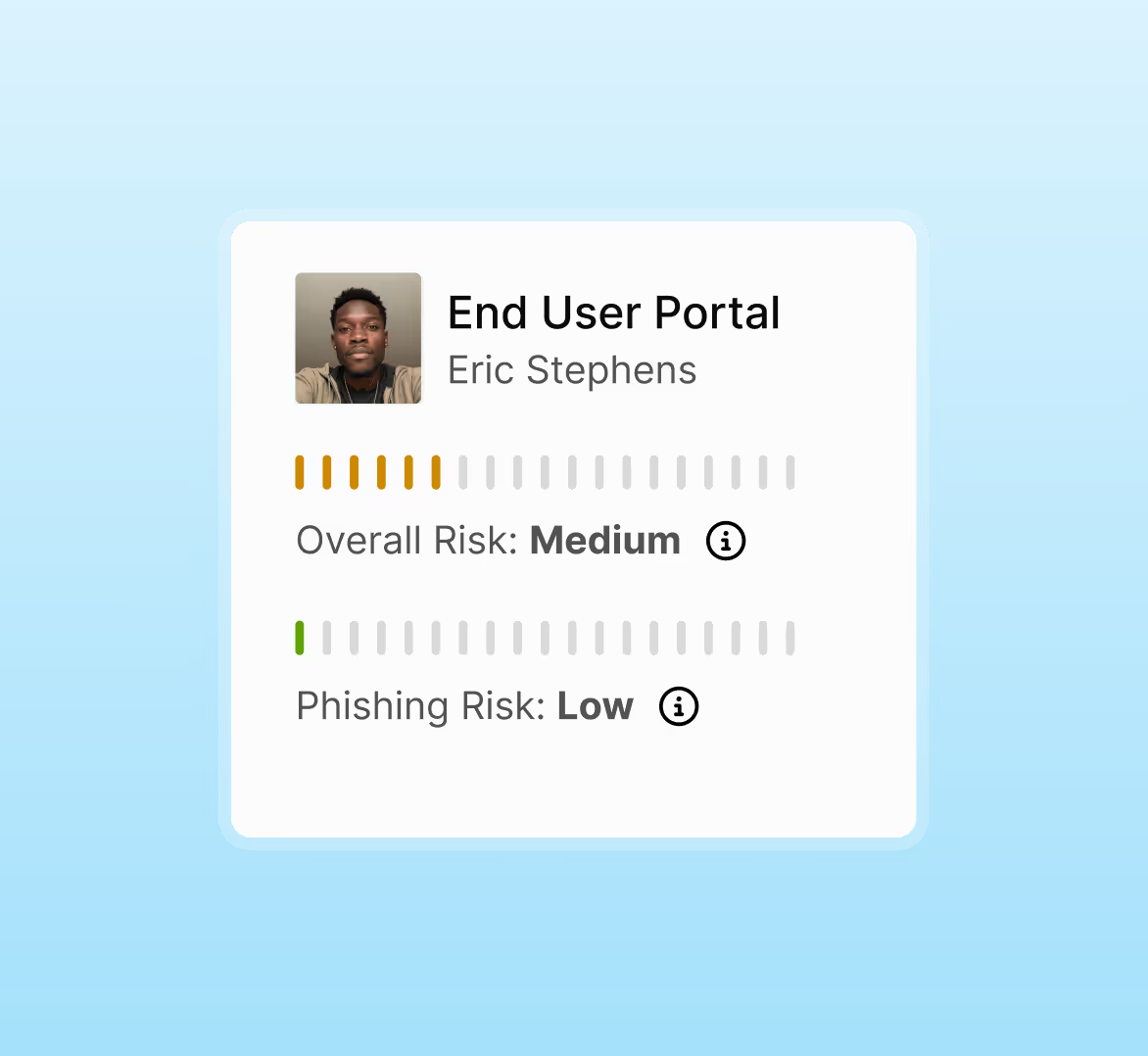
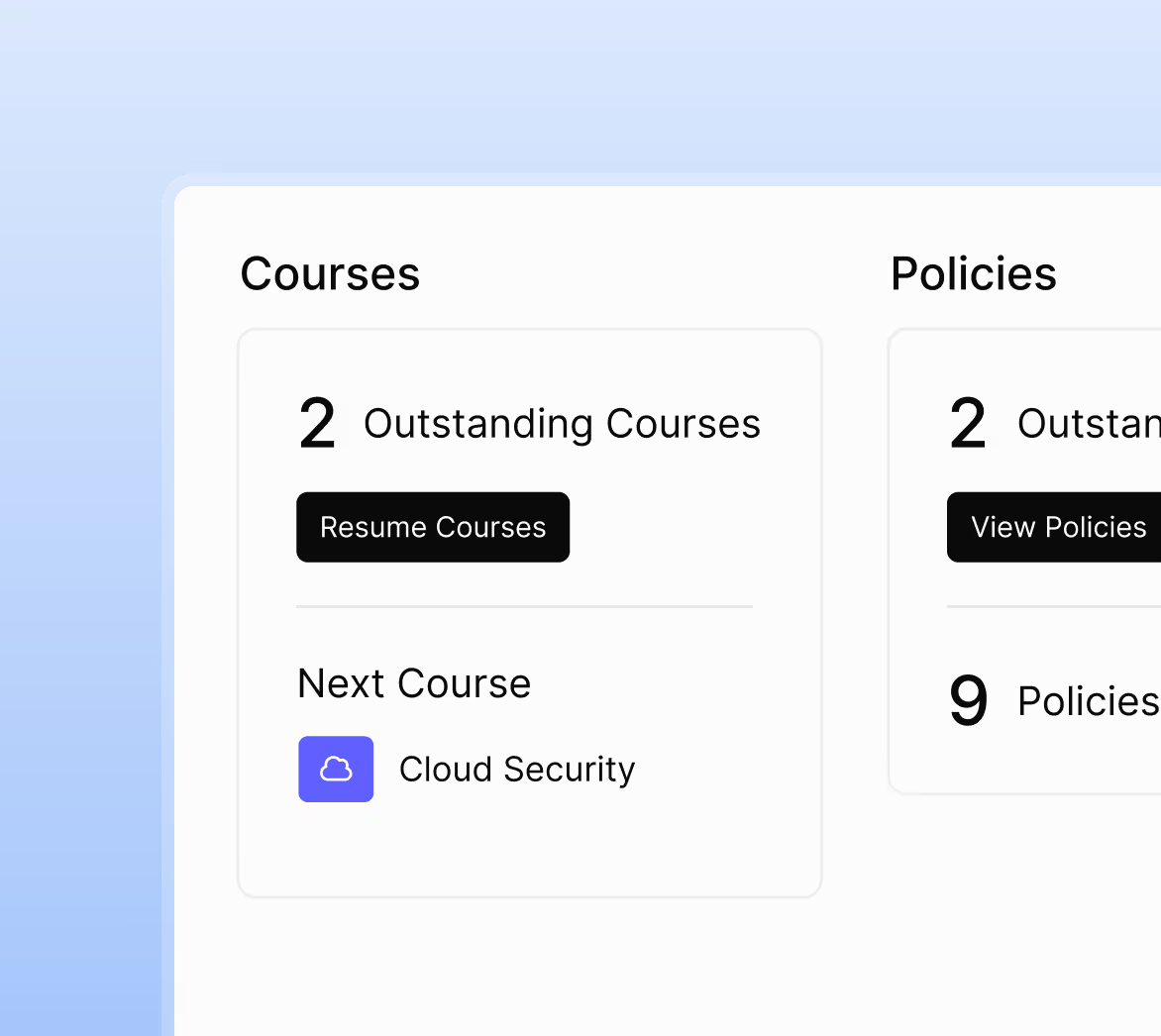
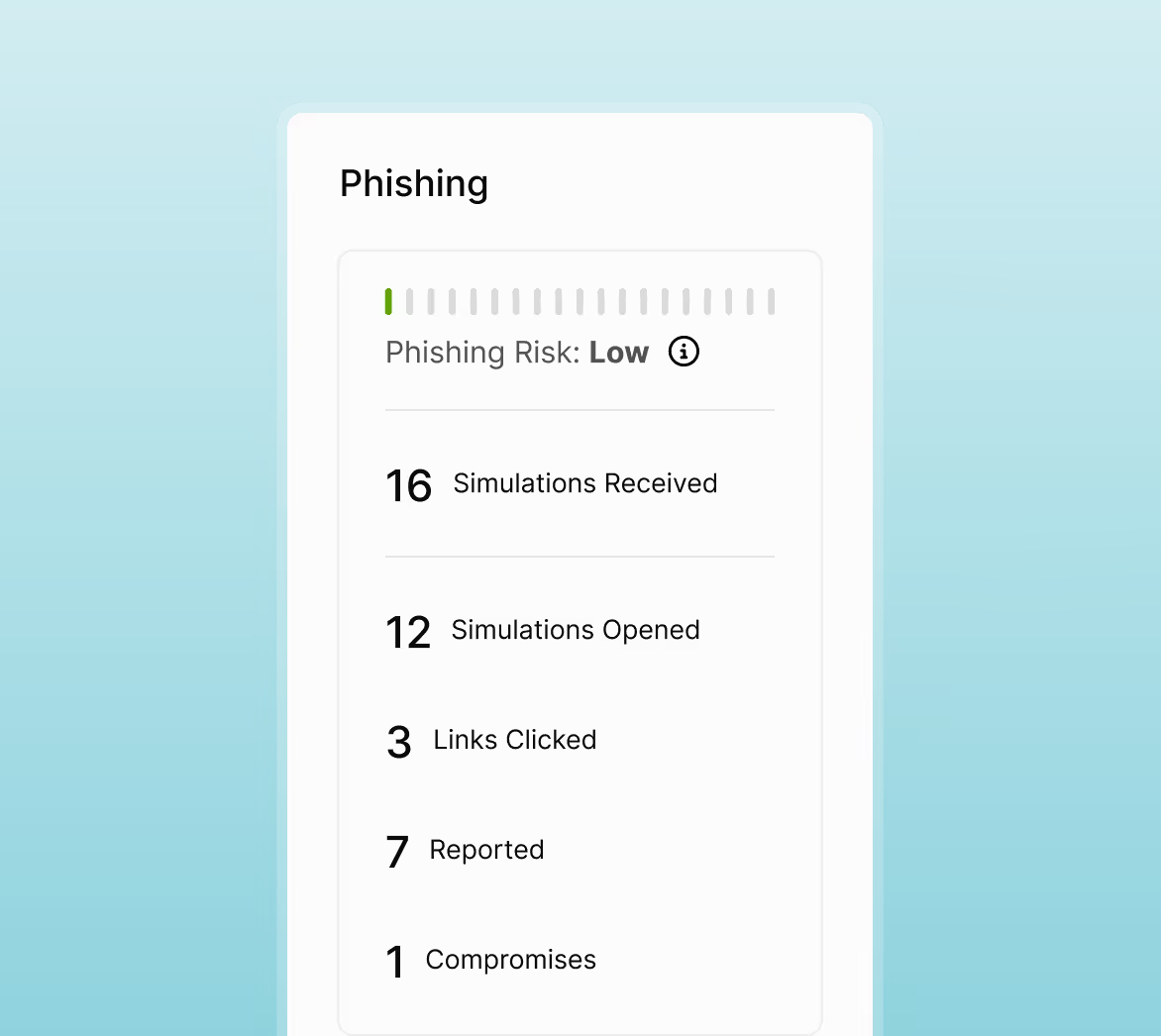
Les collaborateurs consultent leurs scores, terminent les cours, signent les politiques et examinent les résultats de Phishing. Leurs progrès sont mis à jour automatiquement au fur et à mesure.
Plus qu'un tableau de bord — il génère un véritable changement de comportement
Pourquoi les équipes apprécient le Portail Utilisateur
Gagnez du temps en réduisant les demandes au service informatique
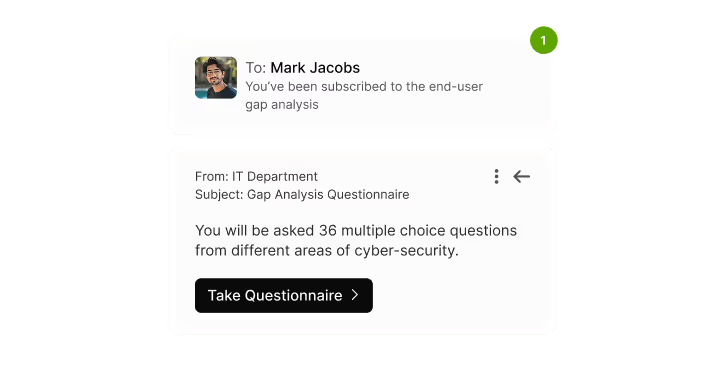
L'accès en libre-service et les rappels automatiques réduisent les relances manuelles et la charge administrative.
Favorisez la responsabilisation à tous les niveaux
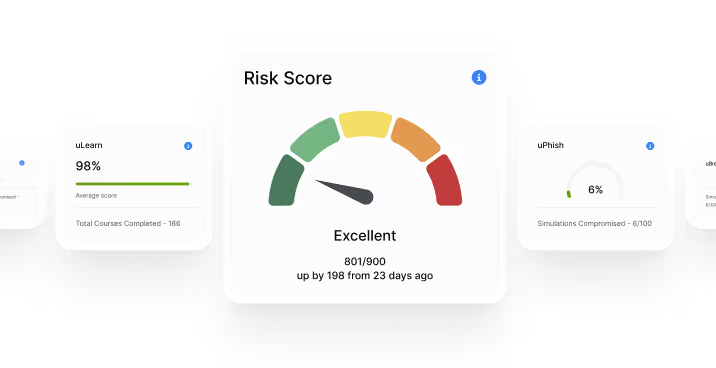
Les employés peuvent suivre leurs propres scores et taux d'achèvement, renforçant ainsi une culture de responsabilité.
Augmentez automatiquement le taux d'achèvement
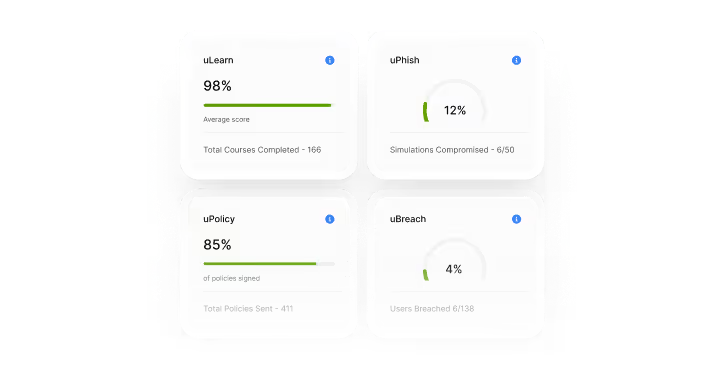
Formations, politiques et analyses réunies aident les utilisateurs à rester engagés et à terminer leurs tâches dans les délais.
Mesurez et prouvez les progrès
Les scores et les notes se mettent à jour automatiquement, offrant aux responsables une visibilité mesurable sur l'amélioration de la sécurité.
Simplifiez les rapports de conformité
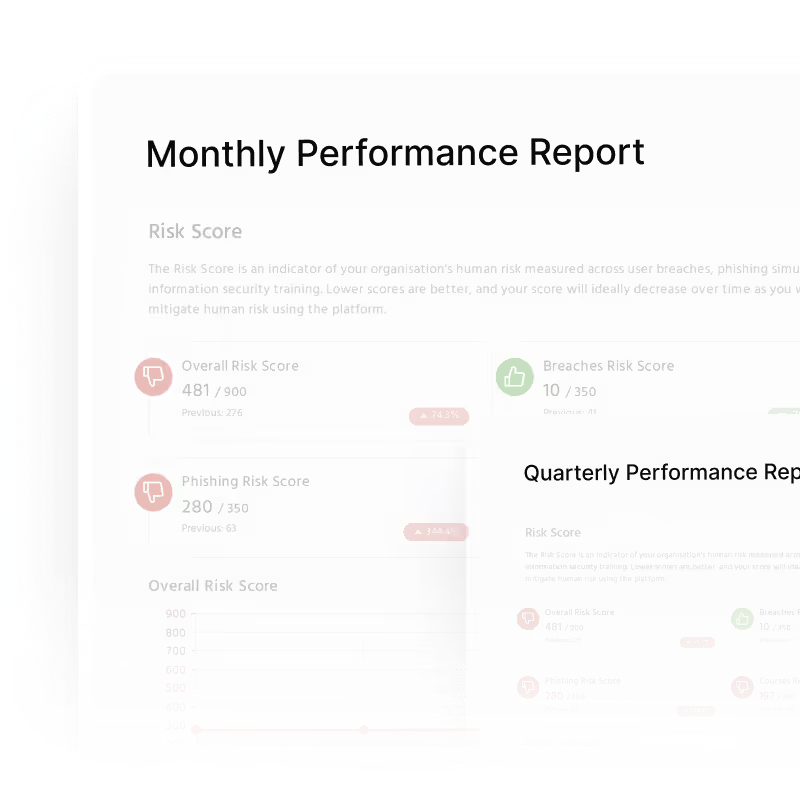
Des traces claires et vérifiables des formations et des confirmations de lecture des politiques, prêtes pour tout audit.
FAQs
Ils peuvent consulter et terminer des formations, signer des politiques, consulter leurs incidents de sécurité et suivre des indicateurs clés : leur score de risque humain, leur score de risque Phishing, le taux moyen de compromission, les taux d'achèvement et les scores des cours.
Les utilisateurs peuvent accéder via une URL statique du portail, un lien magique envoyé par e‑mail ou via SSO. Ils peuvent aussi accéder au portail depuis le bouton « Accéder au portail » de l'interface de formation.
Oui. Les administrateurs peuvent activer ou désactiver le portail utilisateur dans les paramètres de la plateforme et enregistrer les modifications instantanément.
Le portail prend en charge le SSO basé sur SAML. Les utilisateurs peuvent se connecter via SSO uniquement au portail utilisateur (pas au contenu des cours). S'ils sont authentifiés par leur fournisseur d'identité, ils sont connectés automatiquement.
Oui. Les utilisateurs gèrent eux‑mêmes leurs formations, leurs politiques et leur progression sans intervention de l'équipe informatique. Les rappels automatiques et l'accès en libre‑service réduisent les relances manuelles et les demandes d'assistance.
Faites mieux sans en faire plus.
Réservez une démo pour une présentation en direct montrant comment déployer en quelques minutes une formation de sensibilisation à la sécurité automatisée et adaptée au risque.

