Connect usecure to the tools you already use.
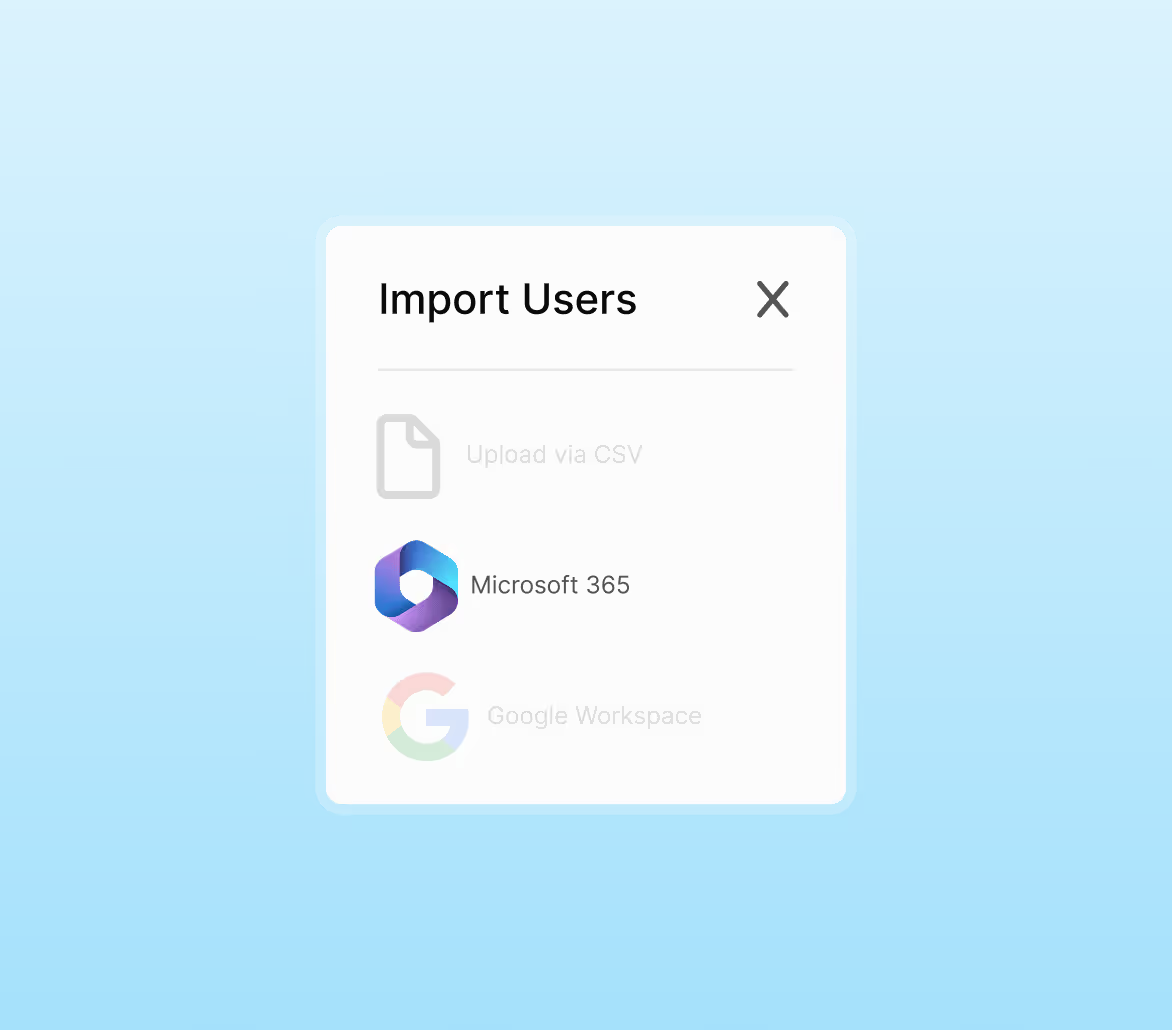
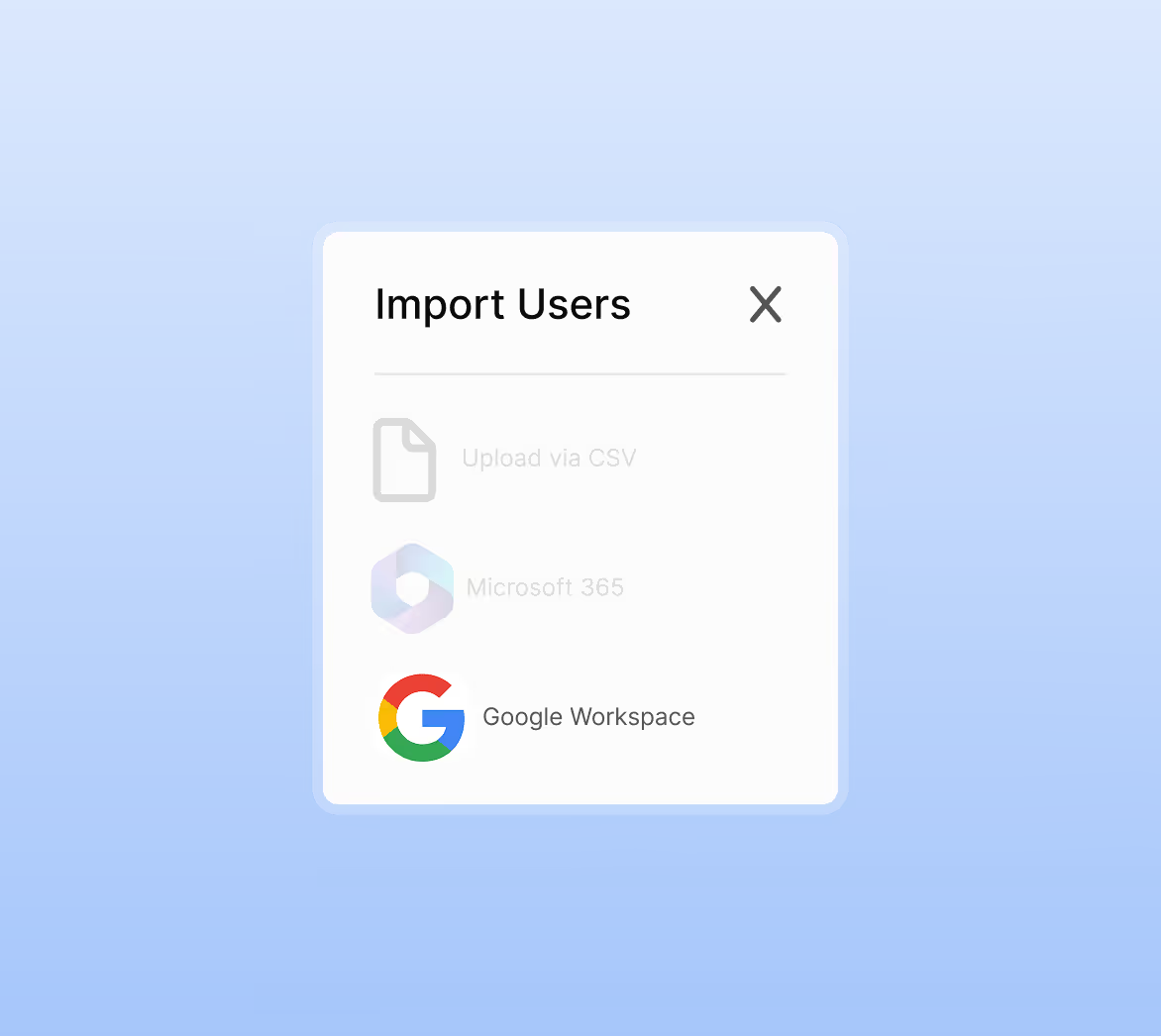
Sync users in minutes, deliver phishing simulations reliably, and centralise reporting — all through secure Microsoft 365 and Google Workspace integrations. Reduce admin, improve deliverability, and keep data protected with every sync.

“We needed a platform that was easy to use, quick to roll out to all staff, and could help us measure and improve our human cyber risk. The ability to automate training and gain visibility into phishing resilience has been a real game-changer for us.”

Integrate in three simple steps
Authorise securely, configure your options, and go live in minutes. Every integration is designed to minimise admin, maximise reliability, and fit seamlessly into your existing environment.
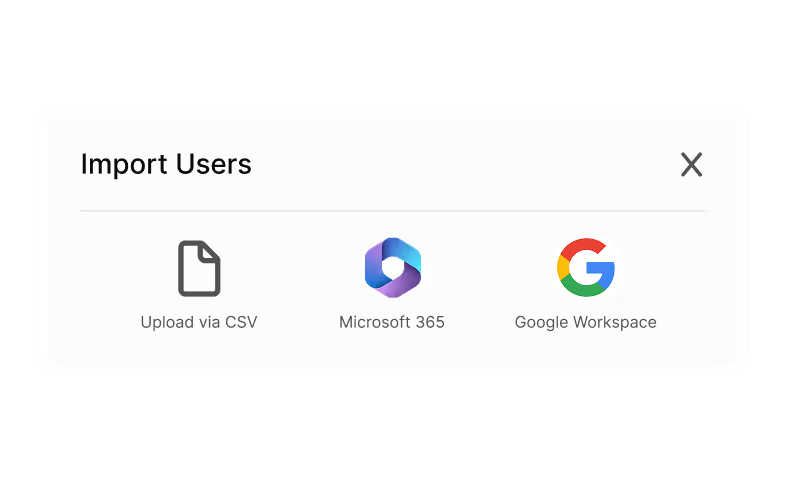
Secure setup made simple
Sign in with Microsoft or Google, grant consent where required, and complete the guided setup — no manual configuration needed.
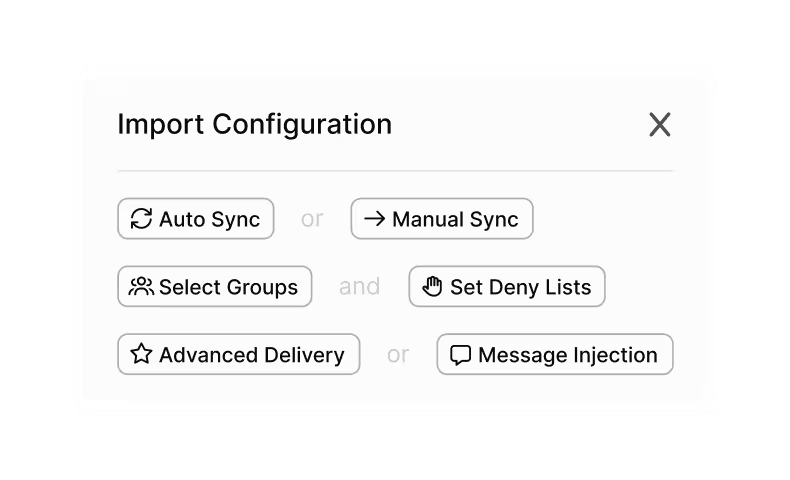
Control how users and simulations sync
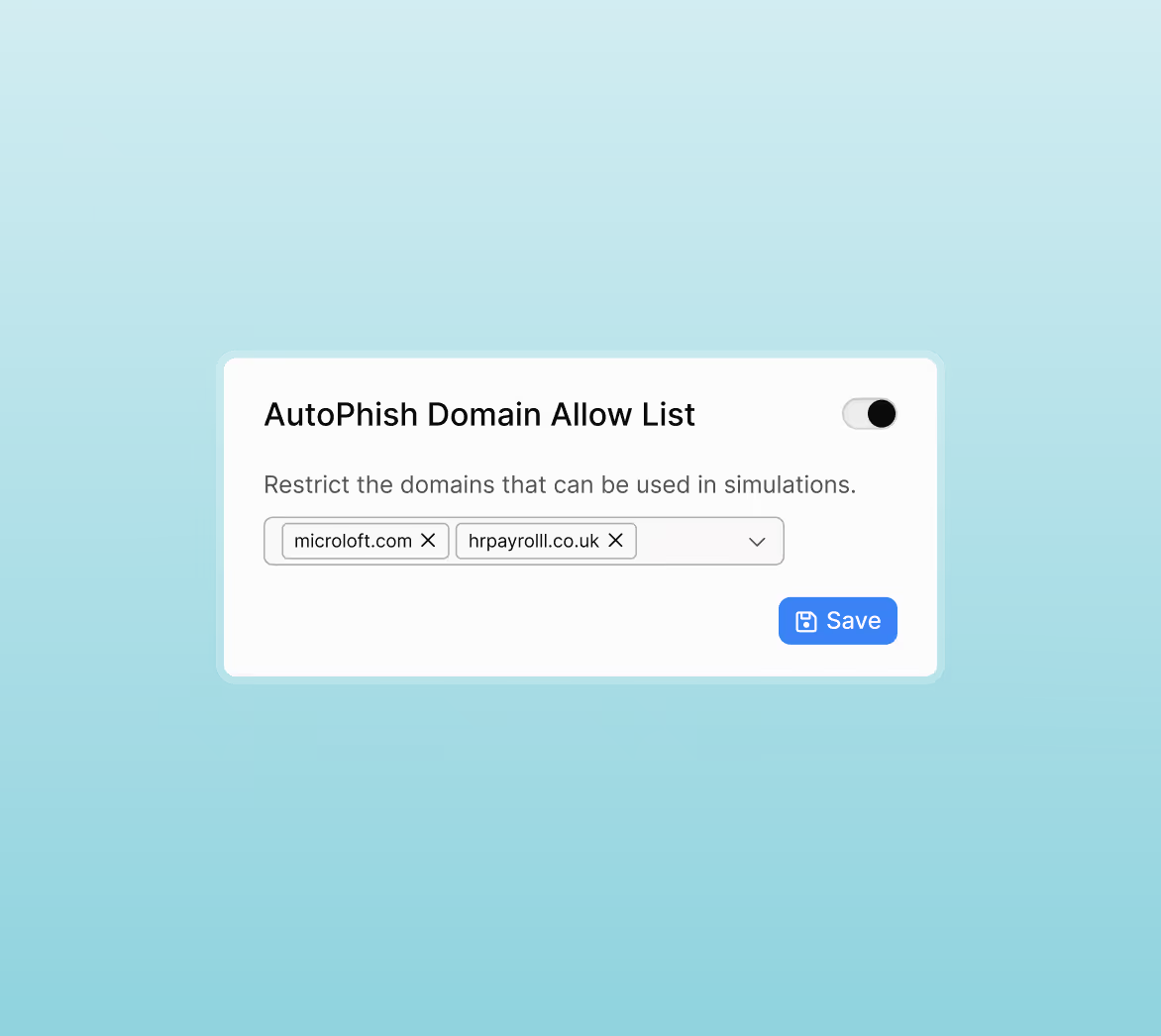
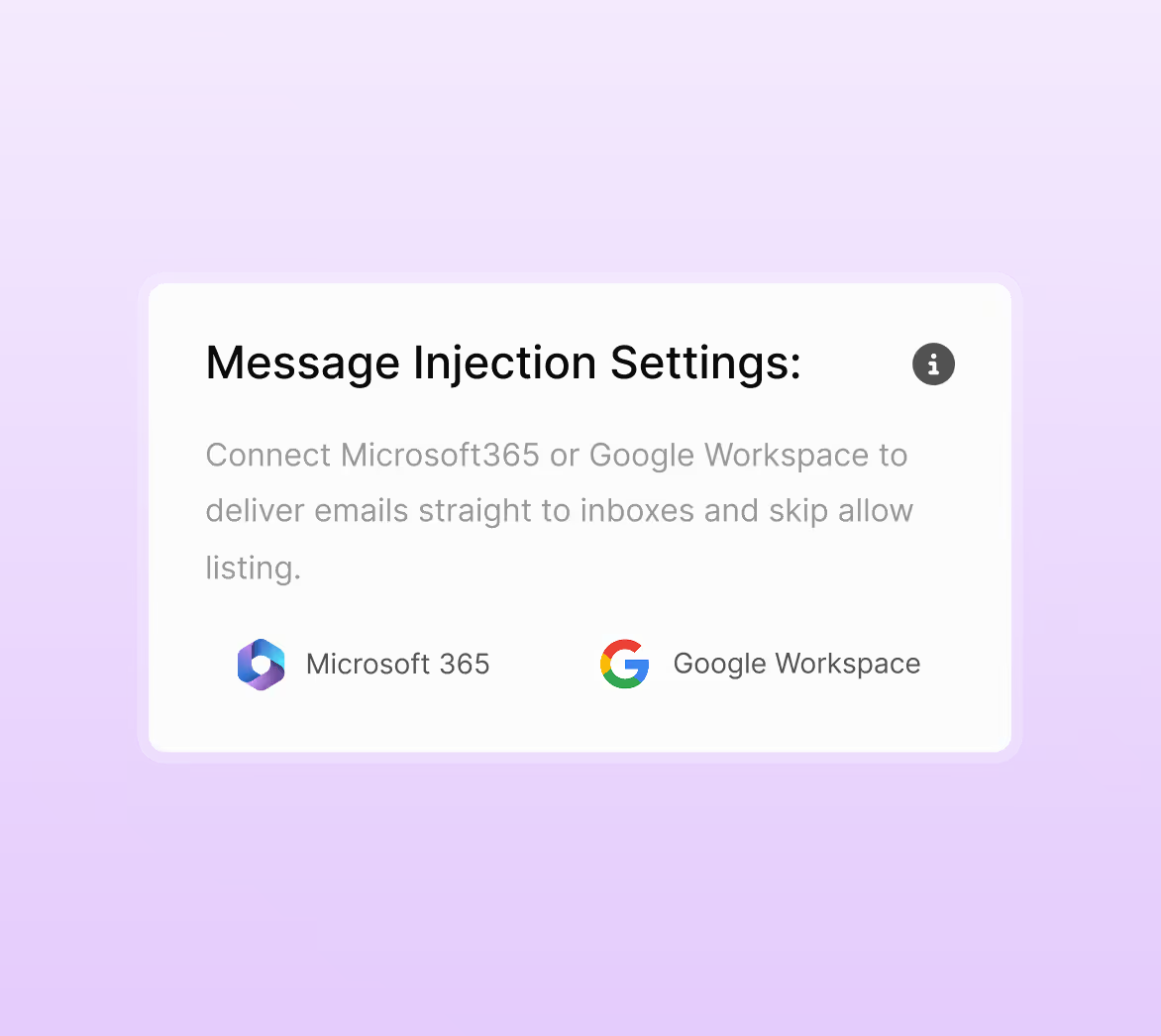
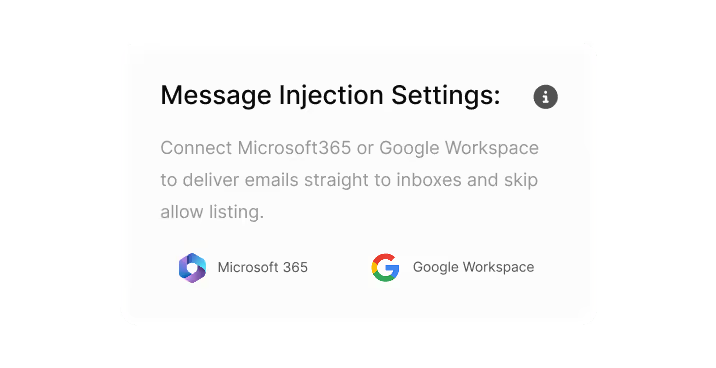
Choose auto or manual sync, select groups, set deny lists, and enable Advanced Delivery or Message Injection for the best simulation accuracy.
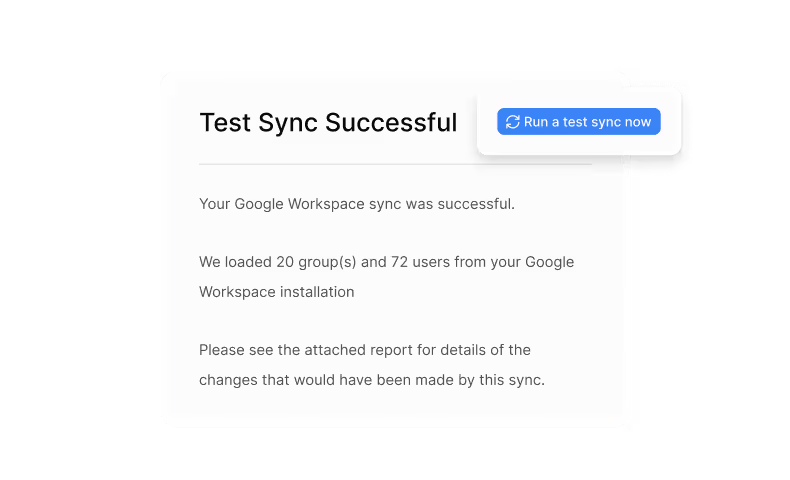
Test and monitor with confidence
Run a test sync, send a test simulation, and track integration health directly from your dashboard.
Smart integrations that power reliable automation
Why teams love usecure integrations
Roll out faster with less admin
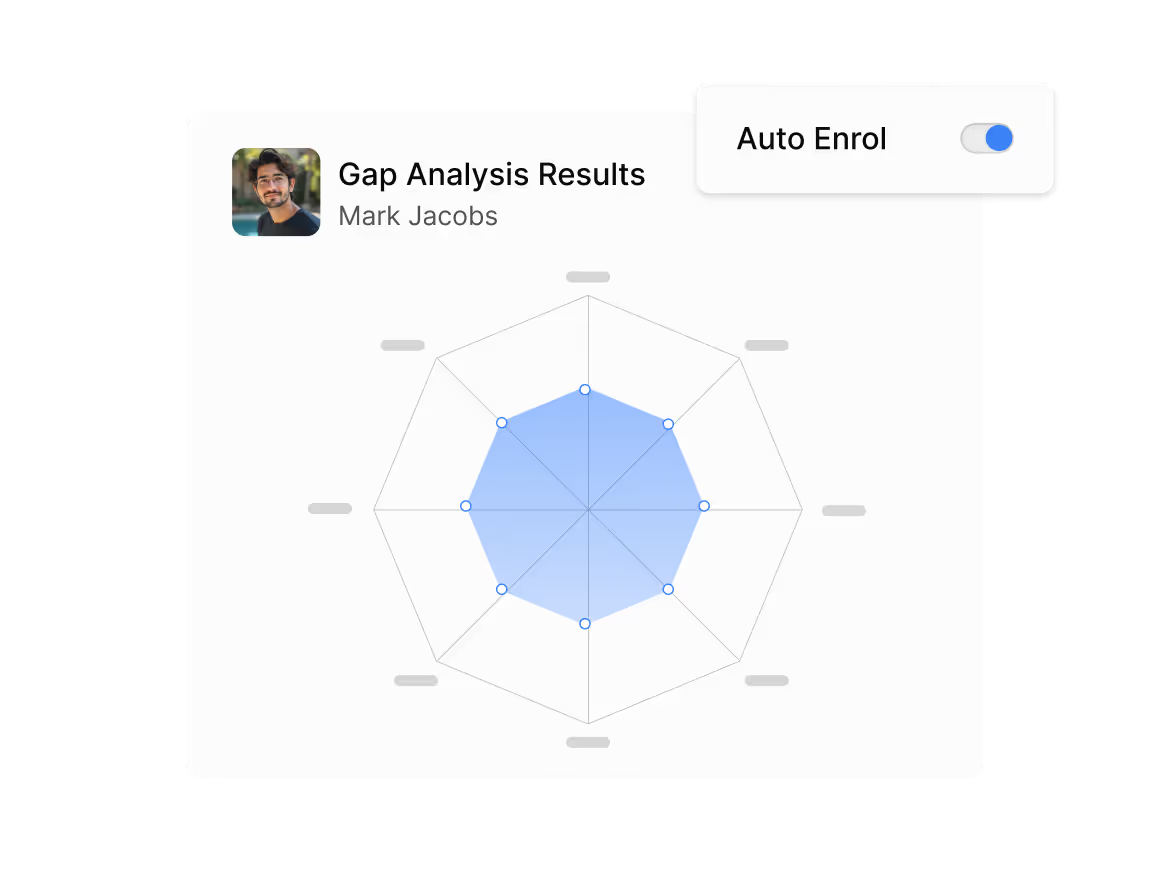
Sync users automatically and stay up to date without manual uploads or spreadsheet management.
Deliver simulations more reliably
Advanced Delivery and Message Injection ensure messages land in inboxes, improving accuracy and engagement.
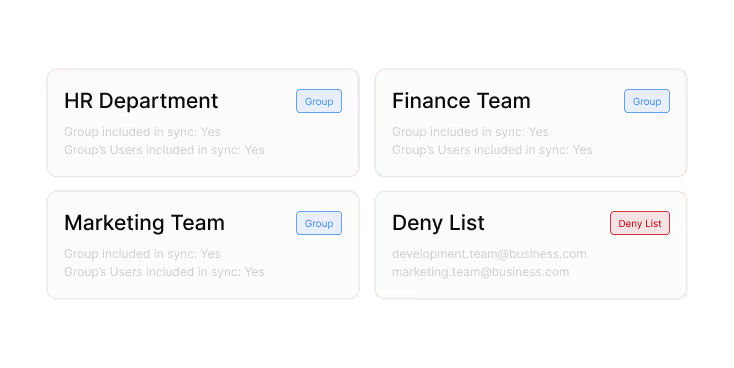
Keep environments clean and controlled
Select groups, deny lists, and mapping rules to maintain tidy, accurate directories.
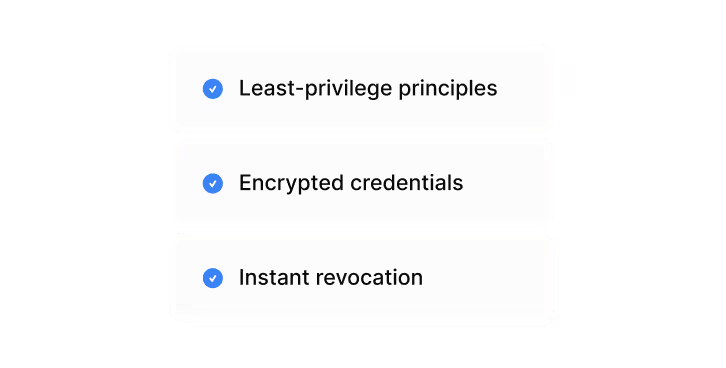
Strengthen your security posture
Integrations follow least-privilege principles, use encrypted credentials, and allow instant revocation.
Streamline reporting and response
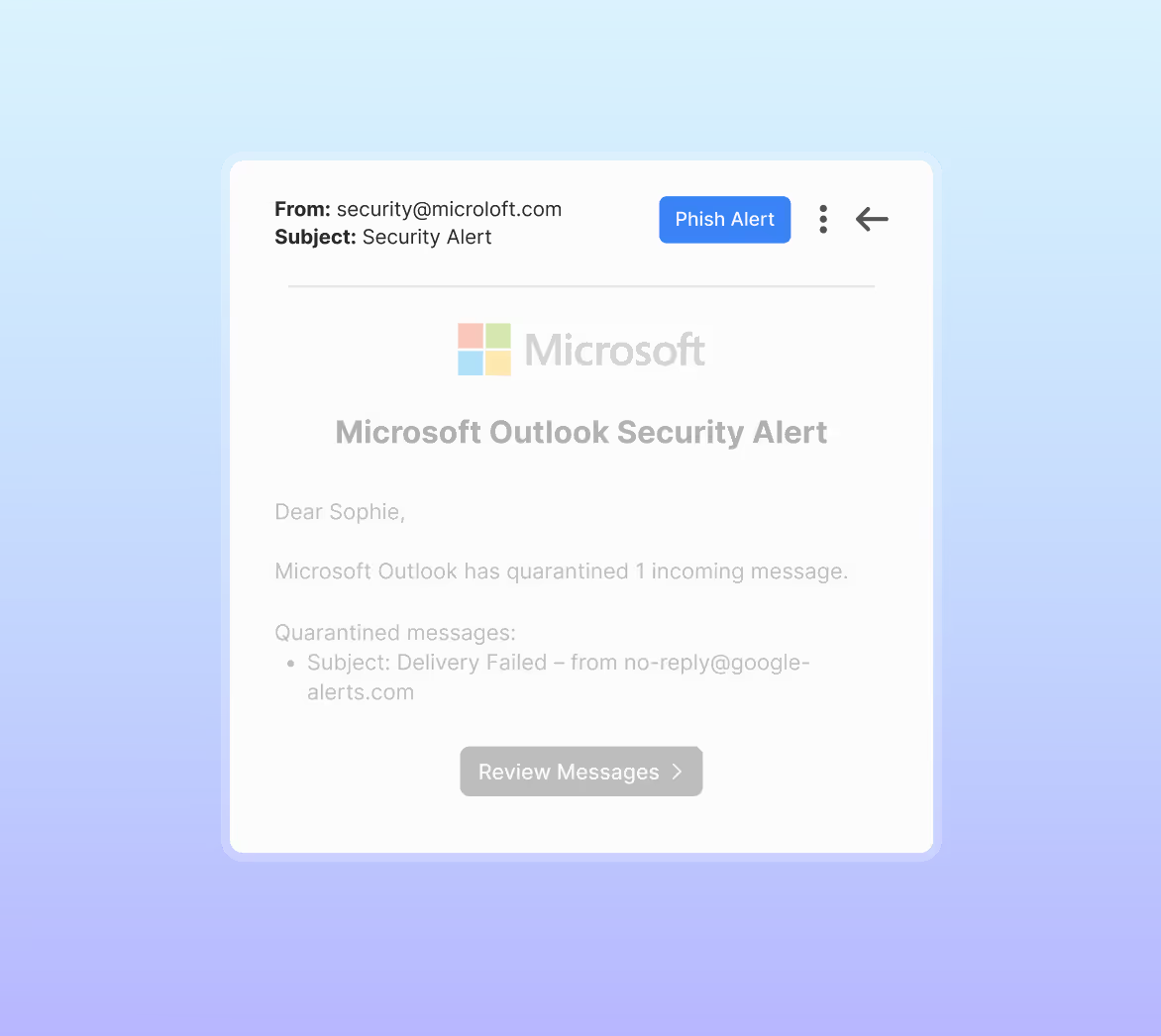
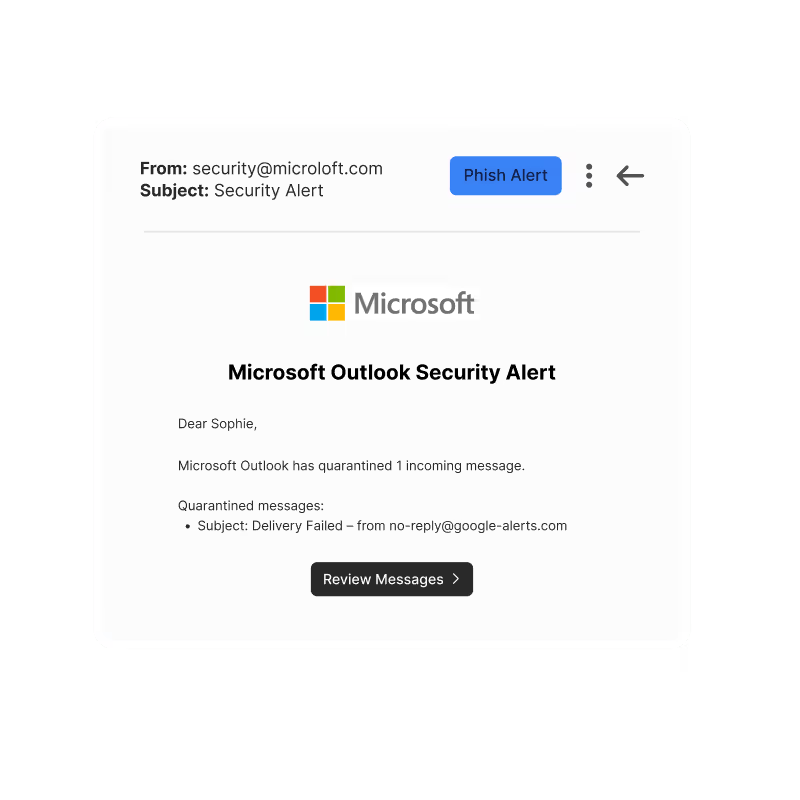
The Phish Alert Button centralises user reports, helping your SecOps or MSP team act quickly.
FAQs
We request directory access to sync users and groups, plus extra mail permission for Message Injection so we can place simulated phishing emails directly into inboxes. We don’t read user emails or send any other messages through this integration.
We sync basic user and group details so you can run campaigns. For the Microsoft 365 integration itself, we only store your tenant ID and (for delegated sync) a secure token, all encrypted.
No, but without sync you will manage users manually. Without Message Injection or Advanced Delivery you will need allow-listing, which is typically less reliable for simulations.
You’ll see the best and most consistent results with Message Injection. If you don’t use it, you can still rely on our allowlisting and Advanced Delivery guidance, but delivery will generally be less dependable.
Yes. You can reconnect or revoke Microsoft 365, Google Workspace and Message Injection from the usecure settings, or remove the usecure apps from your tenant if you need to cut off access immediately.
See usecure in action
Automate client training, phishing, policies, and reporting from one platform. Cut manual admin, improve service quality, and scale your security offering with less effort.

