Product & Content Updates March 2024: Attachment Phishing & QR Code Training


Subscribe to newsletter
View a quick round-up of everything new on the usecure app ⬇️
Want to receive this update in your email inbox each month? Subscribe now.
New features
Attachment phishing
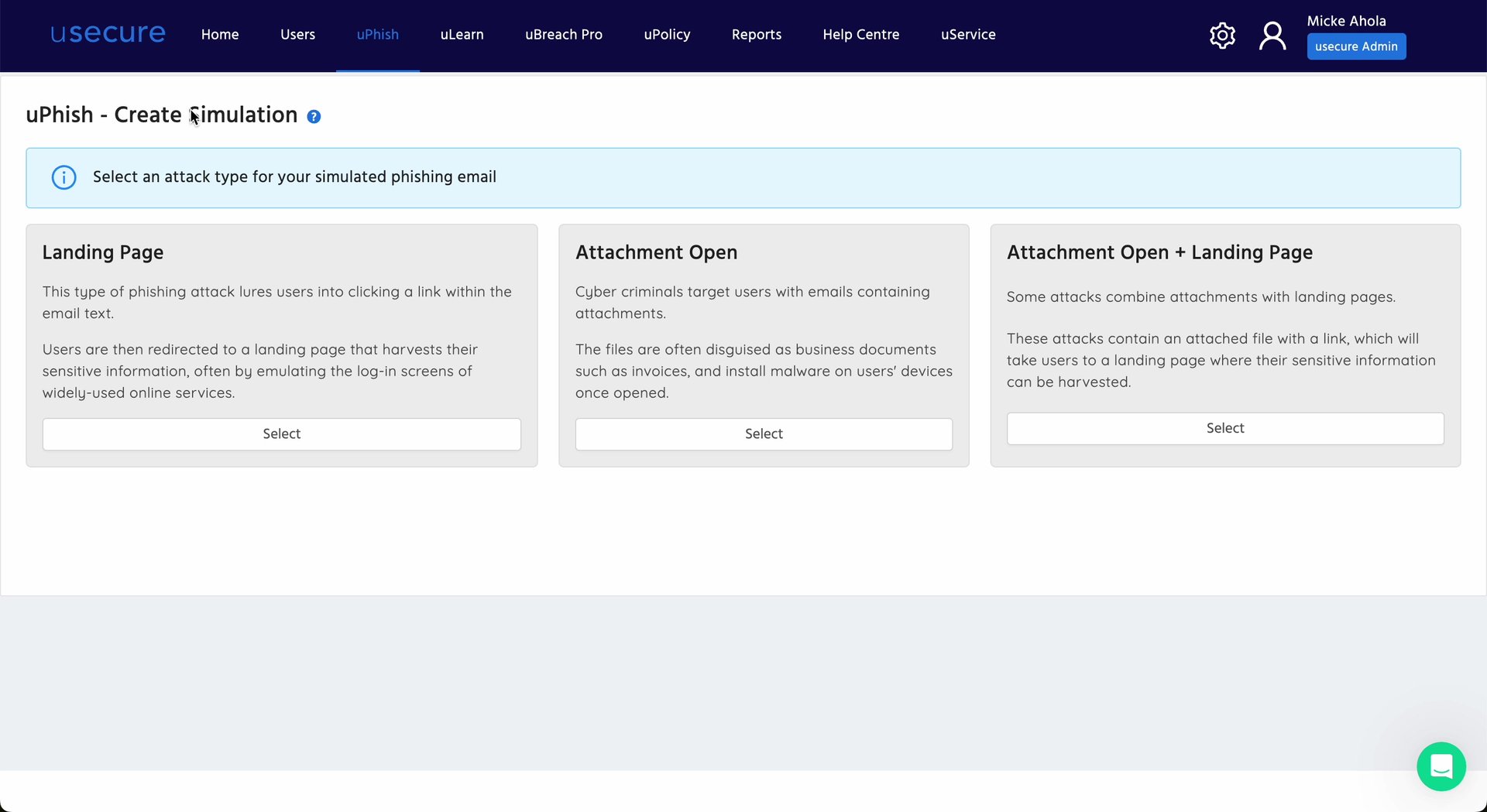
You can now send out phishing simulations equipped with attachments to your end users. Attachments are a common source of malware and links to malicious websites, so training your users in spotting these types of phishing attempts is key to keeping your clients safe.
With the introduction of these new attack types, we have revamped the uPhish UI and added a new screen to the beginning of your simulation creation process. In this new screen, you can choose which type of simulation you wish to send out.
uPhish -> Create Simulation -> Attachment Open or Attachment Open + Landing Page
New content
Attachment phishing courses
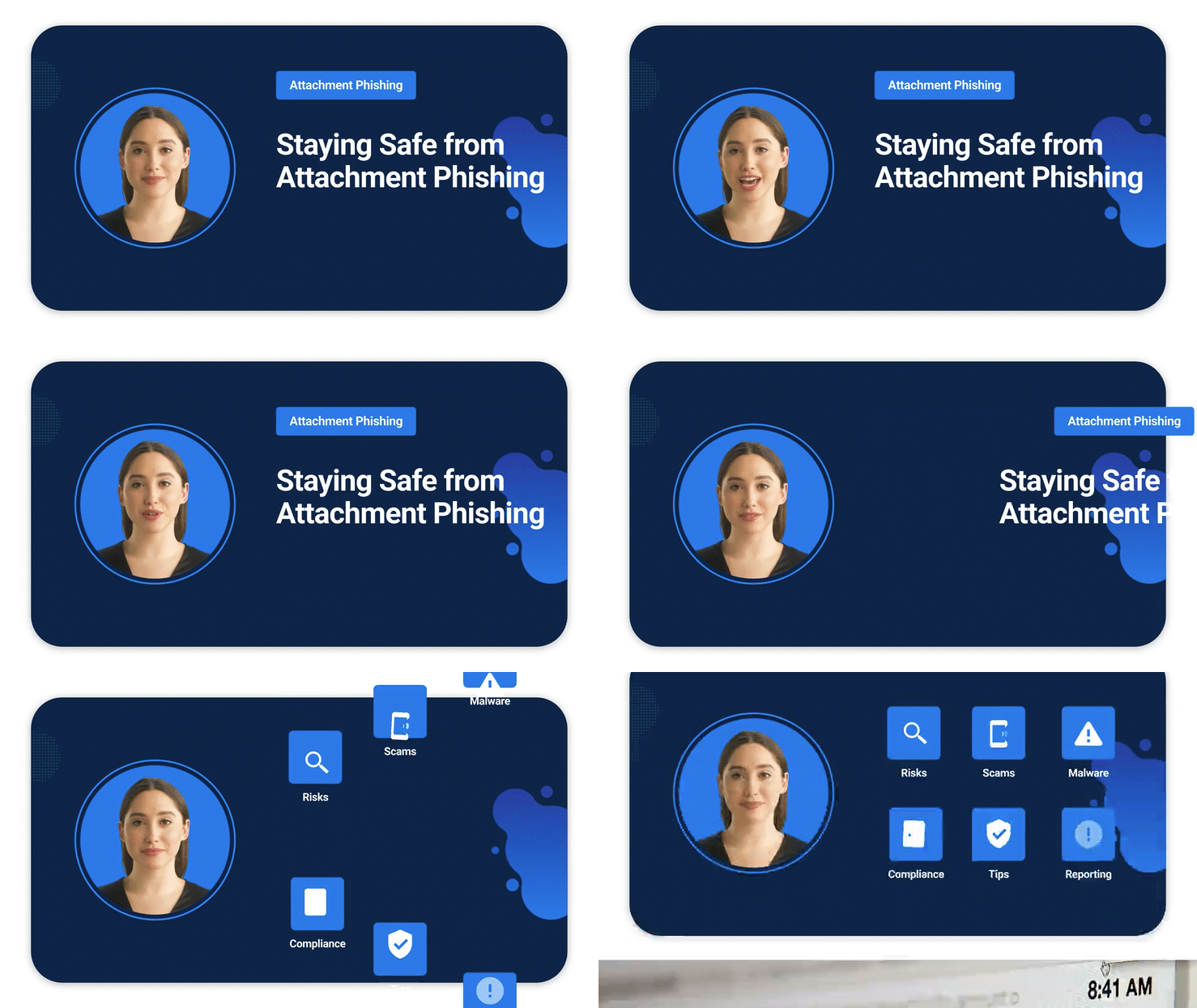
We've released two new courses to help you train end users on the risks posed by attachment phishing. This includes a general course to introduce users to the topic, and a micro-training course specifically created for users who have fallen for an attachment-equipped phishing simulation.
uLearn -> Course Library -> search attachments
Additional QR code courses
In December we released a new feature that allows you to send phishing simulations equipped with QR codes to your end users.
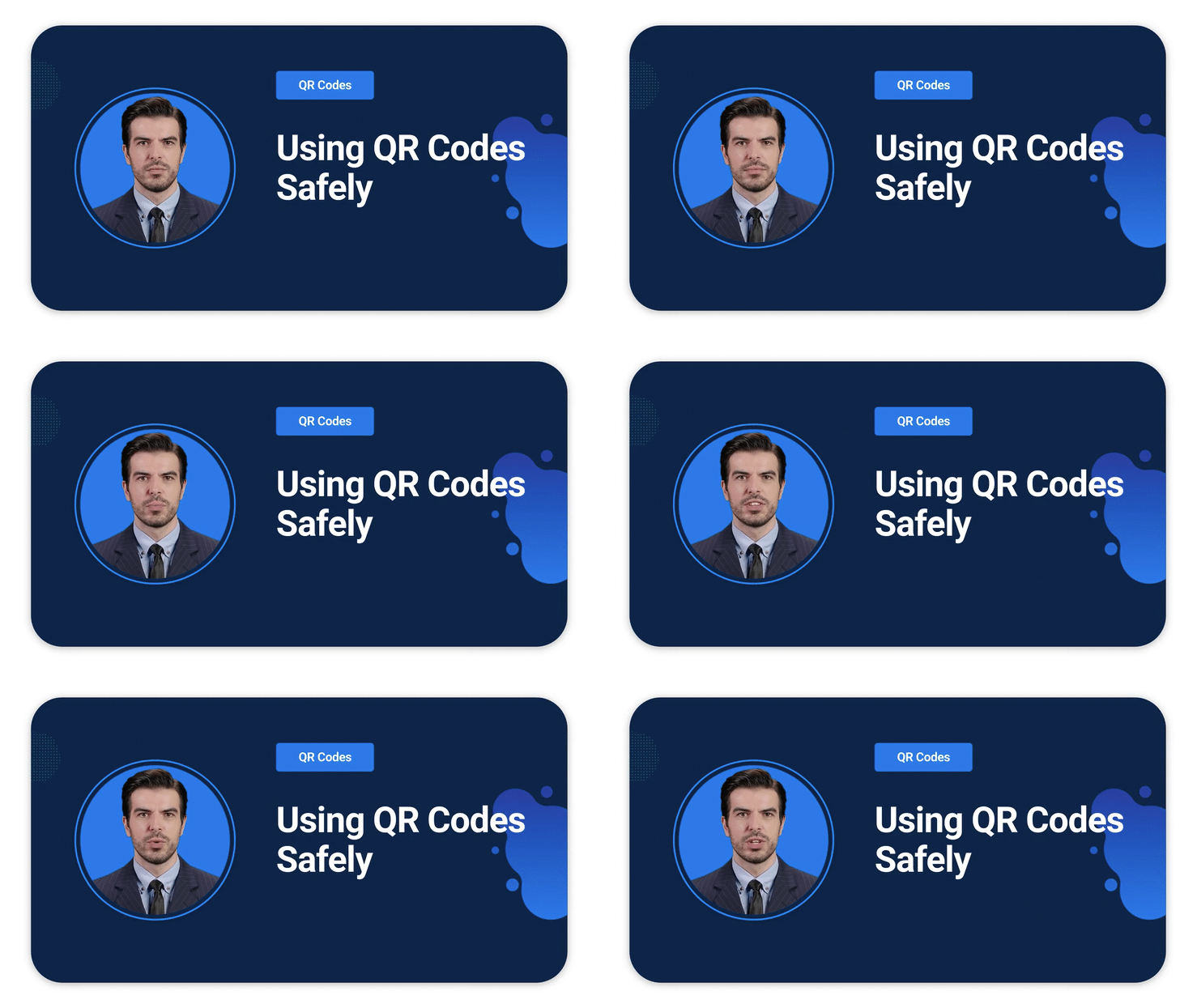
We've just released two new courses that help you address this risk. 'QR Code Attacks' is your go-to training course that walks users through the various types of QR code scams, from emails to physical codes. 'QR Code Phishing Micro Training' is your dedicated micro training course for users who have become compromised on their QR code phishing simulations.
uLearn -> Course Library -> search QR
Attachment templates
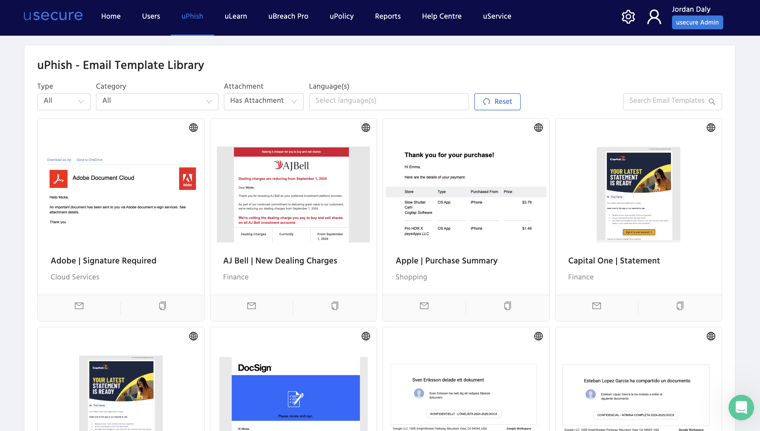
We've released 20+ new templates to help you train and test your users on the most common attachment-based phishing scams. These include templates from the most common online services, as well as internal and spear-phish scams.
uPhish -> Create Simulation -> Attachment Open or Attachment Open + Landing Page
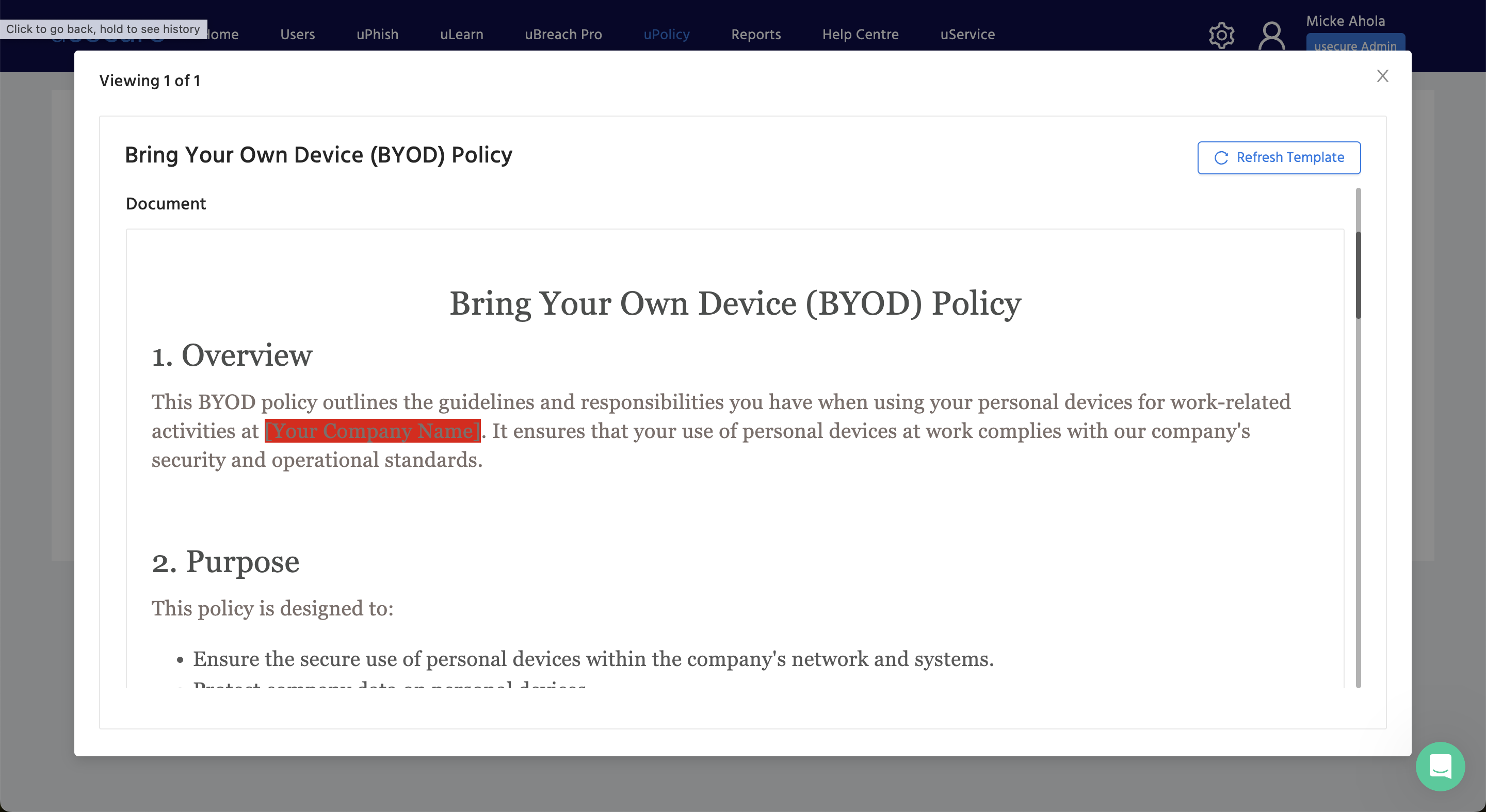
BYOD Policy Template
Bring-Your-Own-Device policies are becoming ever more popular as employers and employees seek flexibility. You can now easily help your clients create a BYOD policy for their staff using our template in the uPolicy library.
uPolicy -> View Policies -> Create Policy -> From Template
Events
Channel Program All Stars
Channel Program's All Stars online event will be taking place on March 27, at noon ET. The event will feature 17 industry leaders, 4 thought provoking keynotes, and 3 powerhouse panels of industry experts, including the usecure CEO Charles Preston.
Together, they will navigate in-depth conversations that will cover popular modern-day topics such as:
- Business continuity
- The current state of security
- The importance of automation
Don't miss this chance to learn and empower your business!

Not yet a usecure customer or partner?
Book a meeting with our team for a quick run-through of how usecure helps businesses reduce human risk through admin-lite automation, or, start a free 14-day trial to launch a free phishing simulation.
BOOK A DEMO
See Human Risk Intelligence in action
A 30-minute walkthrough of how to cut human risk across your users, tailored to MSPs and IT teams.
Subscribe to newsletter

FAQs
uLearn d'usecure évalue les connaissances de chaque utilisateur en matière de sécurité et s'appuie sur Auto Enrol pour attribuer des formations en fonction des lacunes identifiées. La planification automatique des cours, les relances et le reporting permettent aux organisations de mener un programme continu avec moins d'administration manuelle.
Oui. uPhish d'usecure permet d'automatiser et de planifier les campagnes de phishing, et d'envoyer une formation de suivi lorsque des utilisateurs interagissent avec une attaque simulée. Les tests se poursuivent ainsi en continu, sans que les équipes IT aient à concevoir et envoyer chaque campagne manuellement.
uPolicy d'usecure centralise la création, la diffusion, le versionnage et le suivi de l'acceptation des politiques. Les organisations peuvent attribuer des politiques à des utilisateurs ou à des groupes, automatiser les relances et exporter les justificatifs, ce qui réduit la charge administrative liée à la gestion des politiques.
Oui. usecure propose un essai gratuit de 14 jours de sa plateforme principale de Human Risk Management, qui couvre la formation de sensibilisation à la sécurité, les simulations de phishing, la gestion des politiques et la vérification de l'exposition des identifiants.
Related posts
Explore more insights, updates, and resources from usecure.
Top 10 cybersecurity threats in 2024




See effortless human risk intelligence in action
Book a demo to see how usecure reduces human risk for IT teams and MSPs, or start a free trial to explore the platform yourself.

