AutoPhish Just Got Smarter with Productivity Tools

Subscribe to newsletter
Random phishing templates can feel irrelevant — leading to low engagement, wasted admin time, and results that don’t reflect real risk.
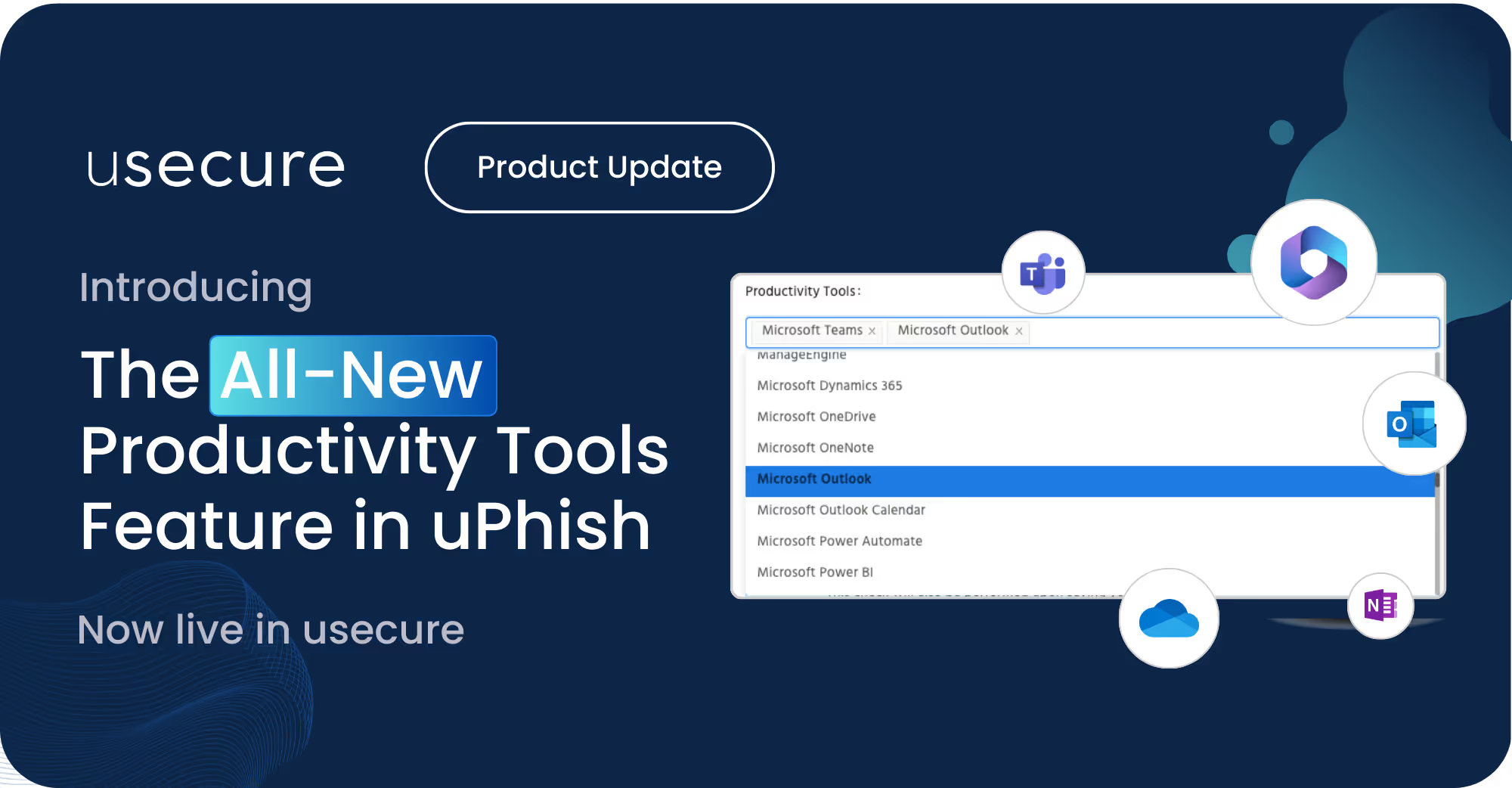
That’s why we’ve added Productivity Tools to AutoPhish. This new option makes phishing simulations more relevant than ever by prioritising content that matches the software your people use every day — Microsoft 365, Google Workspace, Zoom, and more.
Train in the tools that matter
- Targeted simulations: Deliver phishing tests built around the tools staff actually use.
- Smarter insights: Higher engagement uncovers hidden vulnerabilities.
- Simple setup: Configure once and let AutoPhish do the rest.
- Scalable results: Roll out without adding admin burden.
- Future-ready: Our expanding content tagging makes simulations continuously smarter.
Why it matters
More relevant simulations mean better outcomes at every stage:
- Short term: Expect higher engagement and more compromises detected — revealing the true level of risk in your organisation.
- Long term: Follow-up training builds resilience, click rates fall, and Human Risk Scores improve.
- Compliance confidence: Audit-ready reporting makes it easy to evidence phishing awareness for frameworks like ISO 27001, SOC 2, GDPR, HIPAA, and DORA.
How to get started

The Productivity Tools option is available now under uPhish > Configure Auto Phish or Settings > uPhish.
Select the most relevant productivity tools from the list available. You can select as many as you need, to ensure the phishing simulations sent out reflect the common productivity tools used by your end users.
This is the first of several improvements coming to AutoPhish — all designed to make simulations smarter, more targeted, and more effective over time.
BOOK A DEMO
See Human Risk Intelligence in action
A 30-minute walkthrough of how to cut human risk across your users, tailored to MSPs and IT teams.
Subscribe to newsletter

FAQs
Oui. uPhish d'usecure permet d'automatiser et de planifier les campagnes de phishing, et d'envoyer une formation de suivi lorsque des utilisateurs interagissent avec une attaque simulée. Les tests se poursuivent ainsi en continu, sans que les équipes IT aient à concevoir et envoyer chaque campagne manuellement.
Parmi les indicateurs utiles figurent le taux de clics, le taux de saisie d'identifiants, le taux de signalement du phishing, les échecs répétés et l'évolution des résultats dans le temps. Regarder au-delà des clics permet de savoir si les collaborateurs adoptent des réflexes plus sûrs.
Oui. usecure propose un essai gratuit de 14 jours de sa plateforme principale de Human Risk Management, qui couvre la formation de sensibilisation à la sécurité, les simulations de phishing, la gestion des politiques et la vérification de l'exposition des identifiants.
Related posts
Explore more insights, updates, and resources from usecure.
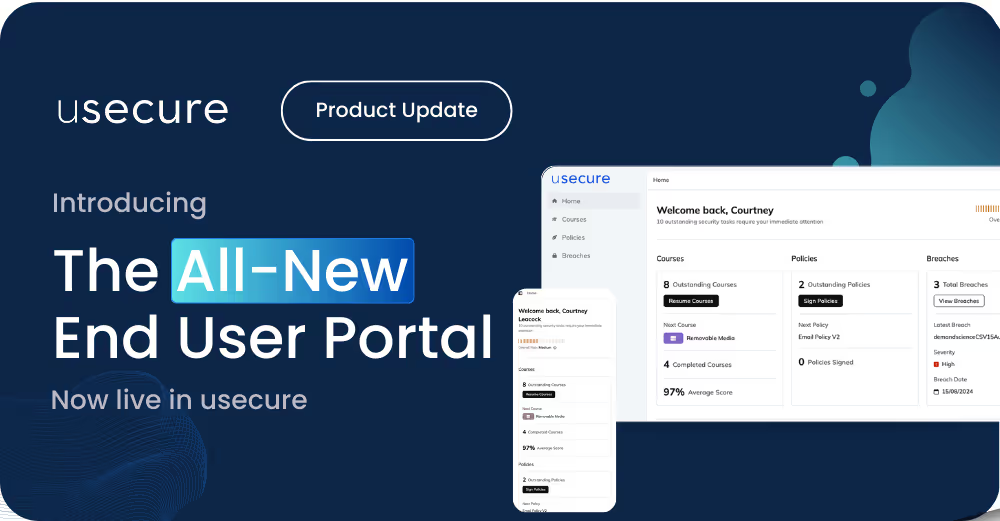
The New End User Portal Is Now Live
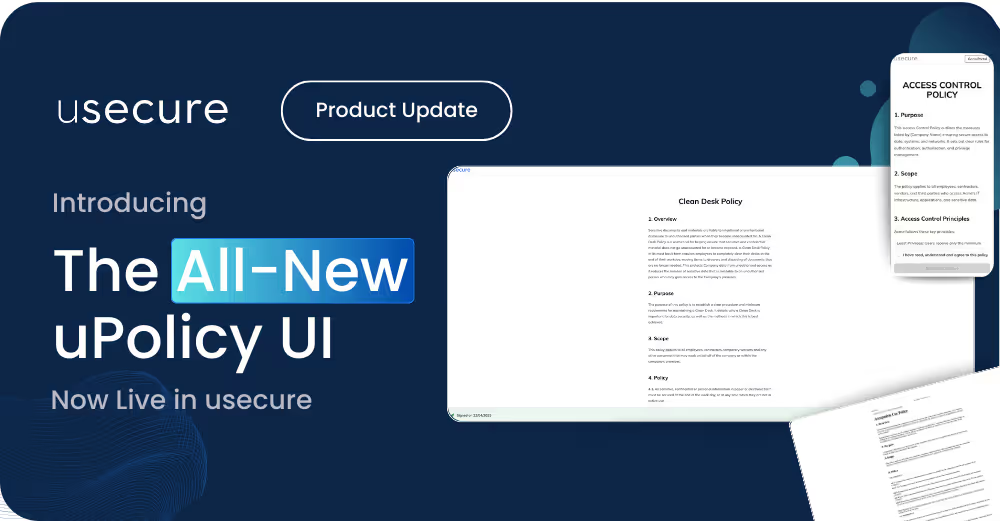
The New uPolicy UI Is Now Live — A Faster, Cleaner Way for Your Users to Stay Compliant


See effortless human risk intelligence in action
Book a demo to see how usecure reduces human risk for IT teams and MSPs, or start a free trial to explore the platform yourself.

